Next-generation VR hardware for gaming and enterprise use in the US
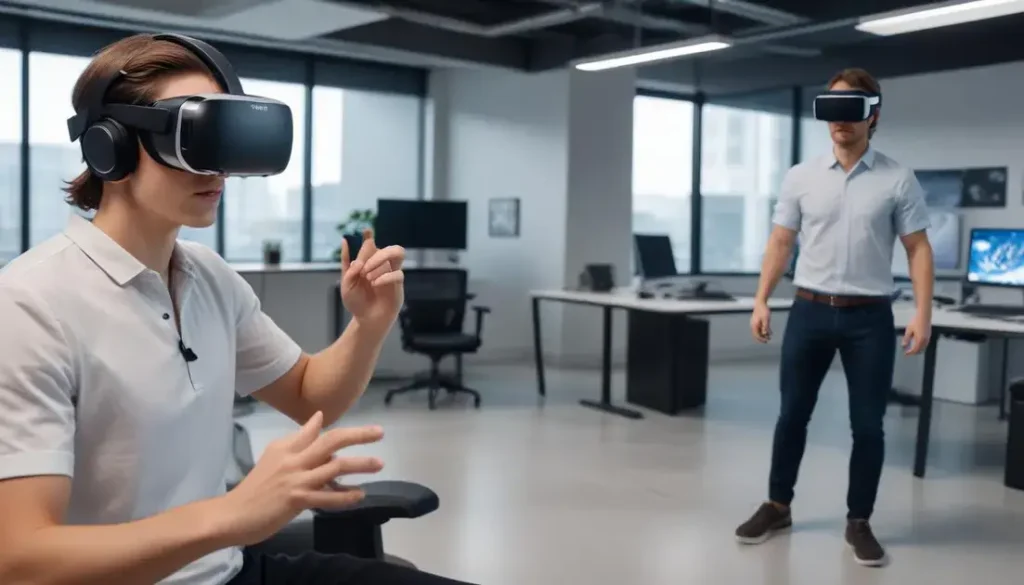
Next-generation VR hardware for gaming and enterprise use in the US delivers high-resolution displays, precise tracking, and low latency that improve immersion, reduce motion sickness, enable enterprise training and collaboration, and provide measurable ROI through time savings, error reduction, and lower travel costs.
Next-generation VR hardware for gaming and enterprise use in the US is changing how we play and work — but what does that mean for you? From smoother visuals to enterprise-ready management, this piece breaks down real benefits, likely costs and practical trade-offs so you can decide if an upgrade fits your needs.
Hardware advances: displays, tracking and latency
This section explains the key hardware advances in displays, tracking, and latency. It shows why Next-generation VR hardware for gaming and enterprise use in the US feels clearer and more responsive.
Read practical changes that matter to players and IT teams, with examples you can use when choosing gear.
Displays: sharper pixels and smoother motion
Modern headsets use higher resolution panels and faster refresh rates. That means crisper text, clearer edges, and less screen door effect. Better optics reduce eye strain and expand the usable field of view.
Tracking systems: inside-out versus external tracking
Tracking now mixes camera-based inside-out systems with precise external trackers. Each type has trade-offs in accuracy, setup, and space needs.
- Inside-out: fewer accessories, easier setup, good room-scale tracking with some occlusion limits.
- External trackers: best for full-body and high-precision use, but need mounts and calibration.
- Hybrid systems: combine both to balance convenience and accuracy for enterprise use.
Latency improvements come from both hardware and software. Faster displays cut the time between frames. Improved sensors and prediction algorithms lower motion lag. Together, these reduce motion sickness and make interactions feel instant.
Lower latency is key for competitive gaming and for enterprise tasks like remote training or surgery simulation. Small delays can break presence or slow decision making in teams.
Practical hardware trade-offs and costs
- Higher-resolution displays raise cost and battery needs but improve immersion.
- Advanced tracking boosts accuracy but may add setup time and infrastructure expenses.
- Low-latency pipelines often require modern GPUs and optimized drivers for the best result.
When you compare options, think about use case: prioritizing comfort and ease for enterprise rollout, or peak performance and low latency for competitive gaming. Test units in real tasks before buying at scale.
Overall, these advances make Next-generation VR hardware for gaming and enterprise use in the US more usable and effective. Clear displays, smarter tracking, and lower latency together deliver smoother experiences and better outcomes for both players and professional teams.
Impact on gaming: experiences, ecosystems and content
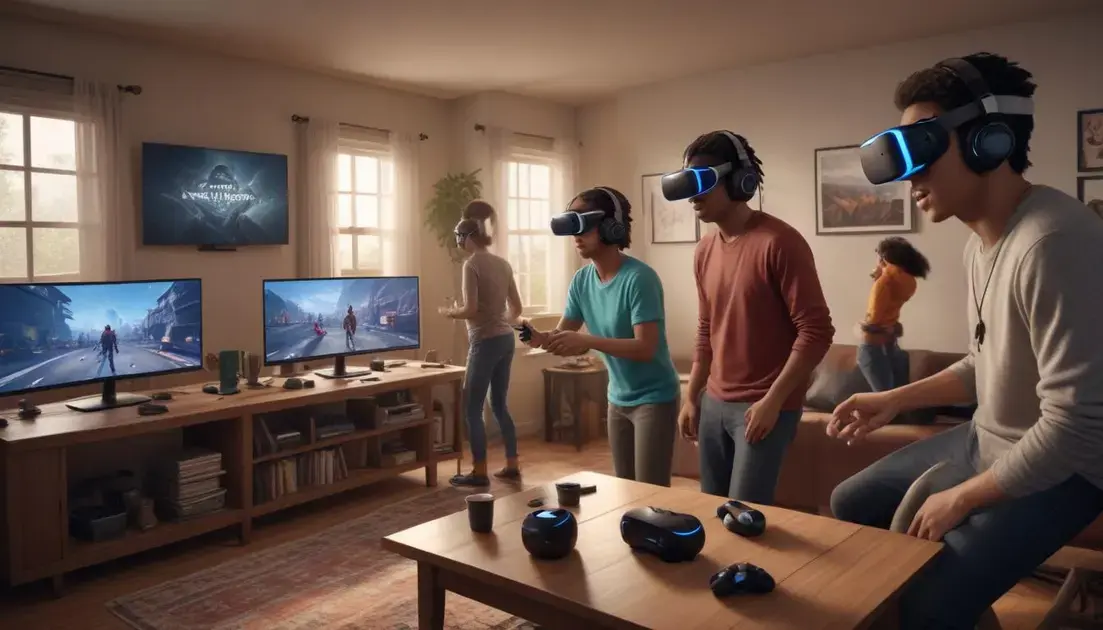
Next-generation VR hardware for gaming and enterprise use in the US is widening what games can do. Players and creators get new ways to interact, compete, and build worlds.
This section looks at player experience, platform ecosystems, and how content adapts to faster, clearer hardware.
New player experiences
Higher-resolution displays and lower latency make scenes feel real and stable. Haptics and hand tracking add touch and natural gestures. Together, these features raise immersion and lower motion sickness.
How ecosystems shape access
Platforms decide who sees your game and how it updates. Stores, cross-play rules, and social hubs influence discovery and community growth.
- Cross-platform support expands player pools quickly.
- Integrated social features keep players returning.
- Cloud streaming lets older devices play high-end VR titles.
- Curated storefronts can boost quality but limit reach.
Content creators now balance fidelity and performance. Developers optimize assets to keep frame rates high on common GPUs. That balance affects art style, level size, and multiplayer scale.
Live services and user-generated content matter more. Regular updates, community mods, and seasonal events keep games active and profitable. Strong tools make it easier for smaller teams to ship polished VR experiences.
Design, performance and monetization
- Design for comfort: short bursts, adjustable settings, and clear motion cues.
- Performance first: maintain low latency to protect presence and fairness in competitive play.
- Monetization options: one-time purchase, subscriptions, and in-app content tailored to VR interactions.
Developers who plan for cross-play, scalable visuals, and social features reach larger audiences. Publishers that support modding and community tools often see longer lifespans for titles.
Overall, the rise of Next-generation VR hardware for gaming and enterprise use in the US shifts priorities: immersive, social, and service-driven games win, while thoughtful optimization and strong ecosystems determine lasting success.
Enterprise adoption: use cases, security and ROI in the US
Next-generation VR hardware for gaming and enterprise use in the US is already driving real projects across industries. Teams deploy VR for training, design review, and remote collaboration to solve real problems.
This section lays out common use cases, security steps, and how to judge return on investment with simple metrics.
Common enterprise use cases
Training simulations reduce risk and let staff practice rare events. Designers use VR to review full-scale models before physical builds. Sales and marketing create immersive demos that boost engagement.
Deployment patterns and scale
Many organizations start with a focused pilot, then expand by department. IT manages fleets with device policies, staging areas, and help desks. Cloud services often host shared content and heavy compute tasks.
- Pilot programs: test value with a single team or workflow.
- Device management: enroll headsets, push updates, and track inventory.
- Content integration: link VR with LMS, CAD, or CRM tools.
- Support model: train local champions and central IT for wider rollout.
Security must be part of planning. Use strong authentication, encrypt session data, and restrict access by role. Regular audits and clear retention policies help meet compliance and reduce risk.
Latency and hardware choice directly affect outcomes. Low latency keeps interactions natural and cuts mistakes in training. High-quality tracking reduces setup time and limits disruptions in meetings and simulations.
To measure ROI, pick a few clear metrics: time saved per task, error reduction, travel cost avoided, and training retention. Run short A/B tests to compare VR workflows against legacy methods and gather real numbers.
Governance and vendor selection matter. Favor vendors with enterprise device management, clear security documentation, and reliable SLAs. Also plan for lifecycle costs: batteries, replacements, and software subscriptions.
Finally, successful enterprise adoption ties Next-generation VR hardware for gaming and enterprise use in the US to clear business goals, solid security, and measurable metrics. Start small, secure the deployment, and scale based on data.
Procurement and deployment: costs, compatibility and support
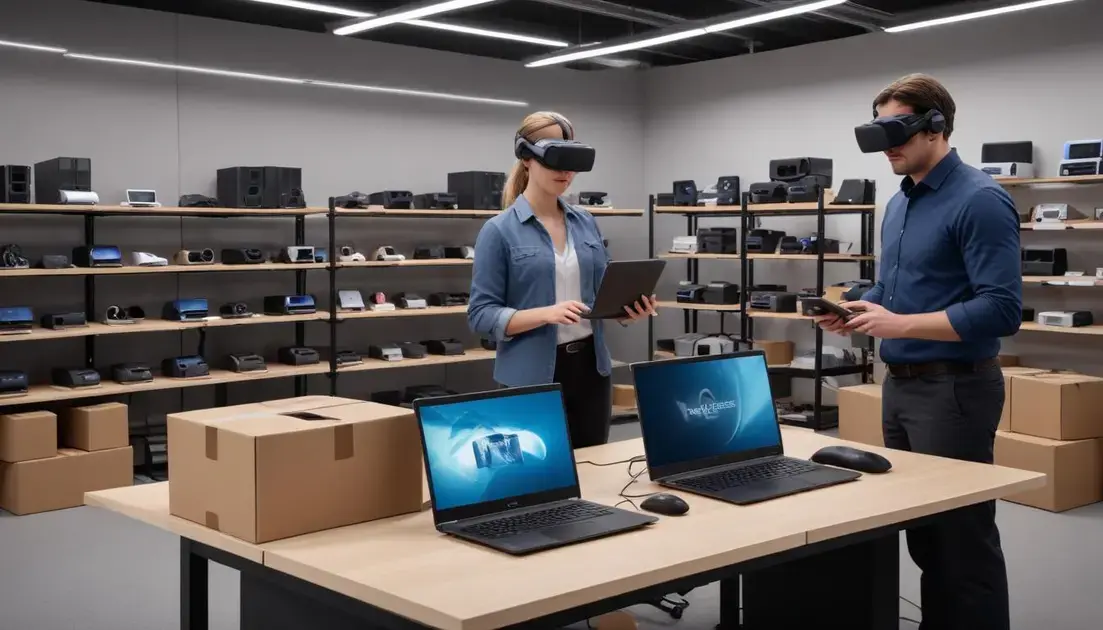
Next-generation VR hardware for gaming and enterprise use in the US brings new buying choices and deployment steps. Smart procurement stops surprises and keeps projects on time.
Plan for both upfront costs and ongoing support to protect your budget and uptime.
Costs to plan for
List the major cost categories before you buy. Small expenses add up fast if you miss them.
- Unit cost and volume pricing: negotiate discounts for larger fleets.
- Peripherals and accessories: sensors, straps, and controllers add to totals.
- Infrastructure and compute: GPUs, edge servers, or cloud render fees.
- Recurring fees: software subscriptions, cloud hosting, and content licenses.
Factor in replacement cycles and battery lifetimes. A cheaper headset may cost more over three years if parts fail often.
Budget for staging and pilot phases. Early testing reduces refunds and rework later.
Compatibility and integration
Compatibility covers hardware, OS, SDKs, and enterprise systems. Check vendor docs and supported APIs.
Test headsets with your key apps, LMS, and collaboration tools. Small integration issues can block rollouts.
Consider cross-platform support to allow mixed fleets. Middleware and wrappers can bridge differences between vendors.
Support and lifecycle management
Set up device management, security policies, and a clear support chain. This keeps devices healthy and users productive.
- Mobile device management (MDM): enroll headsets and push updates remotely.
- Warranty and spare parts: plan for quick replacements to avoid downtime.
- Training and local champions: reduce help-desk tickets with on-site experts.
- Service-level agreements (SLAs): ensure vendors meet update and support promises.
Track total cost of ownership (TCO) with simple metrics: downtime hours, repair cost, and user satisfaction. Use these numbers to adjust procurement and support plans.
Start with a pilot, test compatibility, and require clear support terms from vendors. With those steps, Next-generation VR hardware for gaming and enterprise use in the US can scale smoothly and stay within budget.
In short, Next-generation VR hardware for gaming and enterprise use in the US brings clearer visuals, smarter tracking, and lower latency that improve both immersion and productivity. Start with a focused pilot, secure devices and data, measure simple ROI metrics, and scale based on real results.
FAQ – Next-generation VR hardware for gaming and enterprise use in the US
What are the main benefits of next-generation VR hardware?
Sharper displays, improved tracking, and lower latency deliver clearer visuals, more natural movement, and less motion sickness for users.
How can enterprises secure VR deployments?
Use strong authentication, encrypt session data, apply device management, and set clear access and retention policies to reduce risk.
How do I measure ROI for VR projects?
Track simple metrics like time saved, error reduction, travel costs avoided, and training retention to compare VR against legacy methods.
Should I choose different hardware for gaming and enterprise use?
Yes. Gaming often prioritizes low latency and high refresh rates; enterprise focuses on comfort, manageability, and integration with business systems.