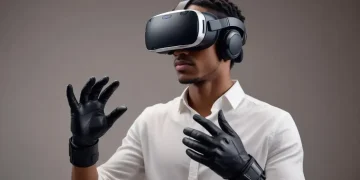
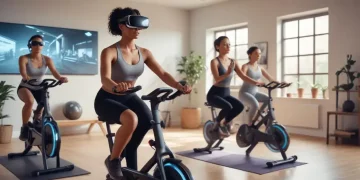
Advanced VR hardware with better resolution and tracking systems
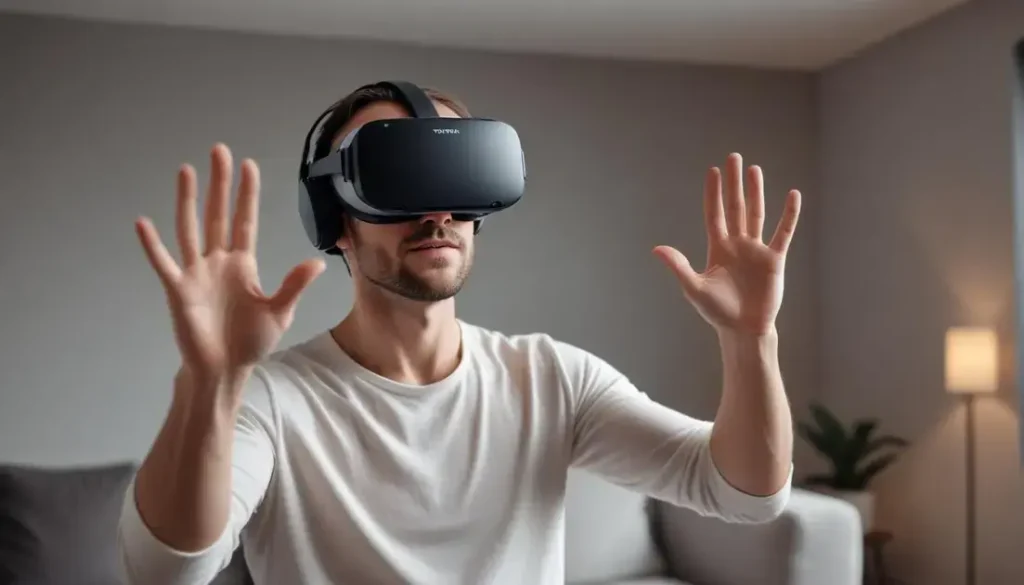
Advanced VR hardware with better resolution and tracking systems delivers crisper visuals and low-latency motion that reduce eye strain and motion sickness, increase immersion and interaction precision; test ergonomics, frame rate, tracking type and app compatibility to confirm real-world gains.
Advanced VR hardware with better resolution and tracking systems is changing how virtual worlds feel. Curious which upgrades matter most for comfort, realism and gameplay? Here I share simple tests, real trade-offs and buying tips so you don’t waste money on specs that don’t matter.
What improved resolution means for immersion and comfort
Advanced VR hardware with better resolution and tracking systems makes virtual scenes look clearer and less grainy. That change can boost immersion and cut eye strain fast.
Sharper pixels help you focus on details, read in-game text and feel more present without fighting blurry edges.
Sharper image, clearer focus
Higher resolution raises the number of pixels per degree. This means objects look less blocky and edges are smoother. Text becomes readable without leaning forward, which keeps posture natural.
Less screen door and more realism
When pixels pack tighter, the gap between them shrinks. The old “screen door” effect fades and textures feel continuous. That simple fix makes faces, signs, and small UI elements feel real.
- Improved comfort: clearer visuals reduce eye fatigue during long sessions.
- Better immersion: detail-rich scenes help your brain accept the virtual world.
- Enhanced performance trade-offs: higher resolution needs more GPU power or smart rendering.
Sharper images also interact with headset optics. Better lenses and correct IPD settings work with resolution to keep focus across the field of view. If optics are poor, extra pixels can be wasted.
Resolution ties into motion clarity too. Clearer frames reduce the mismatch between what you see and what you expect when you move. That lowers the chance of disorientation or mild motion sickness.
Practical tests to spot real gains
Try reading small text in a virtual menu and scanning distant signs. Move your head quickly and check if blurring or ghosting appears. These quick tests reveal whether resolution improvements are noticeable in everyday use.
- Read fine print at various distances.
- Scan high-contrast edges while turning your head.
- Compare texture detail on objects at close range.
Note that resolution is only part of the comfort equation. Frame rate, latency and tracking quality must match visual fidelity. Good tracking keeps images stable, so your eyes and inner ear agree on motion.
Advanced VR hardware with better resolution and tracking systems can make a big difference when the whole stack is tuned. Clear pixels plus reliable tracking equal longer, more comfortable sessions and a stronger sense of presence.
How advanced tracking systems reduce motion sickness and boost interaction
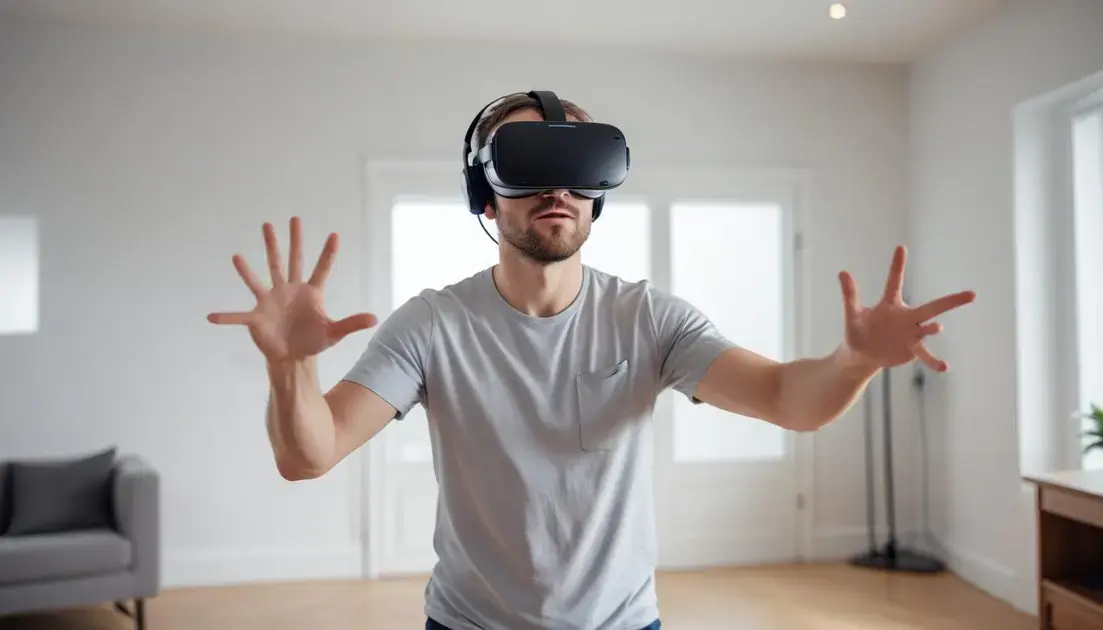
Advanced VR hardware with better resolution and tracking systems keeps visuals and motion tightly synced. That match cuts the odd feeling that often causes nausea.
Better tracking also makes hands and controllers respond more naturally. You notice it in faster grabs and steadier aim.
How precise tracking stabilizes motion
Accurate position data means the headset and controllers move exactly as you expect. Your eyes and inner ear agree on motion. That harmony lowers disorientation.
Key tracking methods
Different systems solve the same problem in their own way. Inside-out tracking uses cameras on the headset. External sensors track markers or base stations. Hybrid systems pair inertial sensors with optical data for fast, smooth results.
- Inside-out: no extra hardware, easier setup, good for casual use.
- External sensors: high precision for room-scale play and pro demos.
- Inertial + optical fusion: fast response with stable position correction.
Low latency is crucial. Even small delays between head motion and image update can trigger nausea. Modern systems predict motion and correct frames to keep the view smooth.
Tracking quality also affects interaction. When hand position is stable, grabbing, pointing, and object placement feel natural. That boosts both comfort and task success.
Simple tests to feel the difference
Try a quick head turn and watch if the scene lags or blurs. Reach out to pick up a small item in VR; notice any jitter. Move through a virtual hallway and check if motion matches your balance.
- Quick head-snap test for latency.
- Grab-and-place task to check controller accuracy.
- Smooth locomotion vs teleport to compare comfort levels.
Developers can help too. Clear motion cues, frame-rate targets and optional comfort settings reduce sickness for more users. Combining tracking improvements with smart design multiplies the benefit.
In short, better tracking in advanced VR hardware with better resolution and tracking systems makes motion feel right and interactions feel real. The result is fewer sick days and more natural play.
Trade-offs: performance, cost and content compatibility
Advanced VR hardware with better resolution and tracking systems can feel like a dream for gamers and creators. But higher fidelity often comes with trade-offs in cost and performance.
Know what each upgrade demands so you can match hardware, budget, and the games or apps you want to run.
Performance demands and scaling
Higher resolution means more pixels to render every frame. That raises GPU load and can lower frame rates if the system is not up to the task.
Refresh rate and latency must stay high to keep comfort. A strong GPU or smart rendering tech helps preserve smooth motion even with sharper displays.
Rendering tricks that save power
Vendors use techniques to cut the raw cost of pixels. These can give you clear images without needing top-tier hardware.
- Foveated rendering: renders high detail only where you look, saving GPU power.
- Temporal or spatial upscaling: creates a sharp output from fewer native pixels.
- Asynchronous reprojection: smooths motion when frames drop, improving comfort.
These methods keep visual quality high while easing hardware needs. But they can add complexity and may behave differently across titles.
Content compatibility matters too. Some games are tuned for specific headsets or resolutions. A new display might look great in one app but show artifacts in another if the software isn’t optimized.
Platform differences also affect purchases. Standalone headsets balance convenience and cost, while tethered systems deliver top fidelity but need a capable PC. Check whether your favorite apps support the headset’s native resolution and tracking mode.
Practical buyer trade-offs
- Choose performance if you want the best visuals and have a strong PC or budget for upgrades.
- Choose portability if you value ease of use and lower cost over absolute pixel clarity.
- Look for middleware support (upscalers, SDKs) to ensure wide content compatibility.
Think of the whole stack: display, optics, tracking and the GPU or SoC. Spending on one area while ignoring others can limit gains. For example, extra pixels help only if lenses and tracking preserve that detail.
In the end, weigh cost against real-world gains. Focus on the experiences you want, and pick the mix of resolution, tracking and hardware that delivers them without overspending.
Practical buying guide: features to test and future-proofing tips
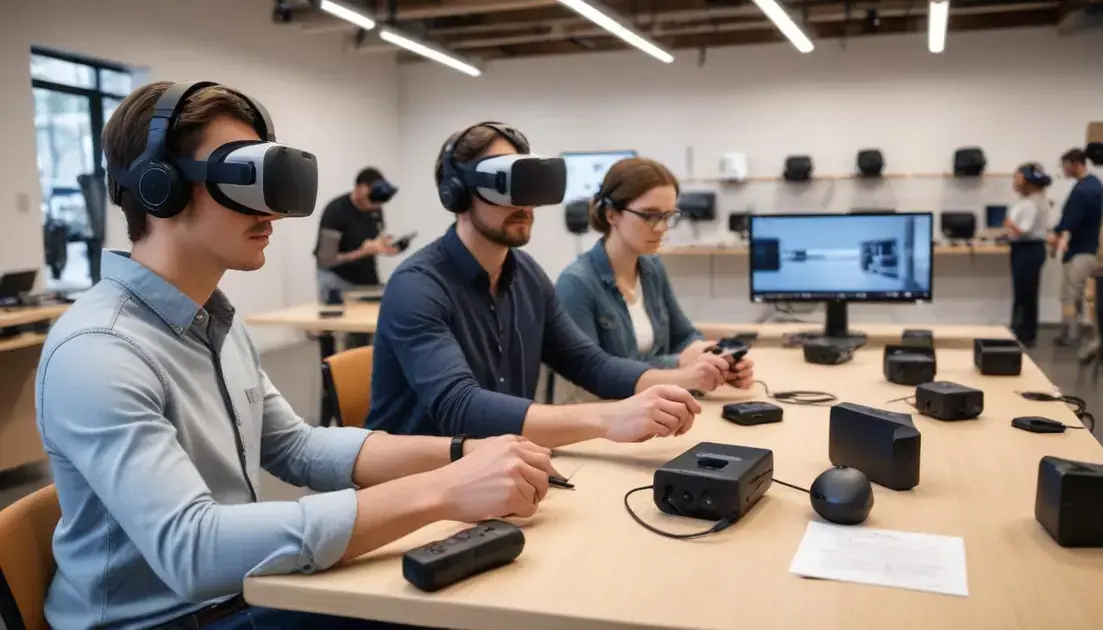
Advanced VR hardware with better resolution and tracking systems should match your needs, not just the latest specs. Test the headset and the software it runs before you buy.
Simple checks reveal if a device is comfy, future-ready, and worth the price.
Quick hands-on tests
Try these moves to spot real differences fast. Each test takes a minute but shows how the headset performs in daily use.
- Read small text in menus at arm’s length to check sharpness and pixel clarity.
- Turn your head quickly to spot lag or ghosting that hurts comfort.
- Grab and place objects to test controller accuracy and tracking stability.
- Wear the headset for 10–15 minutes to feel weight, balance, and pressure on the face.
These checks help you judge real comfort versus marketing claims. If a headset fails basic tests, high specs won’t save the experience.
Specs and features to compare
Look beyond resolution numbers. Pay attention to refresh rate, field of view, and how pixels map to your eyes. These affect clarity and motion smoothness.
- Resolution and pixels per degree: higher is better, but only if optics and software use it.
- Refresh rate and latency: aim for 90 Hz or higher for smooth motion and less sickness.
- Tracking type: inside-out is easy, external or hybrid can be more precise for room-scale play.
- IPD and optics: adjustable IPD and good lenses keep the image sharp across users.
Also check controller range, haptics, passthrough quality, and battery life for standalone models. These small details shape daily use more than a raw pixel count.
Consider ecosystem and content. If your favorite apps don’t support a headset’s features, the extra resolution or advanced tracking may not matter.
Future-proofing tips
Think about upgrades and long-term support. A headset that gets firmware updates and supports open SDKs will stay useful longer.
- Choose devices with software updates and clear developer support.
- Prefer standards like common tracking SDKs and open upscalers for wider compatibility.
- Opt for modular designs or accessories that can be swapped or upgraded.
Also factor in your PC or console. Buying a top-tier headset without the GPU or ports to run it will force costly upgrades later. Balance what you buy today with realistic upgrade paths.
By testing ergonomics, checking key specs, and choosing systems with strong software support, you can pick gear that lasts. Focus on how the headset feels and works with your setup, not just the highest numbers.
Advanced VR hardware with better resolution and tracking systems is worth it when the whole package—display, tracking, comfort, and software—actually improves your daily use.
Advanced VR hardware with better resolution and tracking systems offers clearer visuals and steadier motion that make VR sessions more comfortable and real. Test ergonomics, frame rate, and tracking before you buy to avoid surprises. Choose gear with solid software support so your investment stays useful longer.
FAQ – Advanced VR hardware with better resolution and tracking systems
How does better resolution reduce eye strain?
Higher resolution packs more pixels per degree, making text and details clearer so your eyes don’t work as hard to focus.
Will improved tracking stop motion sickness completely?
Not always, but accurate, low-latency tracking greatly lowers the mismatch between visual motion and your inner ear, reducing nausea for most users.
What quick tests should I do before buying a headset?
Read small text, do quick head turns to check for lag, try grabbing objects to test controller accuracy, and wear it for 10–15 minutes to assess comfort.
How can I future-proof my VR purchase?
Choose headsets with regular firmware updates, support for open SDKs and upscaling tech, and consider modular or upgradeable accessories to extend lifespan.