Top 5 AR Tools for US Field Service Technicians: Boost Efficiency by 20% in 2026
Top 5 AR Tools for US Field Service Technicians: Boost Efficiency by 20% in 2026
In the dynamic world of field service, efficiency isn’t just a buzzword; it’s the cornerstone of profitability and customer satisfaction. US field service technicians face complex challenges daily, from diagnosing intricate machinery to performing precision repairs in diverse environments. Traditional methods, while effective, often involve extensive travel, manual documentation, and reliance on physical manuals. However, a revolutionary technology is rapidly transforming this landscape: Augmented Reality (AR). By integrating digital information with the real world, AR tools are empowering technicians to work smarter, faster, and more accurately. This article delves into the top 5 AR Field Service Tools poised to deliver a staggering 20% boost in efficiency for US field service operations by 2026.
The Untapped Potential of AR in Field Service
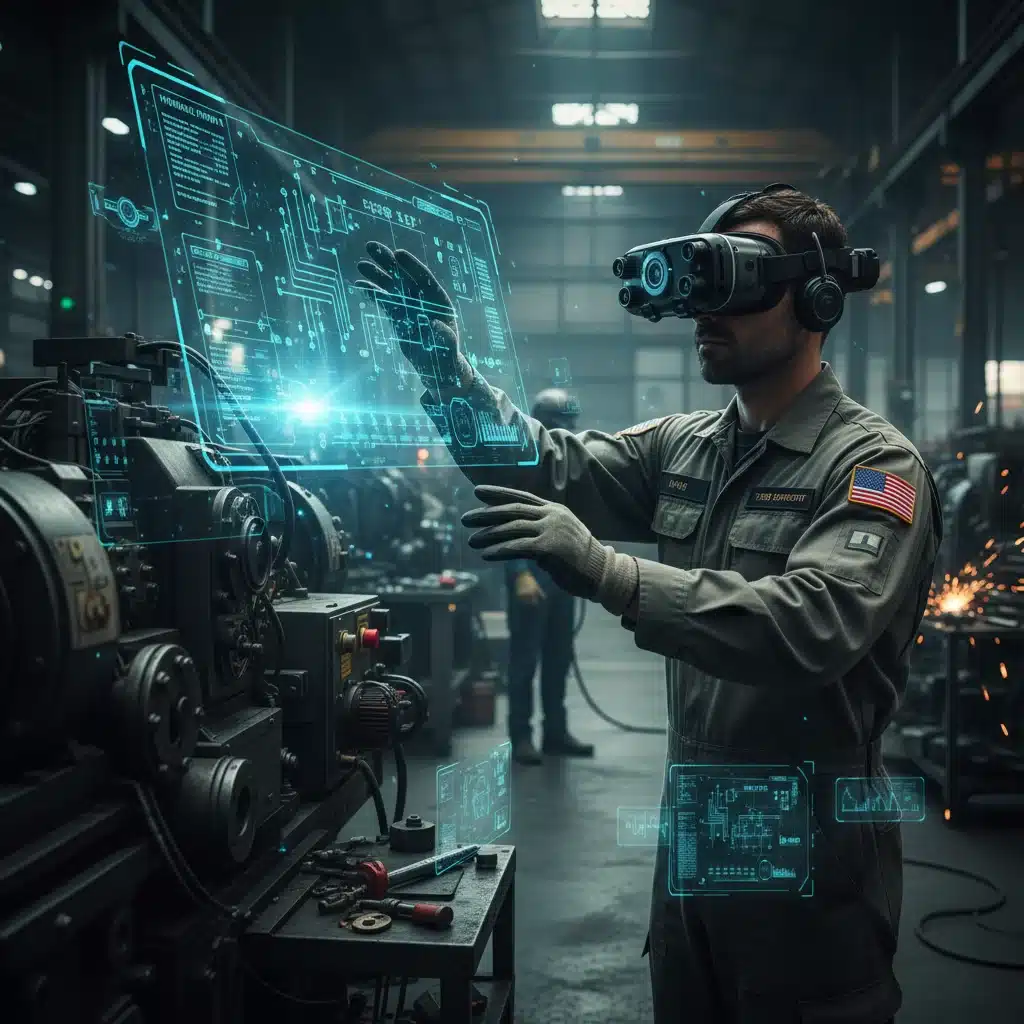
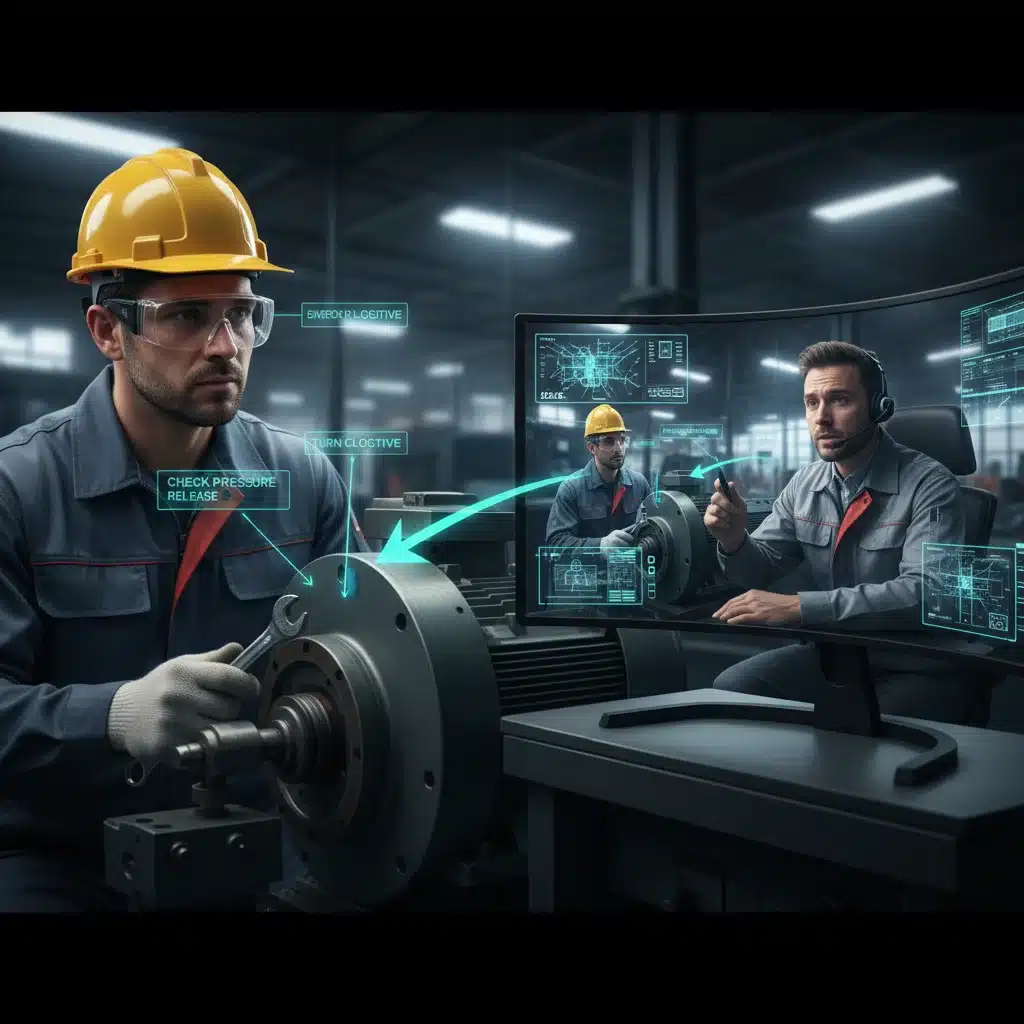
Augmented Reality is more than just a futuristic gadget; it’s a practical solution addressing some of the most pressing issues in field service. Imagine a technician arriving at a complex industrial machine. Instead of flipping through thick manuals or calling a remote expert for verbal instructions, they don an AR headset. Immediately, digital overlays appear on the machine itself, highlighting components, displaying real-time sensor data, showing animated repair sequences, and even connecting them to a remote expert who can draw directly into their field of vision. This is the power of AR, and it’s fundamentally changing how work gets done.
The benefits are multi-faceted:
- Reduced Downtime: Faster diagnostics and repairs mean less equipment downtime for clients.
- Improved First-Time Fix Rates (FTFR): Technicians have immediate access to critical information and expert guidance, leading to higher success rates on first visits.
- Enhanced Training: AR provides immersive, hands-on training experiences, reducing the learning curve for new technicians and upskilling existing ones.
- Remote Assistance: Experts can guide on-site technicians from anywhere, minimizing travel costs and maximizing expert availability.
- Safety: AR can highlight potential hazards or provide step-by-step safety protocols, reducing workplace accidents.
- Data Collection and Reporting: AR tools can automatically log steps taken, time spent, and parts used, streamlining reporting and data analysis.
For US field service companies looking to gain a competitive edge, investing in the right AR Field Service Tools is no longer an option but a strategic imperative. The projected 20% efficiency increase isn’t just an arbitrary number; it’s an achievable goal based on real-world implementations and the continuous advancement of AR technology.
Criteria for Selecting Top AR Field Service Tools
Before diving into our top 5, it’s crucial to understand the criteria used for evaluation. Not all AR solutions are created equal, especially when considering the demanding environment of field service. Our selection focuses on tools that excel in the following areas:
- Usability and Ergonomics: Field technicians are often working in challenging conditions. The AR device and software must be intuitive, comfortable, and robust.
- Integration Capabilities: Seamless integration with existing enterprise systems (CRM, ERP, FSM software) is vital for data flow and operational efficiency.
- Remote Collaboration Features: High-quality video streaming, annotation tools, and clear audio for expert guidance are non-negotiable.
- Content Creation and Management: The ability to easily create, update, and manage AR-guided workflows, 3D models, and digital instructions.
- Offline Capabilities: Technicians often work in areas with limited or no internet connectivity. The tool should function effectively offline.
- Scalability and Support: The solution should be able to grow with the organization and offer reliable technical support.
- Security: Data privacy and security are paramount, especially when dealing with sensitive operational information.
Keeping these factors in mind, let’s explore the leading AR Field Service Tools that are setting new benchmarks for efficiency and productivity in the US market.
1. PTC Vuforia Chalk: The Gold Standard for Remote Assistance
PTC’s Vuforia Chalk stands out as a premier solution for remote AR assistance, making it an indispensable tool for US field service technicians. Chalk connects on-site technicians with remote experts in real-time, allowing them to collaborate visually on complex tasks. The core strength of Chalk lies in its intuitive annotation capabilities.
Key Features:
- Live Video Stream with AR Annotations: Technicians stream live video from their mobile device or smart glasses to a remote expert. The expert can then draw, highlight, and annotate directly on the technician’s live view, guiding them through procedures with unparalleled clarity.
- Persistent Annotations: Unlike simple video calls, Chalk’s annotations ‘stick’ to the real-world objects, even if the camera moves. This ensures that instructions remain precise and unambiguous.
- Cross-Platform Compatibility: Available on iOS, Android, and various smart glasses, making it accessible across different devices.
- Security and Reliability: Built on PTC’s robust enterprise platform, ensuring secure and stable connections.
Why it Boosts Efficiency:
Vuforia Chalk significantly reduces the need for expensive and time-consuming expert travel. By enabling remote diagnostics and problem-solving, it dramatically increases first-time fix rates. New technicians can receive immediate, visual guidance, accelerating their learning curve and reducing errors. This direct, visual communication minimizes misinterpretations that can occur with verbal instructions alone, ensuring tasks are completed correctly and efficiently. For companies aiming to optimize their AR Field Service Tools arsenal, Chalk is a foundational component.
2. Microsoft Dynamics 365 Guides: Integrated Work Instructions
Microsoft Dynamics 365 Guides offers a powerful solution for creating and delivering holographic, step-by-step work instructions directly to technicians’ field of view, primarily through the HoloLens 2. This tool is a game-changer for standardizing complex procedures and training.
Key Features:
- Holographic Step-by-Step Instructions: Authors can create interactive guides that project 3D models, animated instructions, and digital content onto physical equipment.
- Seamless Integration with Dynamics 365: Connects directly with other Microsoft business applications, allowing for streamlined data flow and workflow management.
- Authoring Tools: Intuitive PC-based authoring application makes it easy for subject matter experts to create guides without coding knowledge.
- Analytics and Feedback: Tracks technician performance, time spent on tasks, and allows for direct feedback on guide effectiveness, facilitating continuous improvement.
Why it Boosts Efficiency:
Dynamics 365 Guides excels at reducing cognitive load and errors. Technicians no longer need to consult paper manuals or remember complex sequences. The holographic overlays guide them precisely through each step, ensuring consistency and accuracy. This leads to faster task completion, fewer reworks, and empowers less experienced technicians to perform complex tasks confidently. The integrated nature with Dynamics 365 also means better data capture and operational insights, making it a comprehensive solution among AR Field Service Tools.
3. TeamViewer Frontline: Holistic AR Workflows
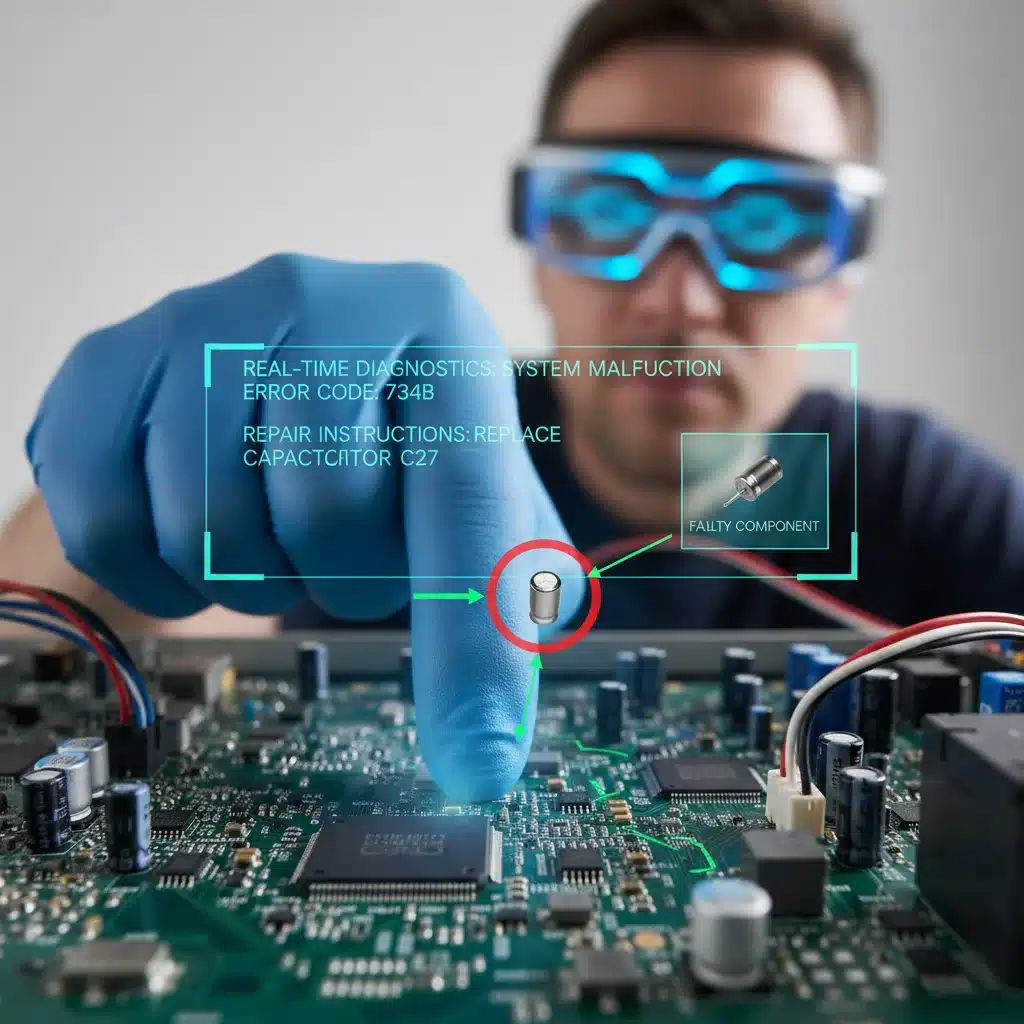
TeamViewer Frontline (formerly Ubimax Frontline) is a comprehensive suite of AR solutions designed for various industrial applications, including field service. It offers modules for remote assistance, picking, inspection, and workflow guidance, all optimized for smart glasses and mobile devices.
Key Features:
- xAssist (Remote Assistance): Similar to Chalk, xAssist provides real-time video streaming with AR annotations for remote expert support.
- xInspect (Inspection & Documentation): Allows technicians to conduct inspections using AR-guided checklists, capture photos/videos, and automatically generate reports.
- xMake (Workflow Guidance): Delivers step-by-step instructions and digital work orders directly into the technician’s view, enhancing assembly and maintenance tasks.
- Device Agnostic: Supports a wide range of AR hardware, from smart glasses like RealWear and Vuzix to standard smartphones and tablets.
Why it Boosts Efficiency:
TeamViewer Frontline’s modular approach means companies can tailor the solution to their specific needs. Its strength lies in providing a holistic AR experience, covering not just remote troubleshooting but also routine inspections and complex maintenance workflows. This reduces training times, minimizes errors, and ensures compliance with procedures. The ability to integrate with backend systems further streamlines operations, making it a versatile contender in the AR Field Service Tools market.
4. Librestream Onsight: Secure & Robust Remote Collaboration
Librestream Onsight is renowned for its robust and secure remote collaboration platform, specifically designed for industrial environments where connectivity can be challenging and security paramount. It’s an enterprise-grade solution that goes beyond basic video calls.
Key Features:
- Advanced Remote Expert Guidance: Offers high-quality video, audio, and AR annotation capabilities, even in low-bandwidth conditions.
- Content Capture and Management: Technicians can capture and share high-resolution images and videos securely, which are then stored and organized for future reference or training.
- Onsight Connect for Diverse Devices: Works across a wide array of devices, including smart glasses (e.g., RealWear), rugged tablets, smartphones, and even specialized cameras for hazardous environments.
- Integrated Digital Workflows: Can embed guided workflows and access technical documentation within the live session.
- Enhanced Security: Features end-to-end encryption and compliance with strict industry security standards.
Why it Boosts Efficiency:
Librestream Onsight’s focus on secure, reliable communication in challenging environments makes it invaluable for US field service technicians working in remote or sensitive locations. Its ability to maintain high-quality interactions even with limited bandwidth ensures that expert guidance is always available when needed, preventing costly delays and repeat visits. The comprehensive content management also builds a valuable knowledge base, further enhancing future efficiency. It’s a top-tier choice for AR Field Service Tools where security and reliability are non-negotiable.
5. Atheer Frontline: AI-Powered AR for Intelligent Assistance
Atheer Frontline distinguishes itself by integrating Artificial Intelligence (AI) with its AR platform, offering intelligent assistance that can proactively support technicians. This combination creates a more dynamic and responsive field service experience.
Key Features:
- AI-Powered Knowledge Base: Leverages AI to provide technicians with relevant information, troubleshooting steps, and documentation based on context and observed issues.
- Remote Expert Collaboration: Standard AR remote assistance features with live video, audio, and annotation tools.
- Digital Work Instructions: Delivers step-by-step guides and checklists, optimized for smart glasses and mobile devices.
- Analytics and Performance Tracking: Provides insights into technician performance, task completion times, and guide effectiveness.
- Multi-Device Support: Compatible with a broad range of smart glasses, tablets, and smartphones.
Why it Boosts Efficiency:
Atheer Frontline’s AI capabilities significantly enhance the technician’s ability to self-serve and diagnose problems. By intelligently surfacing information, it reduces the time spent searching for solutions and the reliance on immediate expert availability. This proactive assistance, combined with robust remote collaboration, leads to faster problem resolution and higher first-time fix rates. The data analytics also provide actionable insights for continuous process improvement, making it an advanced option among AR Field Service Tools for companies looking to future-proof their operations.
Implementing AR in Your Field Service Operations: Best Practices
Adopting AR Field Service Tools isn’t just about purchasing software and hardware; it requires a strategic approach to ensure successful integration and maximum ROI. Here are some best practices:
1. Define Clear Objectives:
Before implementation, clearly articulate what you aim to achieve. Is it reducing travel costs, improving FTFR, enhancing training, or all of the above? Specific goals will guide your tool selection and measure success.
2. Start Small, Scale Big:
Begin with a pilot program in a specific region or with a small group of technicians. This allows you to identify challenges, gather feedback, and refine your approach before a full-scale rollout. Learning from a small deployment minimizes risk and optimizes the larger implementation.
3. Technician Buy-in is Crucial:
Involve your technicians early in the process. Provide comprehensive training, explain the benefits, and address any concerns. User adoption is paramount for the success of any new technology. Make them champions of the technology, not just users.
4. Invest in Content Creation:
The effectiveness of AR is directly tied to the quality of the digital content (3D models, step-by-step guides, annotations). Allocate resources for creating and continuously updating this content. Consider subject matter experts as content creators, not just IT personnel.
5. Ensure Robust Connectivity and Infrastructure:
While some AR tools offer offline capabilities, reliable internet access is often crucial for initial setup, updates, and remote assistance. Evaluate your existing network infrastructure and make necessary upgrades. Also, consider the types of environments your technicians operate in – will they have access to Wi-Fi or cellular data?
6. Integrate with Existing Systems:
For maximum efficiency, AR tools should integrate seamlessly with your existing Field Service Management (FSM), CRM, ERP, and asset management systems. This prevents data silos and automates workflows, providing a holistic view of operations.
7. Continuous Measurement and Improvement:
Regularly track key performance indicators (KPIs) such as first-time fix rates, average repair time, travel costs, and training effectiveness. Use this data to refine your AR strategy and demonstrate the value of your investment. Feedback loops from technicians are vital for continuous improvement of both the tools and the content.
The Future of Field Service: A 20% Efficiency Boost by 2026
The field service industry is on the cusp of a major transformation, and Augmented Reality is at the forefront of this change. The AR Field Service Tools discussed above – PTC Vuforia Chalk, Microsoft Dynamics 365 Guides, TeamViewer Frontline, Librestream Onsight, and Atheer Frontline – represent the leading edge of this technology. Each offers unique strengths that, when strategically implemented, can significantly enhance operational efficiency, streamline training, and improve diagnostic accuracy for US field service technicians.
The ambition of achieving a 20% efficiency boost by 2026 is not merely aspirational; it is a tangible goal supported by the proven capabilities of these advanced AR solutions. By reducing travel, minimizing errors, accelerating training, and providing instant access to expertise, AR empowers field service organizations to deliver unparalleled service quality while simultaneously optimizing their bottom line.
As technology continues to evolve, the integration of AR with AI, IoT, and 5G networks will unlock even greater potential, making field service operations more intelligent, autonomous, and efficient than ever before. For US companies seeking to remain competitive and deliver exceptional customer experiences, embracing these AR innovations is no longer a luxury but a necessity for future success.
Invest in the future, empower your technicians, and watch your field service operations reach new heights of productivity and profitability with the power of Augmented Reality.