VR Controller Ergonomics: 2026 Business Guide for Immersive Experiences
VR Controller Ergonomics: A 2026 US Business Guide to Precision and Comfort for Immersive Experiences
In the rapidly evolving landscape of virtual reality (VR), the choice of controllers can make or break an immersive experience. For US businesses looking to leverage VR for training, design, collaboration, or customer engagement in 2026, understanding VR controller ergonomics is not just a luxury; it’s a critical component for success. The right controllers enhance user comfort, improve precision, reduce fatigue, and ultimately, maximize the return on your VR investment. This comprehensive guide delves into the nuances of selecting the best VR controllers, focusing on ergonomic design and advanced features tailored for professional applications.
The year 2026 marks a significant milestone in VR technology. Headsets are lighter, displays are sharper, and tracking is more accurate than ever before. However, the interface through which users interact with these virtual worlds—the VR controller—remains the primary determinant of a truly seamless and intuitive experience. Poorly designed controllers can lead to discomfort, hinder productivity, and diminish the perceived value of your VR initiatives. Conversely, well-chosen controllers that prioritize VR controller ergonomics can transform a good VR experience into an exceptional one, fostering deeper engagement and more effective outcomes.
This article will explore the key aspects of VR controller ergonomics, from physical design considerations to haptic feedback and tracking technologies. We’ll also examine how different business use cases might necessitate specific controller features and provide actionable insights for making informed purchasing decisions. Whether you’re a small startup experimenting with VR prototypes or a large enterprise deploying company-wide VR training modules, this guide will equip you with the knowledge to navigate the complex world of VR controllers.
The Foundation of Immersive Interaction: Why VR Controller Ergonomics Matters
At its core, VR controller ergonomics is about designing input devices that are comfortable, efficient, and safe for human use. In VR, where users are often engaged for extended periods, the importance of ergonomic design is amplified. A controller that feels natural in the hand, with buttons and triggers intuitively placed, allows users to focus on the virtual task at hand rather than struggling with the device itself. This seamless interaction is crucial for achieving true immersion and maximizing the benefits of VR technology in a business context.
Reduced Fatigue and Enhanced Comfort
One of the most immediate benefits of good VR controller ergonomics is the reduction of user fatigue. Uncomfortable controllers can lead to hand cramps, wrist strain, and general discomfort, forcing users to take frequent breaks or abandon the experience altogether. For businesses, this translates to reduced productivity and inefficient use of expensive VR equipment. Ergonomically designed controllers, on the other hand, distribute weight evenly, fit a variety of hand sizes, and minimize repetitive strain, allowing for longer, more comfortable, and more productive VR sessions.
Improved Precision and Control
Precision is paramount in many business VR applications, from intricate architectural design reviews to surgical training simulations. Controllers with superior VR controller ergonomics often incorporate advanced tracking technologies and finely tuned input mechanisms that translate subtle hand movements into accurate virtual actions. Features like precise haptic feedback, responsive joysticks, and well-positioned buttons contribute to a feeling of direct manipulation, giving users greater control over their virtual environment. This level of precision is indispensable for tasks requiring fine motor skills or detailed interaction.
Increased User Adoption and Engagement
If a VR experience is difficult or uncomfortable to use, user adoption will suffer. Businesses investing in VR need their employees or clients to embrace the technology. Controllers that are intuitive and comfortable lower the barrier to entry, making VR more accessible and enjoyable. When users feel confident and at ease with their controllers, they are more likely to engage deeply with the content, leading to better learning outcomes, more effective collaboration, and a higher return on investment for the business.
Key Elements of Superior VR Controller Ergonomics
When evaluating VR controllers for your business needs, several ergonomic factors come into play. Understanding these elements will help you discern which controllers offer the best blend of comfort, functionality, and performance.
1. Physical Design and Grip
The physical shape and feel of the controller are fundamental to its ergonomics. Controllers should be designed to fit naturally in the human hand, accommodating various hand sizes without feeling too bulky or too small. Key considerations include:
- Weight Distribution: A well-balanced controller feels lighter and causes less strain.
- Material and Texture: Non-slip, comfortable materials (e.g., soft-touch plastics, textured grips) prevent accidental drops and enhance comfort during extended use.
- Contour and Shape: Controllers should conform to the natural curves of the hand, providing a secure and comfortable grip. Some designs incorporate adjustable straps or grips to further customize the fit.
- Button Placement: Buttons, triggers, and joysticks should be within easy reach of the thumb and fingers without requiring awkward stretches or hand repositioning.
2. Input Mechanisms and Haptic Feedback
Beyond the physical form, the way a controller registers input and provides feedback significantly impacts the user experience and VR controller ergonomics. Advanced input mechanisms and haptics contribute to realism and precision.
- Analog Sticks and Touchpads: These allow for nuanced movement and interaction. The responsiveness and tactile feel of these components are crucial.
- Triggers: Pressure-sensitive triggers are vital for applications requiring variable input, such as accelerating in a virtual vehicle or applying different levels of force in a simulation.
- Buttons: The number, placement, and tactile response of buttons should align with the complexity of your VR applications.
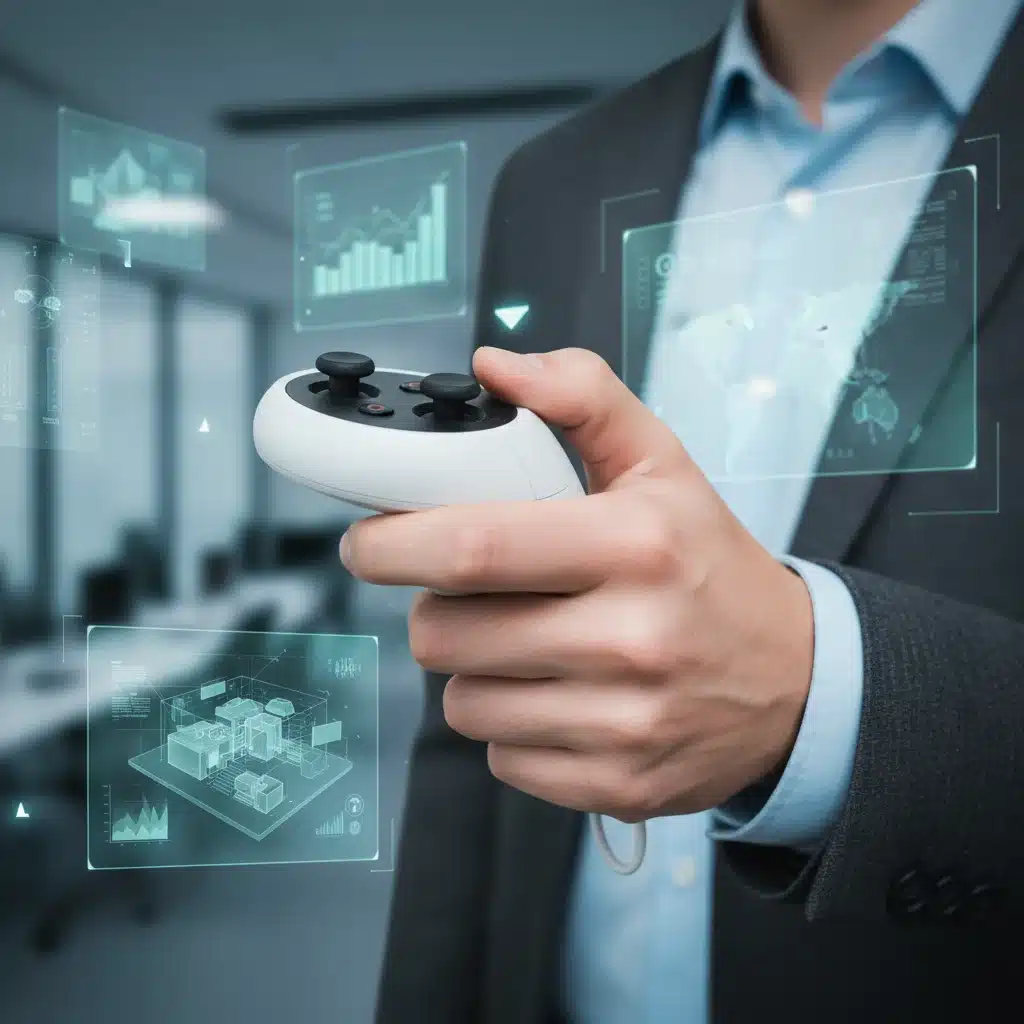
- Haptic Feedback: Advanced haptic engines provide realistic tactile sensations, such as the feeling of impact, texture, or resistance. This feedback loop enhances immersion and can guide users through interactions, reducing cognitive load and improving precision.
3. Tracking Technology and Accuracy
The accuracy and reliability of controller tracking directly influence the perceived precision and responsiveness of virtual interactions. While not strictly an ergonomic feature, superior tracking complements ergonomic design by ensuring that the user’s natural movements are faithfully replicated in the virtual world.
- Inside-Out vs. Outside-In Tracking: Inside-out tracking (cameras on the headset) offers greater freedom of movement and easier setup, often preferred for business environments where portability is key. Outside-in tracking (external base stations) can offer slightly higher precision in dedicated spaces but requires more setup.
- Degrees of Freedom (DoF): Most modern VR controllers offer 6DoF (six degrees of freedom), allowing for full positional and rotational tracking. This is essential for natural interaction.
- Low Latency: Minimal delay between physical movement and virtual response is crucial for avoiding motion sickness and maintaining a sense of presence.
4. Battery Life and Charging
For business use, especially in environments with multiple users or extended sessions, battery life and efficient charging solutions are important ergonomic considerations. Swappable batteries, long-lasting charges, and quick-charging capabilities minimize downtime and logistical headaches.
5. Connectivity and Compatibility
Ensure that the controllers are compatible with your chosen VR headset ecosystem and offer reliable wireless connectivity (e.g., Bluetooth, proprietary wireless protocols). Seamless pairing and stable connections are vital for uninterrupted workflow.
Leading VR Controllers in 2026: An Ergonomic Overview for Businesses
As of 2026, the market offers a diverse range of VR controllers, each with its own strengths regarding VR controller ergonomics and features. Here’s a look at some prominent options and what makes them suitable for business applications:
Meta Quest Pro Controllers (Self-Tracking)
The Meta Quest Pro controllers represent a significant leap in controller technology, featuring their own onboard cameras and processors for self-tracking. This eliminates the need for the headset to see the controllers, allowing for a much wider range of motion and more natural interactions, even when controllers are out of the headset’s view. This enhanced tracking directly contributes to superior VR controller ergonomics by freeing users from tracking limitations.
- Ergonomic Highlights: Balanced weight, comfortable grip, precise haptic feedback, and advanced self-tracking for unrestricted movement.
- Business Use Cases: Ideal for complex assembly training, detailed design reviews (e.g., CAD in VR), and any application where hands might move out of the traditional headset field of view.
Valve Index Controllers (Knuckles)
Known for their innovative strap design that allows users to fully open their hands without dropping the controllers, the Valve Index ‘Knuckles’ are pioneers in advanced VR controller ergonomics. They offer individual finger tracking, providing an unparalleled level of dexterity and natural interaction.
- Ergonomic Highlights: Hand-strap for relaxed grip, individual finger tracking, high-fidelity haptics, and a comfortable, adjustable fit.
- Business Use Cases: Excellent for virtual prototyping, collaborative design where hand gestures are critical, and simulations requiring fine motor control and realistic hand presence.
HTC Vive XR Elite Controllers
Designed for mixed reality and enterprise use, the Vive XR Elite controllers prioritize versatility and robust tracking. They often feature a comfortable, familiar design with a focus on stability and precise input for both VR and AR applications.
- Ergonomic Highlights: Solid build quality, familiar button layout, comfortable grip, and reliable tracking across different realities.
- Business Use Cases: Suitable for mixed reality training, remote assistance, and applications requiring seamless transitions between virtual and physical environments.
Pico 4 Enterprise Controllers
Pico’s controllers, often bundled with their enterprise-focused headsets, emphasize lightweight design and ease of use. They typically offer a good balance of comfort and functionality, making them accessible for a broad range of business users.
- Ergonomic Highlights: Lightweight, intuitive button layout, comfortable for extended periods, and generally good battery life.
- Business Use Cases: General VR training, virtual meeting platforms, and educational content where ease of use and comfort are priorities.
Specialized Haptic Gloves and Alternative Input Devices
Beyond traditional controllers, 2026 also sees the rise of more specialized input devices that push the boundaries of VR controller ergonomics and immersion. Haptic gloves, for instance, allow for direct interaction with virtual objects, providing tactile feedback across the entire hand and fingers. These can offer a truly unparalleled sense of touch and presence.
- Ergonomic Highlights: Direct hand interaction, advanced haptic feedback (e.g., force feedback, vibrotactile), and natural gesture recognition.
- Business Use Cases: Surgical training, product assembly simulation, virtual showrooms where customers can ‘feel’ textures, and rehabilitation therapy.
Tailoring VR Controller Ergonomics to Your Business Needs
The ‘best’ VR controller isn’t a one-size-fits-all solution. Your business’s specific VR applications and user base will dictate which ergonomic features are most important.
For Training and Education
In training scenarios, comfort and intuitive use are paramount. Trainees, especially those new to VR, should not be distracted by awkward controllers. Look for controllers with excellent VR controller ergonomics, simple button layouts, and clear haptic feedback to guide interactions. Good battery life is also crucial for continuous learning sessions.
For Design and Prototyping
Precision and fine motor control are critical here. Controllers with individual finger tracking (like the Valve Index Knuckles) or advanced haptic gloves can significantly enhance the ability to manipulate virtual objects with accuracy. Self-tracking controllers that allow for complex hand movements outside the headset’s view are also highly beneficial.
For Collaboration and Meetings
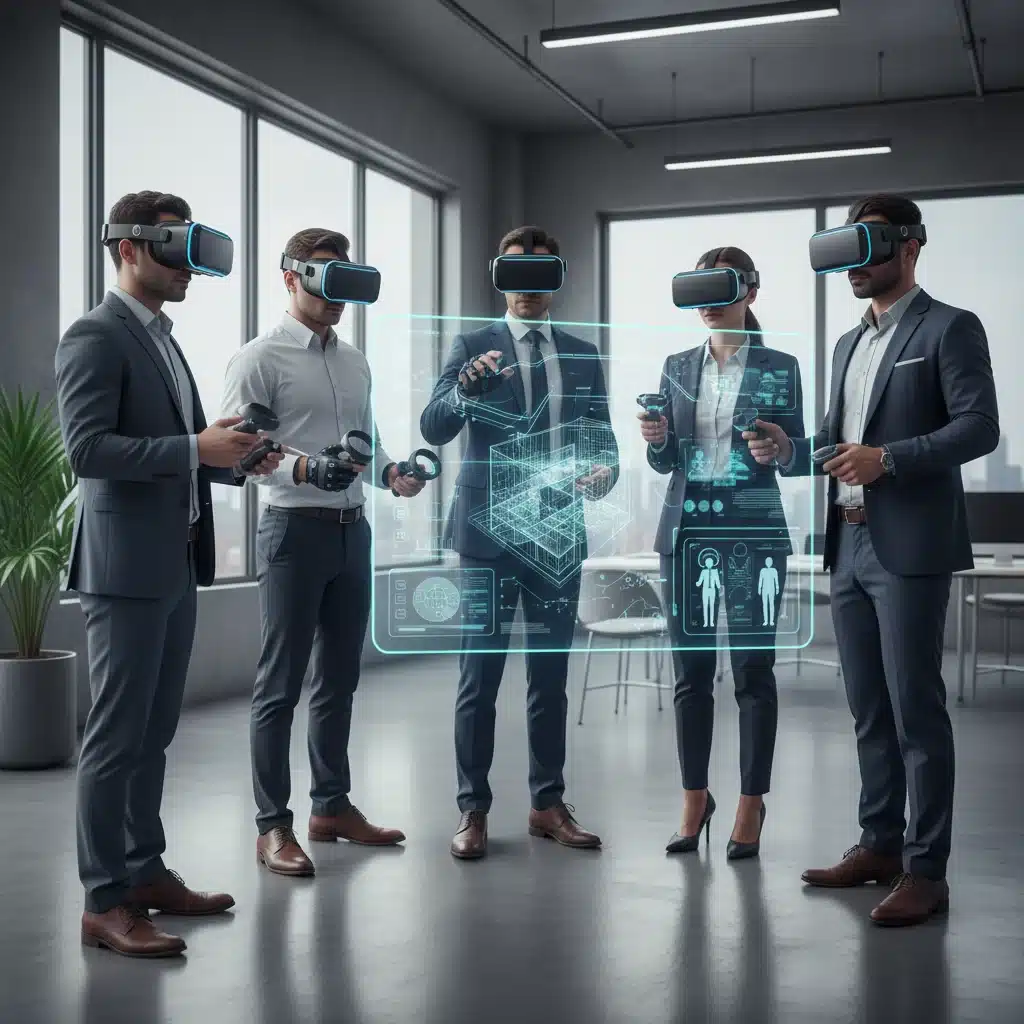
In virtual meeting spaces, natural communication and interaction are key. Controllers that allow for expressive hand gestures and comfortable, prolonged use will foster better collaboration. Simpler, lightweight controllers might be preferred to minimize fatigue during long virtual meetings.
For Customer Engagement and Showrooms
When showcasing products or experiences to clients, ease of use and a ‘wow’ factor are important. Controllers with intuitive controls and highly realistic haptic feedback can create memorable and impactful demonstrations. Durability and ease of cleaning are also practical considerations in public-facing environments.
Future Trends in VR Controller Ergonomics for 2026 and Beyond
The field of VR controller ergonomics is constantly evolving, driven by advancements in sensor technology, materials science, and a deeper understanding of human-computer interaction. For US businesses, staying abreast of these trends is crucial for future-proofing VR investments.
Enhanced Biometric Integration
Expect to see more controllers integrating biometric sensors, such as heart rate monitors or skin conductance sensors, to gauge user engagement, stress levels, or even emotional responses. This data could inform adaptive VR experiences, making training more personalized or therapeutic applications more effective. While not strictly ergonomic in the traditional sense, understanding user physiological states contributes to a more holistic and comfortable experience.
Smarter Haptics and Force Feedback
Haptic feedback will continue to become more sophisticated, moving beyond simple vibrations to localized, high-fidelity sensations that can simulate textures, temperatures, and even the feeling of weight or resistance. This advanced haptics will further blur the line between the physical and virtual worlds, significantly enhancing the VR controller ergonomics of interaction.
Gesture Recognition and Hand Tracking Dominance
While controllers will remain essential for precise input, hand tracking (controller-less interaction) is becoming increasingly robust. Future controllers may serve as complementary tools, working alongside advanced gesture recognition to provide a hybrid input system. This could mean controllers become smaller, more minimalist, or even integrated directly into wearables, further refining VR controller ergonomics by reducing physical bulk.
Adaptive and Customizable Designs
The trend towards personalization will extend to VR controllers. Imagine controllers that can dynamically adjust their shape or weight to perfectly fit an individual’s hand, or modular designs that allow businesses to swap out components based on specific application needs. 3D printing and advanced manufacturing techniques could facilitate this level of customization.
Integration with AI and Contextual Awareness
AI will play an increasing role in optimizing controller interactions. Controllers could learn user preferences, anticipate actions, and even provide intelligent suggestions, making interactions more intuitive and less cognitively demanding. This AI-driven approach to interaction design will inherently improve VR controller ergonomics by making the tools feel more like natural extensions of the user.
Implementing VR Controllers with Optimal Ergonomics in Your Business
Once you’ve identified the VR controllers that best align with your business needs, successful implementation requires careful planning and consideration.
Pilot Programs and User Feedback
Before a full-scale rollout, conduct pilot programs with a diverse group of users. Gather detailed feedback on controller comfort, ease of use, and overall effectiveness. Pay close attention to any reported discomfort or difficulties, as these are direct indicators of ergonomic issues. This iterative process allows you to refine your choice and identify potential training needs.
Training and Onboarding
Even the most ergonomically designed controllers require some level of training, especially for first-time VR users. Provide clear instructions, tutorials, and support to help users become proficient. Highlight the ergonomic benefits and best practices for holding and interacting with the controllers to ensure maximum comfort and efficiency.
Maintenance and Hygiene
For shared VR equipment in a business setting, regular cleaning and maintenance are crucial. Choose controllers made from durable, easy-to-clean materials. Establish clear hygiene protocols to ensure a safe and pleasant experience for all users.
Scalability and Future-Proofing
Consider the scalability of your chosen VR controller solution. Can you easily acquire more units as your VR initiatives grow? Are the controllers part of an ecosystem that is likely to receive ongoing support and updates? Investing in a forward-looking solution will save your business time and resources in the long run.
Conclusion: The Ergonomic Imperative for 2026 VR Business Success
As VR continues its trajectory as a transformative technology for US businesses in 2026, the importance of VR controller ergonomics cannot be overstated. From enhancing user comfort and reducing fatigue to boosting precision and driving engagement, the right controllers are foundational to unlocking the full potential of immersive experiences. By carefully evaluating physical design, input mechanisms, tracking technology, and future trends, businesses can make strategic decisions that lead to more productive, enjoyable, and impactful VR deployments.
Investing in controllers that prioritize ergonomics isn’t just about providing a better user experience; it’s about investing in the efficiency, well-being, and overall success of your VR programs. By making informed choices today, businesses can ensure their VR initiatives are not just technologically advanced, but also deeply human-centered, paving the way for a truly immersive and productive future.