Top 5 VR Productivity Apps for Remote Work in 2026: A Performance Review
Top 5 VR Productivity Apps for Remote Work in 2026: A Performance Review
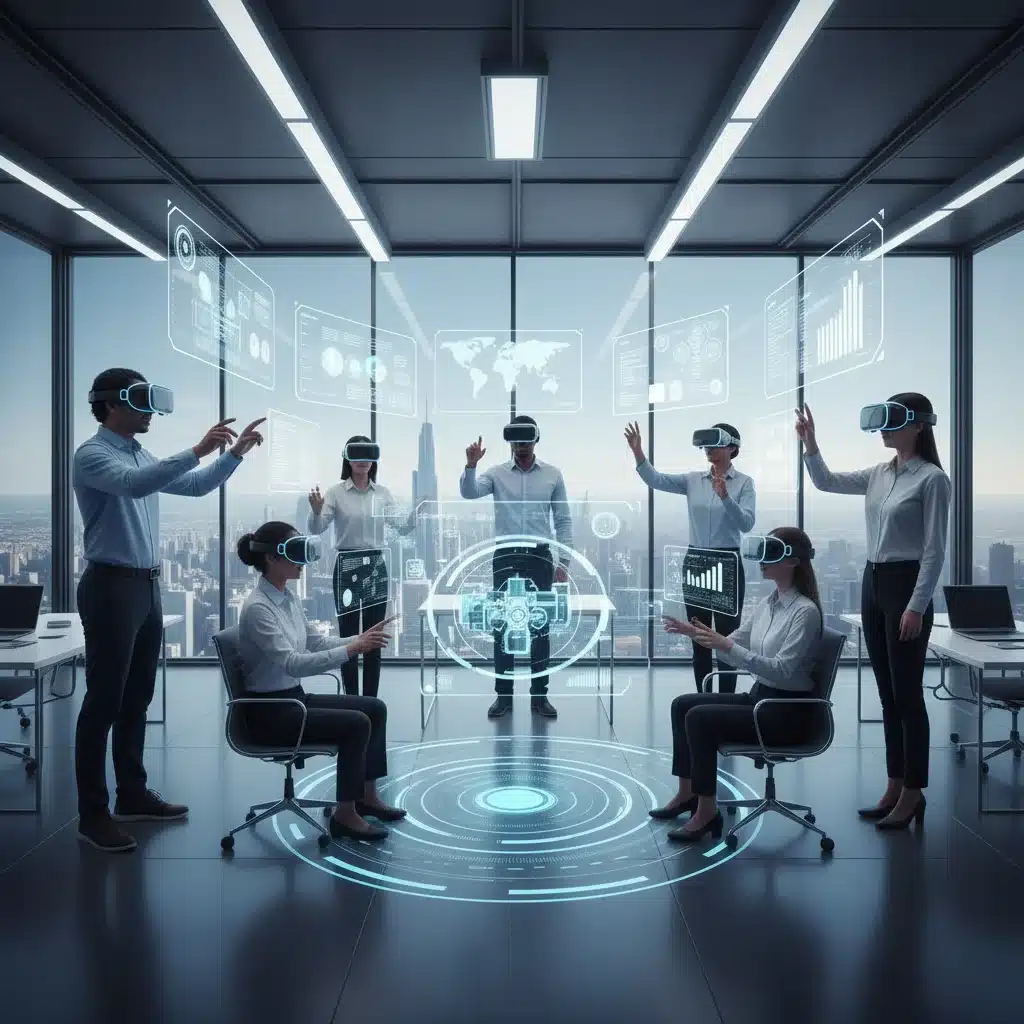
The landscape of remote work is constantly evolving, driven by technological advancements that seek to bridge geographical gaps and foster seamless collaboration. As we step into 2026, one technology stands out as a game-changer: Virtual Reality (VR). No longer confined to gaming and entertainment, VR is rapidly becoming an indispensable tool for enhancing productivity in remote work environments. The immersive nature of VR offers unparalleled opportunities for focus, collaboration, and creative problem-solving, fundamentally reshaping how distributed teams interact and achieve their goals.
The shift towards remote and hybrid work models has accelerated the demand for innovative solutions that can replicate or even surpass the benefits of traditional office settings. VR productivity apps are emerging as a powerful answer to this demand, offering virtual meeting spaces that feel more engaging than video calls, immersive design environments, and focused workspaces free from real-world distractions. This article delves into the top 5 VR productivity apps that are poised to dominate the remote work scene in 2026, providing a detailed performance review of each and exploring how they are redefining the boundaries of what’s possible in a distributed workforce.
Our selection criteria for these top VR productivity apps include their ability to foster collaboration, enhance individual focus, offer intuitive user interfaces, provide cross-platform compatibility, and demonstrate significant adoption rates within professional settings. We’ll examine their core features, benefits, potential drawbacks, and what makes them stand out in an increasingly competitive market. Whether you’re a remote team leader looking to optimize your workflow or an individual professional seeking to boost your personal efficiency, understanding these cutting-edge tools is crucial for staying ahead in the modern work era.
The integration of VR into daily work routines is not just about novelty; it’s about addressing fundamental challenges associated with remote work, such as feelings of isolation, communication breakdowns, and difficulties in maintaining focus. By creating shared virtual spaces, VR productivity apps facilitate a sense of presence and co-location that traditional communication tools often lack. This can lead to more effective brainstorming sessions, more engaging presentations, and a stronger team dynamic, even when team members are thousands of miles apart. As we explore each of these applications, consider how their unique features can be leveraged to transform your remote work experience and unlock new levels of productivity.
1. SpatialVerse: The Ultimate Collaborative Workspace
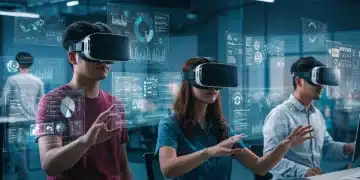
SpatialVerse has quickly risen through the ranks to become a leading VR productivity apps for collaborative remote work. Launched with the vision of creating truly immersive and intuitive virtual meeting spaces, SpatialVerse offers a robust platform where teams can connect, brainstorm, and co-create as if they were in the same physical room. Its strength lies in its highly customizable environments, ranging from sleek modern conference rooms to expansive outdoor settings, allowing teams to choose a backdrop that best suits their meeting’s mood and purpose.
Key Features of SpatialVerse:
- Dynamic Whiteboards: Users can interact with virtual whiteboards, drawing, writing, and pinning digital sticky notes with remarkable precision. This feature is invaluable for brainstorming sessions and project planning, allowing multiple users to contribute simultaneously.
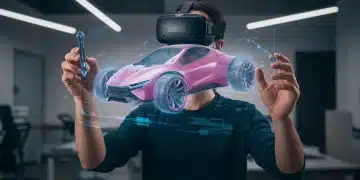
- 3D Model Interaction: For design and engineering teams, SpatialVerse provides the ability to import and manipulate 3D models in real-time. This allows for detailed reviews, collaborative design iterations, and a deeper understanding of complex structures.
- Spatial Audio: The advanced spatial audio system ensures that conversations sound natural, with voices coming from the direction of the virtual avatar, enhancing the sense of presence and making group discussions feel more organic.
- Cross-Platform Compatibility: SpatialVerse supports a wide range of VR headsets, including Oculus Quest, HTC Vive, and Valve Index, ensuring accessibility for diverse teams. It also offers a desktop companion app for non-VR users to join meetings, though with a less immersive experience.
- Integrated Productivity Tools: Seamless integration with popular tools like Slack, Trello, and Google Drive allows for easy file sharing, task management, and information retrieval directly within the VR environment.
Performance Review:
SpatialVerse excels in creating an environment conducive to deep collaboration. Users consistently report a significant reduction in meeting fatigue compared to traditional video conferencing, attributing it to the engaging and interactive nature of the VR space. The intuitive hand-tracking controls make interaction feel natural, minimizing the learning curve for new users. While the initial setup for new users might require a brief tutorial, the benefits in terms of enhanced communication and shared understanding are substantial. Its robust security features also make it a reliable choice for sensitive corporate discussions. However, a minor drawback can be the occasional latency issues in very large meetings with many active participants, though the developers are continually working to optimize performance.
2. FocusFlow VR: The Zen of Remote Work
For individuals struggling with distractions in their home offices, FocusFlow VR emerges as a powerful solution among VR productivity apps. This application is specifically designed to create personalized, distraction-free virtual environments, allowing users to achieve deep work states and maximize concentration. FocusFlow VR understands that different tasks require different levels of mental immersion, offering a variety of serene and stimulating virtual spaces tailored to individual preferences.
Key Features of FocusFlow VR:
- Customizable Focus Environments: Users can choose from a library of meticulously designed virtual spaces, such as a tranquil forest, a minimalist futuristic office, or a cozy virtual cafe. Each environment is crafted to minimize visual and auditory distractions.
- Ambient Soundscapes: Integrated ambient sounds, from gentle rain to calming instrumental music, help mask real-world noises and create an auditory cocoon conducive to concentration.
- Virtual Desk and Monitor Integration: FocusFlow VR allows users to project their actual computer screen into the VR environment, creating multiple virtual monitors that can be arranged and resized to their liking. This replicates and enhances a multi-monitor setup without physical space constraints.
- Pomodoro Timer Integration: A built-in Pomodoro timer helps users structure their work sessions, promoting regular breaks and preventing burnout. The visual cues within the VR environment make adherence to the technique more engaging.
- Distraction Blocker: This feature actively blocks notifications from other apps and even offers a ‘do not disturb’ mode that can be customized to filter out specific interruptions.
Performance Review:
FocusFlow VR is a game-changer for individual productivity. Users rave about its ability to create a sense of isolation from physical distractions, leading to enhanced focus and improved work quality. The ability to customize environments and soundscapes means that the tool can adapt to various personal preferences and tasks. While it primarily focuses on individual productivity, its impact on overall team efficiency, by enabling team members to produce higher quality work, is undeniable. The only potential downside is that some users might initially find the complete immersion disorienting, but most adapt quickly, finding it an invaluable tool for deep work. The subscription model is also seen as a good investment for the significant boost in concentration it provides.
3. ImmersiDesign Studio: Revolutionizing Creative Collaboration
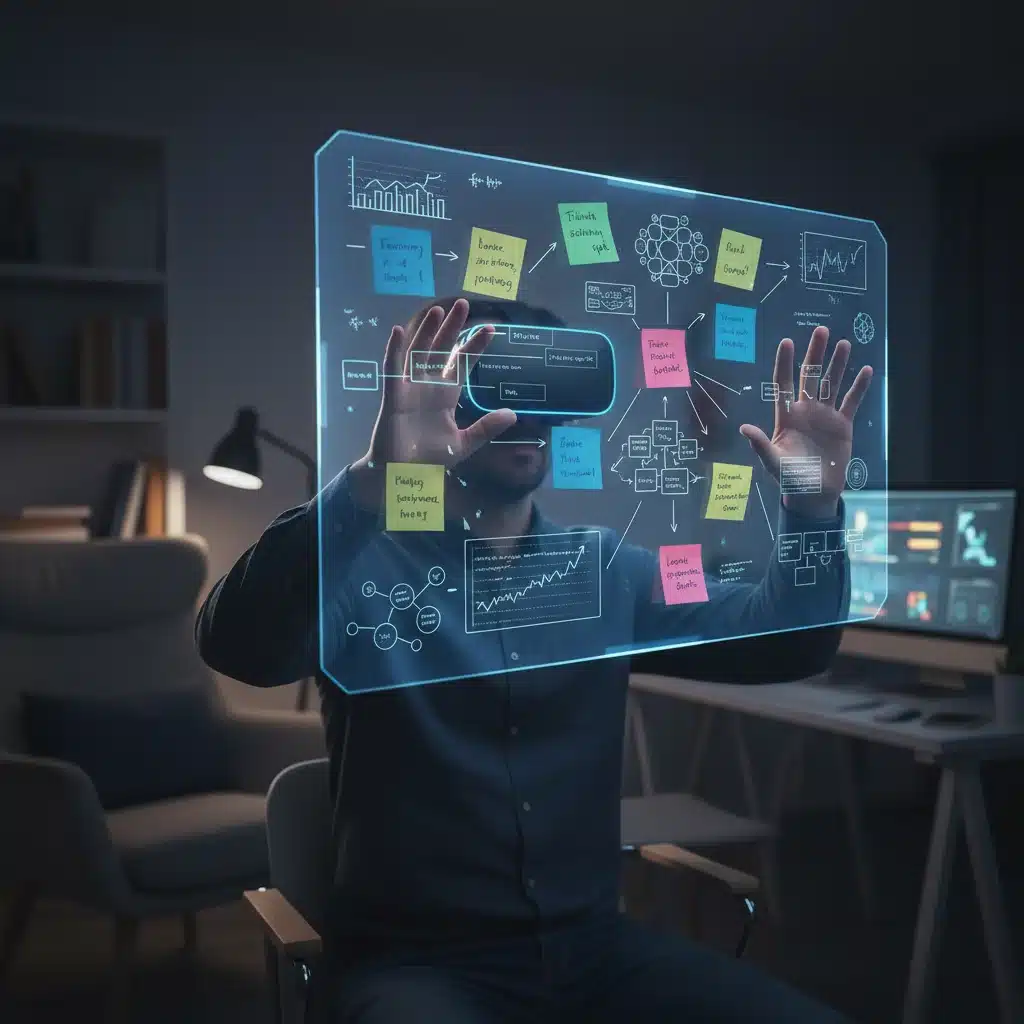
For creative professionals, designers, and architects, ImmersiDesign Studio is quickly becoming an essential tool among VR productivity apps. This platform offers a hyper-realistic environment for sketching, prototyping, and reviewing designs in 3D, fostering a level of collaborative creativity that was previously unimaginable in remote settings. It’s particularly powerful for teams working on visual projects, allowing for immediate feedback and iterative design in a shared virtual space.
Key Features of ImmersiDesign Studio:
- Intuitive 3D Sketching and Modeling: Users can sketch directly in 3D space using intuitive VR controllers, creating prototypes and models with ease. The tools are designed to feel natural, mimicking real-world drawing and sculpting.
- Real-Time Design Review: Teams can gather around a 3D model, annotate it, make changes, and discuss design elements in real-time. This significantly speeds up the design iteration process and reduces miscommunications.
- Material and Lighting Simulation: ImmersiDesign Studio offers advanced material and lighting simulation capabilities, allowing designers to visualize how their creations will look in different conditions, adding a layer of realism to the design process.
- Version Control Integration: Seamless integration with popular version control systems like Git and Perforce ensures that all design changes are tracked and managed efficiently.
- Cross-Software Compatibility: The ability to import and export files in various formats (e.g., .obj, .fbx, .gltf) ensures compatibility with existing design pipelines and software like AutoCAD, Blender, and SketchUp.
Performance Review:
ImmersiDesign Studio is lauded for its ability to democratize 3D design and make collaborative reviews more engaging and efficient. The tactile feel of designing in VR, combined with immediate visual feedback, accelerates the creative process. Teams report a dramatic reduction in the time it takes to finalize designs, as many iterations can be explored and approved within a single VR session. The high fidelity graphics and realistic rendering capabilities are a major plus for client presentations. The main challenge lies in the hardware requirements, as a powerful VR-ready PC is often necessary to run the application smoothly, which might be an investment for some users. However, for serious design professionals, the return on investment is clear.
4. Presentia VR: Elevating Virtual Presentations
Presentia VR redefines virtual presentations, transforming passive viewing into an interactive and engaging experience. As one of the premier VR productivity apps for communication, it allows presenters to deliver dynamic presentations in custom-designed virtual auditoriums, complete with interactive elements and audience engagement tools. This app is perfect for sales pitches, educational lectures, and company-wide announcements, making remote communication more impactful.
Key Features of Presentia VR:
- Customizable Presentation Environments: Choose from a range of virtual venues, from intimate meeting rooms to grand auditoriums, all designed to enhance the presentation experience.
- Interactive Content Integration: Presenters can embed 3D models, videos, web pages, and interactive quizzes directly into their presentations, allowing for a richer and more engaging narrative.
- Audience Engagement Tools: Features like live polling, Q&A sessions, and virtual hand-raising foster active participation from the audience, making presentations more dynamic and responsive.
- Presenter Tools: Presenters have access to virtual laser pointers, teleprompters, and notes, ensuring a smooth and professional delivery.
- Analytics and Feedback: Post-presentation analytics provide insights into audience engagement, participation levels, and feedback, allowing for continuous improvement of presentation strategies.
Performance Review:
Presentia VR is a standout for anyone looking to make their virtual presentations more memorable and effective. Users consistently highlight the increased audience engagement and the ability to convey complex information more clearly through interactive 3D elements. The immersive environment helps presenters command attention and deliver a more impactful message. While creating a highly interactive presentation might require a bit more preparation time than a standard slide deck, the results often justify the effort. The platform’s ability to host large audiences simultaneously without significant performance degradation is also a strong point. Some users might find the initial learning curve for content creation a bit steep, but the comprehensive tutorials and support resources help mitigate this.
5. CodeSphere VR: Immersive Development Environments
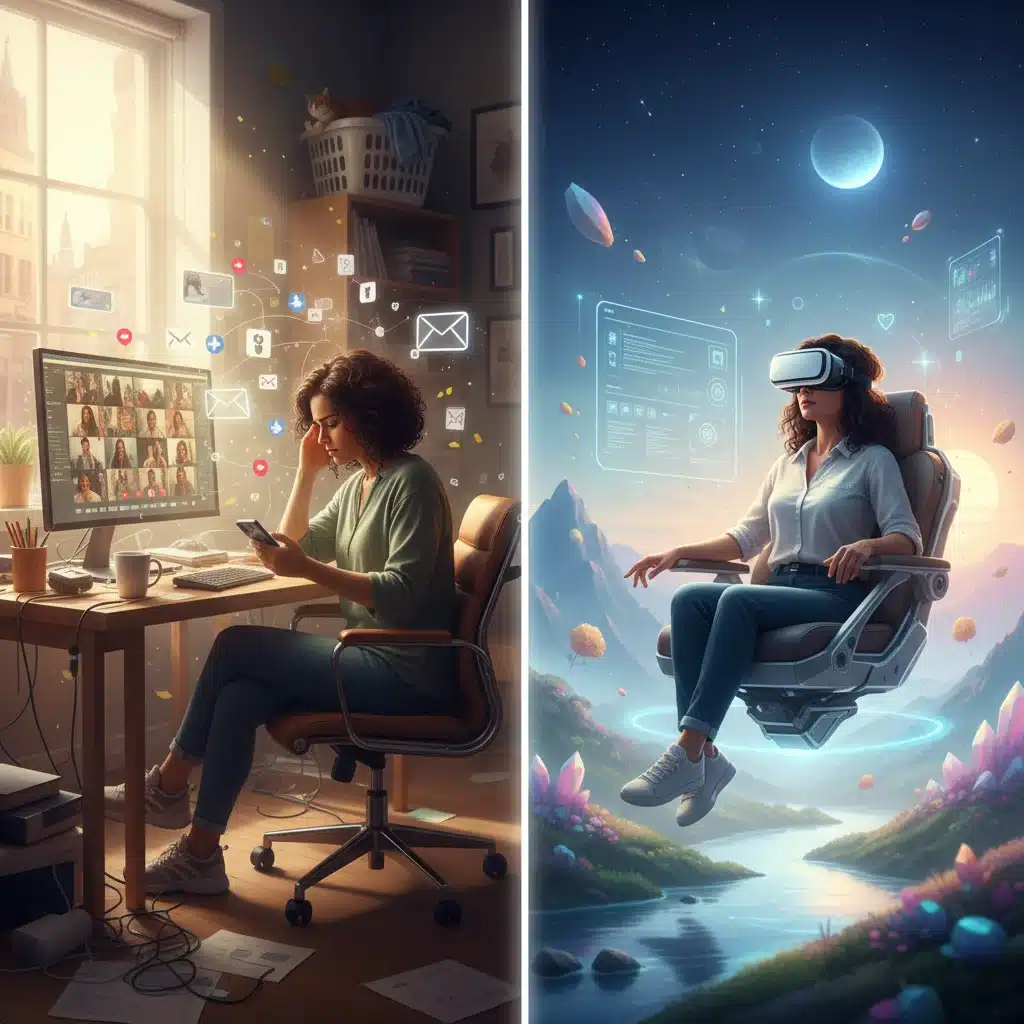
For software developers and programmers working remotely, CodeSphere VR offers a revolutionary approach to coding and debugging. This innovative VR productivity apps transforms the traditional flat-screen coding experience into an immersive 3D environment, allowing developers to visualize code structures, collaborate on projects, and manage multiple virtual monitors with unprecedented flexibility.
Key Features of CodeSphere VR:
- Multi-Monitor Virtual Workspace: Developers can create an unlimited number of virtual monitors, arranging them in any configuration around them. This expansive workspace significantly enhances multitasking and code navigation.
- 3D Code Visualization: CodeSphere VR allows for the visualization of complex code structures in 3D, making it easier to understand dependencies, identify bottlenecks, and debug intricate systems.
- Collaborative Coding Sessions: Teams can join shared VR coding sessions, seeing each other’s virtual screens and collaborating on code in real-time. This is particularly useful for pair programming and code reviews.
- Integrated Development Environment (IDE) Support: Compatibility with popular IDEs like VS Code, IntelliJ IDEA, and Sublime Text ensures that developers can continue using their preferred tools within the VR environment.
- Version Control Integration: Seamless integration with Git and other version control systems streamlines the development workflow.
Performance Review:
CodeSphere VR is a niche but incredibly powerful tool for the development community. Developers who have adopted it praise its ability to reduce context switching and improve focus by providing an expansive and distraction-free coding environment. The 3D code visualization is particularly beneficial for large projects, helping developers grasp complex architectures more quickly. The collaborative coding features are also a significant advantage for remote teams, making pair programming feel more natural and efficient. The primary barrier to adoption is the initial investment in VR hardware and the potential learning curve for adapting to a 3D coding interface. However, for developers serious about optimizing their workflow and enhancing collaboration, CodeSphere VR offers a compelling vision of the future of programming.
The Future of Remote Work with VR Productivity Apps
The emergence and rapid evolution of VR productivity apps signal a significant shift in how we perceive and execute remote work. These applications are not just novelties; they are powerful tools designed to address the inherent challenges of distributed teams, offering solutions that enhance collaboration, improve focus, and foster creativity. As VR technology becomes more accessible and sophisticated, its integration into our daily professional lives will only deepen.
The benefits extend beyond mere efficiency gains. VR environments can combat feelings of isolation by creating a stronger sense of presence and shared space among team members. They can also provide a more inclusive environment for diverse teams, as virtual avatars can reduce unconscious biases and foster a focus on ideas rather than superficial characteristics. Furthermore, the ability to customize one’s workspace in VR offers unprecedented control over one’s working environment, catering to individual preferences and neurodiverse needs in ways that physical offices often cannot.
Looking ahead, we can anticipate even more advanced features in VR productivity apps. Expect to see greater integration with AI, leading to intelligent virtual assistants that can help manage tasks, summarize meetings, and even suggest creative solutions. Haptic feedback will become more sophisticated, allowing for a more tactile and realistic interaction with virtual objects. Furthermore, the development of lighter, more comfortable, and higher-resolution VR headsets will make extended use more feasible and less fatiguing, accelerating widespread adoption.
Challenges and Considerations
Despite the immense potential, there are still challenges to address. The cost of high-end VR hardware can be a barrier for some individuals and organizations, although more affordable standalone headsets are continually entering the market. The learning curve for new users, while decreasing, still exists, requiring some initial investment in training. Furthermore, ensuring data privacy and security within immersive virtual environments will remain a critical concern for developers and users alike.
Ergonomics and potential motion sickness are also factors that developers are actively working to mitigate. As VR technology matures, these issues are becoming less prevalent, but they are still considerations for prolonged use. Companies adopting VR productivity apps will need to establish best practices for usage, including recommended break times and proper hardware setup, to ensure a healthy and productive experience for their employees.
Conclusion: Embracing the Immersive Workspace
The top 5 VR productivity apps reviewed – SpatialVerse, FocusFlow VR, ImmersiDesign Studio, Presentia VR, and CodeSphere VR – represent the vanguard of a new era in remote work. Each offers unique capabilities that address different facets of professional life, from collaborative meetings and focused individual work to creative design and complex software development. By leveraging these innovative tools, remote teams can overcome geographical limitations, enhance engagement, and unlock new levels of efficiency and creativity.
As we move further into 2026 and beyond, virtual reality will undoubtedly play an increasingly central role in shaping the future of work. Organizations and individuals who embrace these immersive technologies will be better positioned to thrive in a globalized, distributed workforce. The transition to VR-enhanced productivity is not just about adopting new software; it’s about reimagining the very nature of work itself, creating more dynamic, engaging, and ultimately, more productive environments for everyone.
The journey into the immersive workspace is just beginning, and the possibilities are boundless. By understanding and strategically implementing these cutting-edge VR productivity apps, businesses and professionals can ensure they are not just participating in the future of work, but actively shaping it.