Cutting-edge VR hardware enhancing immersive digital experiences combines high-resolution displays, low-latency tracking, advanced haptics, spatial audio, and ergonomic design to create believable presence while requiring optimized content pipelines and testing to ensure comfort, performance, and cross-platform compatibility.
Cutting-edge VR hardware enhancing immersive digital experiences can make a demo feel like a memory. Curious how headsets, haptics and tracking change what we perceive? Here you’ll find plain examples, trade-offs and tips that help you spot real gains versus marketing noise.
what new display and tracking technologies bring to immersion
Cutting-edge VR hardware enhancing immersive digital experiences makes scenes crisper and more responsive. Better displays and tracking help the brain accept virtual space as real.
Below we look at the key display and tracking advances and why they matter for users and creators.
High-resolution displays and foveated rendering
New panels raise pixel density and refresh rates so images stay sharp during head turns. This cuts the “screen-door” effect and brings fine detail into view.
Foveated rendering pairs eye tracking with rendering work, drawing full detail only where you look. That saves GPU power and lets developers push quality where it counts.
Precise tracking: inside-out and external systems
Inside-out tracking uses cameras on the headset to map position without extra gear. External systems rely on base stations or markers for millimeter accuracy.
Both aim for low latency and stable tracking. The choice affects room scale, occlusion handling, and ease of setup.
- Lower latency leads to less motion sickness and stronger presence.
- Higher positional accuracy improves object interaction and hand alignment.
- Eye and face tracking enable natural communication and foveated rendering.
- Hybrid setups can combine ease of use with precise tracking for pros.
When displays and trackers work together, virtual objects lock in place and lighting matches head motion. That combo boosts immersion more than either upgrade alone.
Creators must balance performance and quality. Use foveated rendering to save resources, choose tracking that fits the use case, and test for comfort across users.
Simple calibration, clear feedback, and optimized assets help users feel present quickly. Those practical steps turn hardware advances into meaningful experiences.
In short, sharper displays plus accurate tracking make virtual scenes believable, reduce discomfort, and open new interaction styles. Focusing on both areas yields the biggest gains for immersion.
how haptics, spatial audio and ergonomics shape user presence
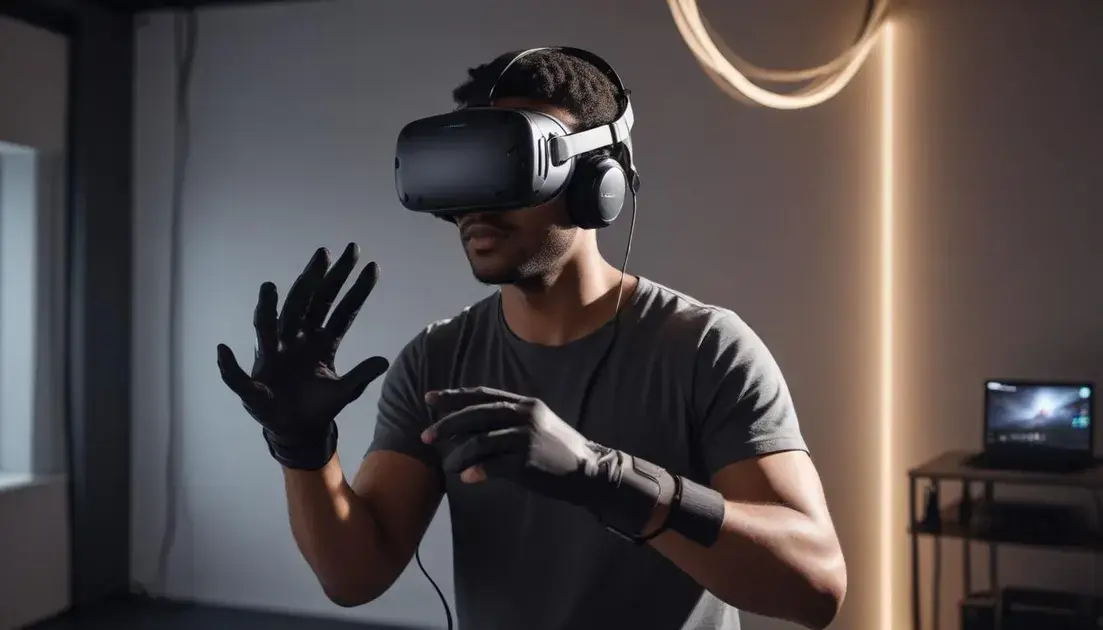
Cutting-edge VR hardware enhancing immersive digital experiences uses touch, sound, and fit to make virtual worlds feel real. Small, well-timed cues change how your brain accepts a scene.
Here we examine how haptics, spatial audio, and ergonomics combine to shape presence and comfort.
Haptics: believable touch and timing
Haptic systems deliver vibrations, pressure, or force to mirror actions in VR. When feedback matches visuals, interactions feel natural.
Latency and intensity matter: weak or delayed feedback breaks immersion and can confuse the user.
Spatial audio: placing sound in the scene
Spatial audio anchors sound to objects and space. It tells you where things are before you see them and adds scale to environments.
- Directional cues guide attention and improve reaction times.
- Accurate reverb and occlusion make rooms feel real.
- Head-tracked audio keeps sound consistent with your view.
- Low audio latency preserves sight-sound alignment.
Ergonomics ties everything together. A balanced headset, soft padding, and adjustable straps let users stay present longer. Discomfort or heavy front bias pulls attention away from the virtual world.
Materials that breathe and even weight distribution reduce fatigue. Simple design choices often yield the biggest comfort gains.
Sync and integration for stronger presence
All cues must align in time and space. Haptics should hit when visuals show contact. Sound should come from the same direction as the object.
- Prioritize low latency across systems.
- Use eye and head tracking to adapt feedback where the user looks.
- Offer adjustable intensity for haptics and audio to suit different users.
Designers should test across body types, hearing ranges, and play styles. Provide clear calibration steps and comfort modes to reduce motion sickness while keeping immersion high.
When haptics, spatial audio, and ergonomics are planned together, virtual scenes feel more believable and comfortable. Focus on timing, fit, and user-adjustable feedback to turn hardware features into real presence.
optimizing content and pipelines for modern VR hardware
Cutting-edge VR hardware enhancing immersive digital experiences demands smarter assets and faster pipelines. Small changes in content can cut CPU and GPU load while keeping visuals strong.
Think in terms of budgets, tests, and automated steps that catch issues before users put on a headset.
asset preparation and level of detail
Start models with clean topology and right-sized textures. High poly counts and giant maps slow frame rates quickly.
Use multiple LODs so the renderer shows detail close up and lighter models at a distance. This keeps cost predictable across scenes.
- Compress textures with VR-friendly codecs and use atlases to reduce draw calls.
- Bake lightmaps for static objects to save runtime lighting cost.
- Convert complex meshes to simplified collision shapes for physics.
rendering strategies and foveated workflows
Match rendering paths to the headset. Single-pass stereo reduces CPU overhead vs separate eye renders.
Foveated rendering pairs eye tracking with variable shading to save GPU where users are not looking. Plan shaders and LODs to be foveation-friendly.
Prioritize post-process effects that scale down gracefully or disable them on lower-tier devices.
Optimize shader variants and avoid expensive per-pixel calculations when a cheaper approximation looks the same in VR.
streaming, compression and asset delivery
For large worlds, stream assets on demand. Chunk data by area and predicted user path to avoid stalls.
Use progressive mesh and texture streaming so scenes load smoothly while maintaining quality where the user focuses.
- Encode textures with fast decompression and choose mip biasing to control memory use.
- Bundle shaders and platforms-specific binaries during build to reduce runtime compilation.
- Automate checksum and version checks to avoid mismatched assets in the headset.
Profiling is essential. Measure GPU, CPU, and frame timing on target headsets early and often. Use simple test scenes to isolate bottlenecks.
Automate your pipeline: asset validation, lightmap checks, and performance gates in CI prevent regressions. Build steps that run on committed changes save hours of manual fixes later.
testing, iteration and platform parity
Test on representative hardware and with real users. Small differences in tracking or latency between headsets affect comfort and feel.
Keep a clear performance budget per scene and track it in every build. Make fallback paths for lower-tier devices to keep broad compatibility.
Document platform-specific tweaks so artists and engineers apply the right settings without guesswork.
Good tooling and repeatable tests turn newer, faster headsets into consistent user wins rather than unstable surprises.
In practice, focus on tight budgets, progressive streaming, foveation-aware assets, and automated checks. Those actions turn hardware potential into actual, smooth, and comfortable VR experiences for users.
practical buying guide: trade-offs for creators and consumers
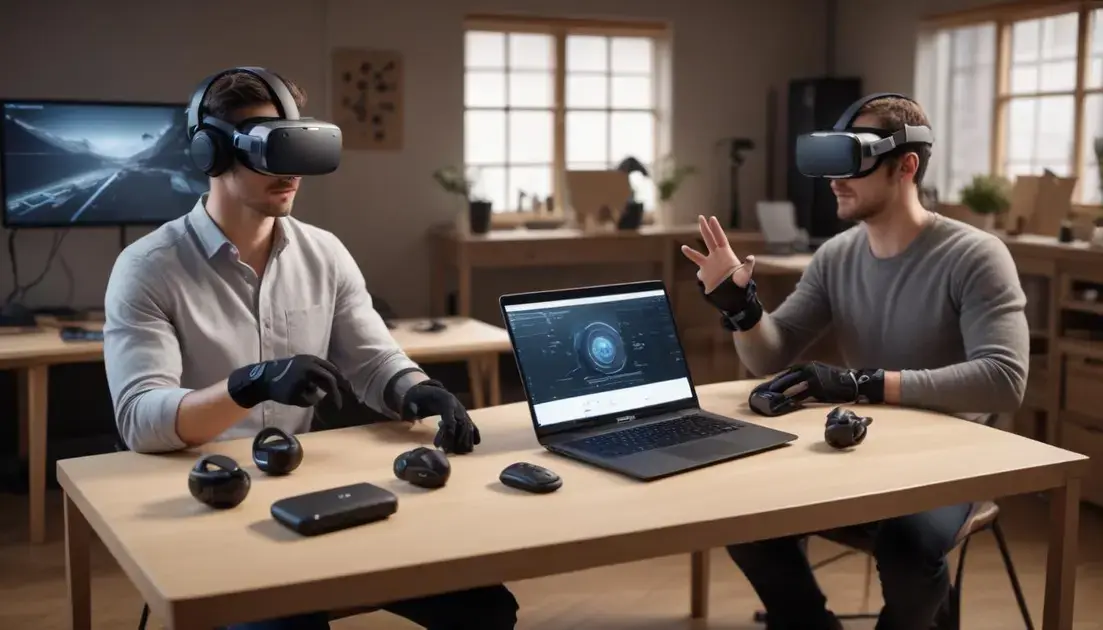
Cutting-edge VR hardware enhancing immersive digital experiences changes what you should buy and what creators must build. This guide helps both sides weigh trade-offs and make smarter choices.
We cover comfort, performance, ecosystem, and real-world tips for creators and consumers.
standalone vs tethered: freedom or power?
Standalone headsets are easy to use and portable. They suit casual users and quick demos.
Tethered headsets offer more graphics power and higher fidelity. Creators choose them for demanding experiences.
- Standalone: lower cost, no PC, limited GPU power.
- Tethered: top visuals, needs a PC, more setup work.
- Hybrid options add accessories but increase complexity.
resolution, refresh rate and field of view
Higher resolution makes text and fine detail readable. Faster refresh reduces motion blur and sickness.
Wider field of view deepens presence but can raise rendering cost. Consumers balance comfort and clarity. Creators set quality targets based on device class.
Use clear performance budgets. Pick target refresh and resolution early. That guides asset choices and optimization effort.
tracking, controllers and input trade-offs
Inside-out tracking is simple to set up. External tracking gives extra precision for pro use.
Advanced controllers and gloves enable expressive interactions but add development time. Simple controllers reach more users with less code.
- Precision vs ease: choose tracking to match your interaction goals.
- Haptics and finger tracking improve realism but require more testing.
- Standard inputs speed cross-platform support for creators.
Creators should design fallback input paths. Consumers should test comfort and controller feel before buying.
Consider battery life and charging methods. Long sessions need good battery or easy swap options. Weight and balance also affect how long a headset stays comfortable.
ecosystem, content library and long-term support
Platform choice matters. An active store and SDKs reduce friction for creators and give consumers more apps.
Open systems may offer flexibility but require more work to support. Closed platforms can simplify distribution at the cost of choice.
Check community tools, documentation, and firmware update frequency. Good support reduces surprises for creators and extends device longevity for buyers.
Price is not only upfront cost. Factor in accessories, PC requirements, and time spent optimizing or learning the platform.
Practical tips: creators should define a clear device tier, build fallbacks, and profile on real hardware. Consumers should try headsets, read performance tests, and match purchases to the content they want to use.
Keep the focus on real experience: comfort, consistent frame time, and reliable tracking often matter more than a single high spec. Balance features, budget, and use case to get the best fit.
In short, Cutting-edge VR hardware enhancing immersive digital experiences only reaches its potential when displays, tracking, haptics, audio, ergonomics, and optimized content work as a team. Creators should focus on low latency, comfort, and smart pipelines, while consumers should test fit and real-world performance. Keep testing and simple budgets to turn tech specs into smooth, believable VR that people enjoy.
FAQ – Cutting-edge VR hardware enhancing immersive digital experiences
What is the difference between standalone and tethered VR headsets?
Standalone headsets run on built-in hardware and are portable but have limited graphics. Tethered headsets connect to a PC for higher fidelity but need more setup.
How do haptics, spatial audio, and ergonomics affect presence?
Haptics add believable touch, spatial audio places sound in space, and good ergonomics keep users comfortable. Together they make scenes feel more real and reduce distraction.
What should creators optimize for modern VR hardware?
Focus on low latency, foveated rendering, LODs, texture atlases, and streaming. Automate performance checks and profile on target headsets early.
How can consumers choose the right VR headset?
Try headsets for fit and comfort, check real-world performance tests, match device power to the apps you want, and consider ecosystem and support.