
Navigating the Future: A Data-Driven Comparison of Enterprise AR Platforms for US Businesses in 2026
The landscape of enterprise technology is constantly evolving, and at the forefront of this transformation is Augmented Reality (AR). For US businesses looking to gain a competitive edge, understanding and implementing the right Enterprise AR Platforms is no longer a luxury but a necessity. As we move into 2026, the market is saturated with diverse solutions, each promising unparalleled benefits. This comprehensive, data-driven analysis aims to cut through the noise, providing a clear roadmap for decision-makers seeking to integrate AR into their operations.
Augmented Reality, distinct from Virtual Reality (VR), overlays digital information onto the real world, enhancing human perception and interaction without completely immersing the user. In an enterprise context, this translates to improved training, streamlined maintenance, enhanced design and prototyping, and entirely new ways of customer engagement. The potential ROI is significant, impacting everything from operational efficiency and safety to customer satisfaction and product innovation. However, selecting the optimal Enterprise AR Platforms requires a deep dive into various factors, including scalability, integration capabilities, security, and industry-specific features.
The Maturing Market of Enterprise AR Platforms in 2026
Over the past few years, Enterprise AR Platforms have moved beyond nascent experimentation to become robust, scalable solutions. This maturation is driven by advancements in hardware (lighter, more powerful headsets), software (more intuitive development tools and AI integration), and connectivity (5G and edge computing). US businesses are increasingly recognizing AR as a critical component of their digital transformation strategies, leading to a surge in demand and a corresponding expansion in platform offerings.
In 2026, the market for Enterprise AR Platforms is characterized by several key trends:
- Increased Specialization: Platforms are becoming more tailored to specific industry verticals, offering specialized tools for manufacturing, healthcare, retail, and logistics.
- AI Integration: Artificial intelligence is being deeply embedded into AR platforms, enabling more intelligent object recognition, predictive analytics for maintenance, and personalized user experiences.
- Enhanced Collaboration Tools: Multi-user AR experiences are becoming standard, allowing geographically dispersed teams to collaborate on 3D models, training simulations, and remote assistance.
- Focus on Data Security and Privacy: With sensitive enterprise data being processed, platforms are prioritizing robust security features and compliance with regulations like GDPR and CCPA.
- Hybrid Cloud Architectures: Many platforms leverage hybrid cloud models to balance the need for real-time processing with secure data storage and scalability.
Understanding these trends is crucial for any US business embarking on the journey of selecting and deploying Enterprise AR Platforms. The right platform will not only meet current operational needs but also provide a flexible foundation for future innovation.
Key Criteria for Evaluating Enterprise AR Platforms
Choosing among the myriad of Enterprise AR Platforms requires a systematic approach. Our data-driven analysis focuses on several critical criteria that US businesses should consider:
1. Scalability and Performance
Can the platform grow with your business? Scalability refers to the platform’s ability to handle an increasing number of users, devices, and data without degradation in performance. This includes the underlying cloud infrastructure, database capabilities, and the efficiency of the AR rendering engine. For a large US enterprise, a platform that can seamlessly expand from a pilot project to a company-wide deployment is paramount.
2. Integration Capabilities
AR rarely operates in a vacuum. Effective Enterprise AR Platforms must integrate seamlessly with existing enterprise systems such as ERP, CRM, PLM, and IoT platforms. Look for open APIs, SDKs, and pre-built connectors that simplify data exchange and workflow automation. The ability to pull real-time data from disparate sources and overlay it contextually in AR is a powerful differentiator.
3. Ease of Development and Deployment
The learning curve for developing AR applications can be steep. Platforms that offer low-code/no-code development environments, extensive libraries of pre-built assets, and intuitive authoring tools can significantly reduce development time and cost. Furthermore, consider the ease of deploying applications across various devices (headsets, tablets, smartphones) and managing updates.
4. Device Agnosticism and Hardware Support
The AR hardware market is fragmented. Leading Enterprise AR Platforms should support a wide range of devices, from dedicated AR headsets (e.g., Microsoft HoloLens, Magic Leap) to standard smartphones and tablets. This flexibility allows businesses to choose the best hardware for specific use cases and budgets, without being locked into a single vendor’s ecosystem.
5. Security and Compliance
Protecting sensitive enterprise data is non-negotiable. Evaluate platforms based on their security protocols, data encryption, access controls, and compliance certifications (e.g., ISO 27001, SOC 2). For US businesses, understanding how data is handled and stored, especially when leveraging cloud services, is crucial for maintaining regulatory compliance and data integrity.
6. Analytics and Reporting
To measure the ROI of AR initiatives, platforms must offer robust analytics and reporting features. This includes tracking user engagement, task completion rates, error reduction, and the overall impact on key performance indicators (KPIs). Data-driven insights are essential for optimizing AR applications and demonstrating their value.
7. Vendor Support and Ecosystem
A strong vendor ecosystem, including technical support, training resources, and a community of developers and partners, can be invaluable. Consider the vendor’s track record, financial stability, and commitment to long-term innovation in the AR space. Reliable support ensures that any issues can be quickly resolved, minimizing downtime and maximizing productivity.
Leading Enterprise AR Platforms for US Businesses in 2026: A Deep Dive
Based on our data-driven analysis of market share, technological innovation, and enterprise adoption rates, here are some of the top Enterprise AR Platforms US businesses should consider in 2026:
1. PTC Vuforia
Overview: PTC Vuforia remains a dominant player in the enterprise AR space, offering a comprehensive suite of tools for creating, deploying, and managing AR experiences. Its strength lies in its deep integration with CAD/PLM systems and its focus on industrial use cases.
Key Features:
- Vuforia Engine: Robust computer vision for object recognition, tracking, and spatial computing.
- Vuforia Studio: Low-code environment for creating AR experiences from existing CAD data, often used for maintenance, assembly, and training.
- Vuforia Expert Capture: Tool for documenting expert knowledge through AR, enabling easier knowledge transfer.
- Vuforia Chalk: Remote assistance solution for real-time visual collaboration.
Strengths for US Businesses: Strong ecosystem for industrial applications, seamless integration with PTC’s IoT and PLM platforms, excellent device support, and a proven track record in manufacturing and service industries. Its focus on operational efficiency resonates well with US industrial sectors.
Considerations: While versatile, the full suite can be complex for newcomers. Pricing can be a significant factor for smaller enterprises.
2. Microsoft Dynamics 365 Guides & Remote Assist
Overview: Microsoft leverages its extensive enterprise ecosystem with Dynamics 365 Guides and Remote Assist, specifically designed for frontline workers. These platforms are deeply integrated with the Microsoft HoloLens and the broader Microsoft 365 suite.
Key Features:
- Dynamics 365 Guides: Step-by-step holographic instructions for training and complex procedures, improving worker efficiency and reducing errors.
- Dynamics 365 Remote Assist: Real-time video calls with AR annotations, allowing remote experts to provide guidance to on-site technicians.
- Integration with Microsoft Teams: Facilitates seamless communication and collaboration.
Strengths for US Businesses: Unparalleled integration with Microsoft’s existing enterprise software (Azure, Dynamics 365, Teams), strong security features, and a familiar user interface for many IT departments. Ideal for businesses already heavily invested in the Microsoft ecosystem, particularly in manufacturing, field service, and healthcare.
Considerations: Primarily optimized for HoloLens, which might limit device flexibility for some use cases. May require significant investment in Microsoft licenses.
3. Unity MARS (Mixed and Augmented Reality Studio)
Overview: While Unity is primarily known as a game engine, Unity MARS is a powerful extension tailored for creating intelligent AR applications that interact with the real world. It’s a preferred choice for developers seeking high levels of customization and complex AR experiences.
Key Features:
- Proxy-Based Workflow: Allows developers to build AR apps that respond intelligently to real-world environments.
- Visual Authoring Tools: Enables rapid prototyping and iteration of AR scenes without extensive coding.
- Simulation Environment: Test AR experiences in a simulated environment before deploying to physical devices.
- Extensive Asset Store: Access to a vast library of 3D models, textures, and tools.
Strengths for US Businesses: High degree of flexibility and customization, robust community support, and powerful tools for creating highly interactive and data-rich AR experiences. Excellent for businesses with in-house development teams looking to build bespoke solutions for retail, marketing, or complex simulations.
Considerations: Requires more technical expertise than low-code platforms. While powerful, integrating with existing enterprise systems might require custom development.
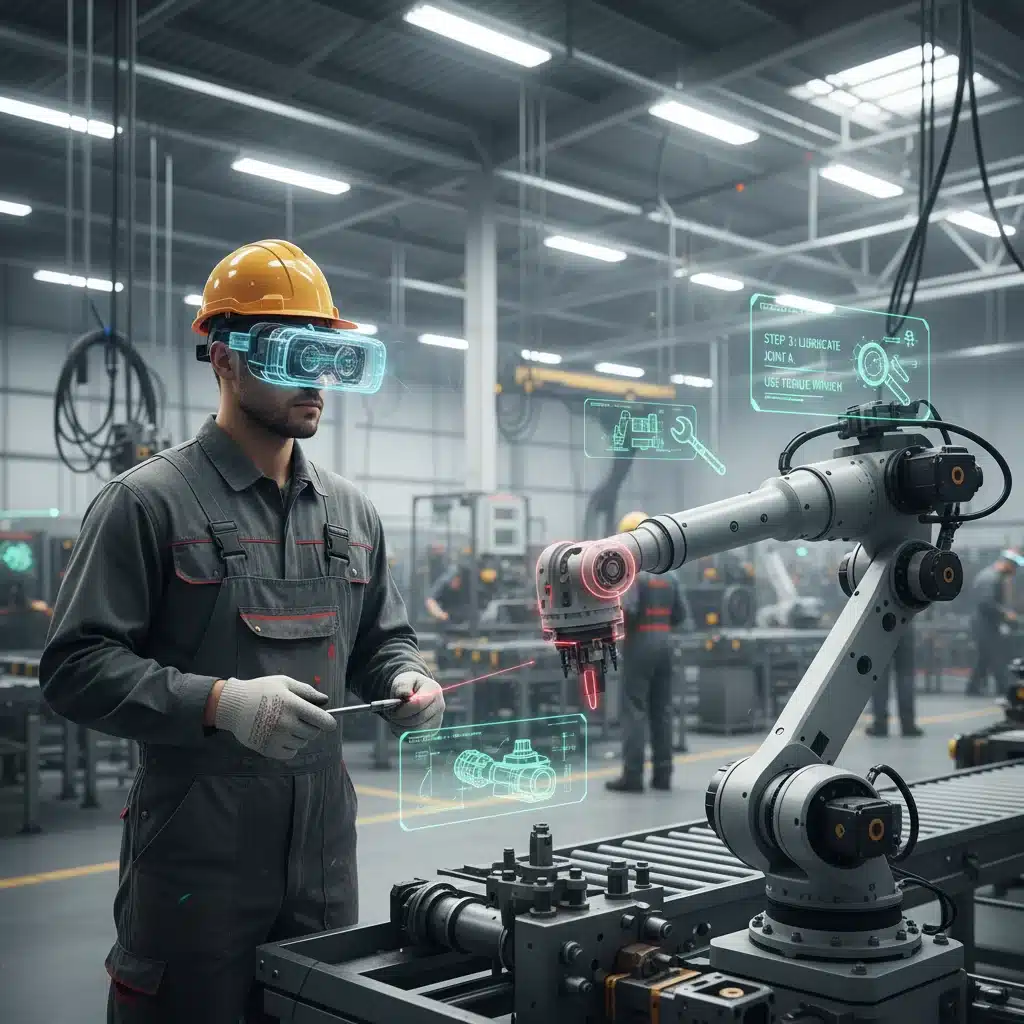
4. Vuzix Remote Assist (VRA)
Overview: Vuzix, a leading manufacturer of AR smart glasses, offers Vuzix Remote Assist, a solution designed to leverage their hardware for remote support and collaboration. It focuses on providing hands-free assistance in industrial and field service settings.
Key Features:
- Live Video Streaming: Real-time video feed from the smart glasses to a remote expert.
- AR Annotations: Remote experts can draw and annotate on the live video feed, guiding the on-site worker.
- Document Sharing: Share manuals, schematics, and other documents directly to the smart glasses display.
- Integration with Vuzix Smart Glasses: Optimized for Vuzix’s range of enterprise-grade AR glasses.
Strengths for US Businesses: Excellent for hands-free remote assistance, particularly in environments where workers need both hands for tasks. The dedicated hardware is rugged and designed for industrial use, offering comfort and durability. Cost-effective for deployment across a large workforce where remote support is a primary need.
Considerations: Primarily focused on remote assistance, with fewer features for complex AR content creation compared to broader platforms. Tightly coupled with Vuzix hardware.
5. TeamViewer Assist AR (formerly ARCore by Google, and other independent solutions)
Overview: While Google ARCore is a development platform for mobile AR, its enterprise application often manifests through solutions like TeamViewer Assist AR. TeamViewer leverages its remote connectivity expertise to provide an AR-powered remote assistance tool accessible via smartphones and tablets.
Key Features:
- Mobile-First AR: Utilizes smartphone and tablet cameras for AR experiences.
- Remote Expert Guidance: Live video streaming with 3D annotations and pointers.
- Session Recording: For training and compliance purposes.
- Cross-Platform Compatibility: Works across iOS and Android devices.
Strengths for US Businesses: Low barrier to entry due to reliance on existing smartphones/tablets, making it highly scalable. Excellent for field service, customer support, and remote inspections where dedicated AR hardware might be overkill or impractical. Leverages TeamViewer’s established remote connectivity infrastructure.
Considerations: The quality of AR experiences can be limited by phone camera capabilities and lack of depth sensing. Less immersive than headset-based solutions for complex 3D interactions.
Implementing Enterprise AR Platforms: Best Practices for US Businesses
Successfully deploying Enterprise AR Platforms involves more than just selecting the right technology. US businesses must also adopt strategic implementation practices:
1. Define Clear Use Cases and KPIs
Before investing, clearly identify the specific problems AR will solve and the measurable outcomes you expect. Is it reducing training time? Improving first-time fix rates? Enhancing product design collaboration? Defining KPIs from the outset will help measure success and demonstrate ROI.
2. Start Small, Think Big (Pilot Programs)
Begin with a pilot program in a specific department or for a defined use case. This allows your team to gain experience, refine processes, and gather feedback before a broader rollout. A successful pilot builds internal champions and provides valuable data for scaling.
3. Prioritize User Experience (UX)
The success of any AR platform hinges on user adoption. Design AR experiences that are intuitive, easy to learn, and genuinely enhance the user’s workflow. Involve end-users in the design and testing phases to ensure the solution meets their needs and preferences.
4. Address Data Management and Security
Establish clear protocols for data collection, storage, and access within the AR environment. Ensure the chosen platform and your internal processes comply with all relevant data privacy regulations. Security should be a foundational element, not an afterthought.
5. Foster Cross-Departmental Collaboration
AR initiatives often span multiple departments (IT, operations, training, R&D). Encourage collaboration between these teams to ensure seamless integration, consistent messaging, and shared understanding of the project’s goals and benefits.
6. Invest in Training and Change Management
Provide comprehensive training for both developers and end-users. A robust change management strategy is crucial to overcome resistance and ensure smooth adoption. Highlight the benefits to individual workers and how AR will make their jobs easier and more efficient.
7. Continuously Monitor and Iterate
AR is a rapidly evolving field. Continuously monitor the performance of your Enterprise AR Platforms, gather user feedback, and be prepared to iterate and update your applications. Stay informed about new features and hardware advancements to keep your AR strategy cutting-edge.

Future Outlook: What’s Next for Enterprise AR in the US?
Looking beyond 2026, the future of Enterprise AR Platforms in the US is incredibly promising. We anticipate several key advancements:
- Ubiquitous AR Glasses: Lighter, more fashionable, and more powerful AR glasses will become commonplace, moving from niche industrial tools to everyday enterprise accessories.
- Hyper-Personalized Experiences: AI will enable AR applications to adapt dynamically to individual user needs, preferences, and skill levels, offering truly personalized guidance and information.
- Spatial Computing Ecosystems: The concept of a persistent digital layer over the physical world will mature, allowing multiple AR applications to share and interact with the same spatial data.
- Enhanced Sensory Input: Integration with haptic feedback, advanced audio, and even olfactory sensors will create more immersive and realistic AR experiences.
- Ethical AR Development: Increased focus on ethical AI and AR development, ensuring fairness, transparency, and user well-being.
These developments will further solidify AR’s role as a foundational technology for digital transformation, enabling US businesses to unlock new levels of productivity, innovation, and competitive advantage.
Conclusion
The choice of Enterprise AR Platforms in 2026 is a strategic decision that will significantly impact the operational efficiency and innovative capacity of US businesses. By carefully evaluating platforms based on scalability, integration, ease of use, security, and vendor support, companies can make informed decisions that align with their long-term goals.
Platforms like PTC Vuforia, Microsoft Dynamics 365 Guides & Remote Assist, Unity MARS, and TeamViewer Assist AR each offer distinct advantages, catering to different enterprise needs and use cases. The key is to understand your specific requirements, conduct thorough pilot programs, and prioritize user experience and data security throughout the implementation process.
Embracing augmented reality is not just about adopting a new technology; it’s about reimagining how work gets done, how products are designed, and how customers are engaged. For US businesses ready to step into the future, the right Enterprise AR Platforms will be the cornerstone of their continued success and leadership in the global economy.