VR Headset Ergonomics: 2025 Comfort & Extended Use Guide
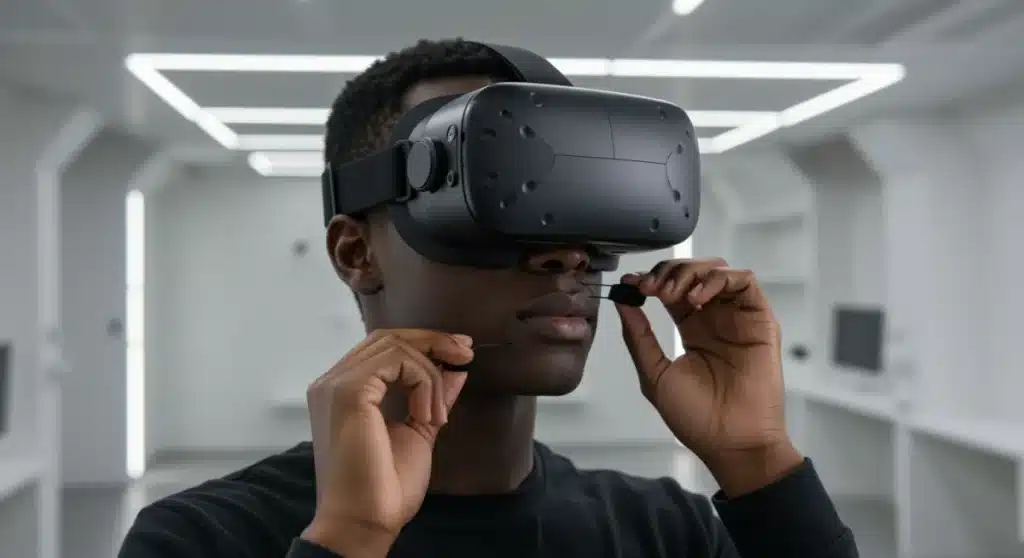
Achieving optimal VR headset ergonomics is crucial for extended, comfortable virtual reality experiences, demanding careful consideration of weight distribution, fit, and material science to prevent discomfort and enhance immersion.
As virtual reality technology advances, the importance of VR headset ergonomics becomes paramount for truly immersive and comfortable experiences. Gone are the days when clunky, ill-fitting devices were the norm; 2025 ushers in an era where user comfort is as critical as graphical fidelity or processing power. Understanding and implementing proper ergonomic practices can transform your VR journey from a brief, uncomfortable stint into an extended, enjoyable adventure.
The Foundation of Comfort: Weight Distribution and Balance
Effective VR headset ergonomics begins with understanding how weight is distributed across your head. A poorly balanced headset can lead to significant neck strain, pressure points, and overall discomfort, quickly cutting short even the most engaging VR sessions. Manufacturers in 2025 are increasingly prioritizing innovative design solutions to counteract these issues, but user awareness and proper adjustment remain key.
Modern VR headsets are striving for a more even weight distribution, moving away from front-heavy designs. This often involves relocating components like batteries to the rear of the head strap or integrating counterweights. The goal is to create a neutral balance that minimizes the sensation of a heavy object strapped to your face.
Innovative Weight Management Solutions
The industry has seen several advancements in how headset weight is managed. These solutions aim to reduce perceived weight and improve overall wearability during extended use.
- Rear-Mounted Batteries: Shifting battery weight to the back of the head strap helps balance the front display unit, reducing forward pull.
- Counterweight Systems: Some high-end headsets incorporate adjustable counterweights, allowing users to fine-tune the balance to their specific head shape.
- Halo Straps: These designs distribute weight more broadly across the top of the head, rather than relying solely on facial pressure.
Ultimately, a well-balanced headset feels lighter than its actual weight, allowing for longer, more comfortable sessions without the constant awareness of the device itself. Experimenting with different strap configurations and understanding your headset’s specific features will significantly improve your ergonomic setup.
Optimizing Fit: Straps, Gaskets, and Adjustability
Beyond weight distribution, the precise fit of your VR headset is fundamental to ergonomic comfort. No two heads are exactly alike, and a truly ergonomic design offers a high degree of adjustability to accommodate a wide range of users. This includes not just the main head strap, but also facial interfaces and interpupillary distance (IPD) adjustments.
The perfect fit ensures the headset stays securely in place without requiring excessive tightening, which can lead to uncomfortable pressure marks. It also guarantees optimal visual clarity, as the lenses remain correctly aligned with your eyes.
Key Adjustment Points for Personalized Comfort
To achieve an optimal fit, focus on several critical adjustment points:
- Head Strap Tension: Adjust the top, side, and rear straps to distribute pressure evenly. Avoid over-tightening; the headset should feel snug but not constricting.
- Facial Interface/Gasket: This is the part that rests against your face. Many headsets offer interchangeable gaskets of different thicknesses or materials to better conform to facial contours.
- Interpupillary Distance (IPD): Crucial for visual comfort and preventing eye strain, IPD adjustment aligns the lenses with your eye distance. Many modern headsets feature physical sliders or software-based adjustments.
Proper adjustment minimizes light leakage, maximizes the field of view, and most importantly, prevents the headset from shifting during dynamic movements. Taking the time to fine-tune these elements can drastically improve your overall VR experience and reduce the likelihood of discomfort.
Material Science: The Unsung Hero of VR Comfort
While often overlooked, the materials used in VR headset construction play a monumental role in user comfort, especially during extended sessions. From the padding that touches your skin to the breathability of the straps, material science is a critical component of advanced VR headset ergonomics in 2025.
The ideal materials for VR headsets are those that are soft, breathable, hypoallergenic, and easy to clean. As VR experiences become longer and more physically demanding, managing sweat and heat buildup becomes increasingly important to maintain comfort and hygiene.
Innovations in Comfort Materials
Manufacturers are continually exploring new materials to enhance the user experience. These advancements address issues like skin irritation, heat retention, and hygiene.
- Memory Foam with Cooling Gel: Provides excellent pressure relief while actively dissipating heat, preventing the face from overheating.
- Breathable Fabrics: Materials like microfiber or specialized mesh allow for better airflow, reducing sweat accumulation and improving overall hygiene.
- Silicone Interfaces: Easy to clean and hygienic, silicone can be a good option for shared headsets or high-activity VR, though some users may find it less soft than fabric.
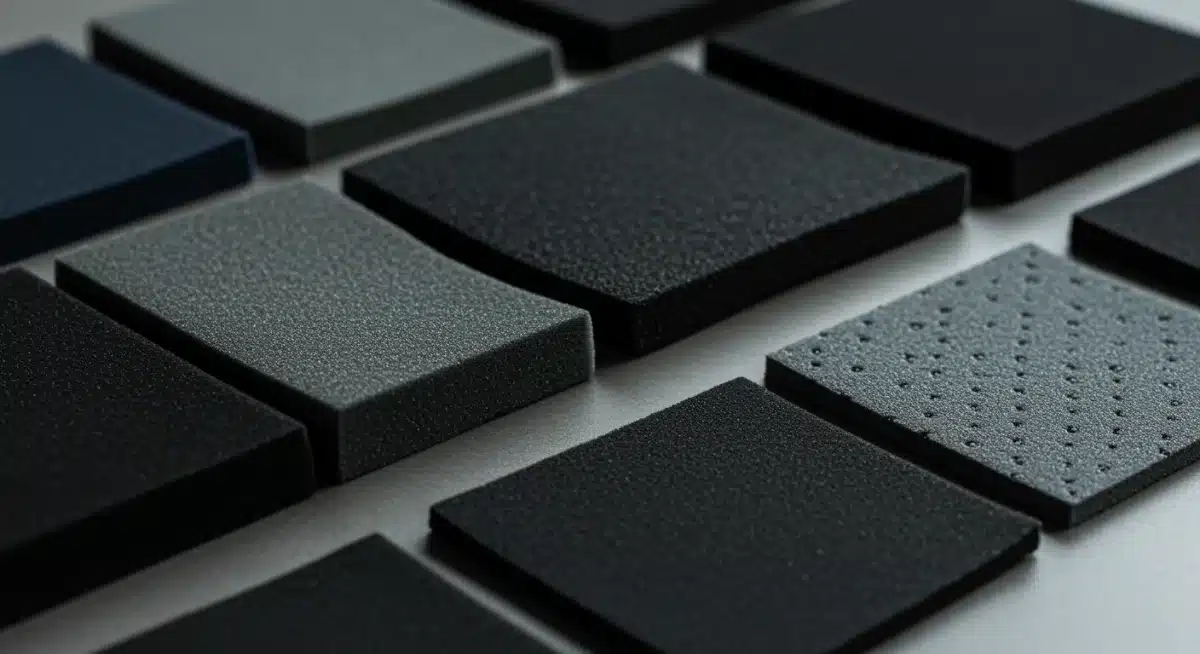
Choosing a headset with high-quality, thoughtfully selected materials can make a significant difference in how long and how comfortably you can engage with virtual worlds. It’s an investment in your long-term VR enjoyment.
Beyond the Headset: Environmental and Postural Ergonomics
While the headset itself is central to VR ergonomics, comfort during extended use also depends heavily on external factors: your environment and your body posture. Even the most perfectly fitted headset won’t prevent fatigue if you’re playing in a cramped space or with poor posture. This holistic approach to VR headset ergonomics is vital for health and prolonged enjoyment.
Creating an optimal VR environment involves more than just clearing space; it includes lighting, temperature, and even the type of flooring. Similarly, maintaining good posture, whether standing or seated, can alleviate strain on your neck, back, and shoulders, which are often overlooked during intense VR sessions.
Creating an Ergonomic VR Play Space
Consider these elements to enhance your comfort and safety:
- Adequate Space: Ensure you have enough room to move freely without hitting objects, reducing the risk of accidents and allowing for natural movement.
- Lighting: While VR blocks out external light, ambient room lighting can affect your eyes when you remove the headset. Avoid stark contrasts.
- Temperature Control: Overheating can quickly lead to discomfort. Keep your play area cool and well-ventilated, especially during active VR games.
Paying attention to your physical environment and how you position your body within it is just as important as the headset’s design. It’s about creating a harmonious ecosystem for your VR experiences.
Mitigating Motion Sickness and Eye Strain
Two common physiological challenges in VR are motion sickness (cybersickness) and eye strain. While not strictly ergonomic in the traditional sense, addressing these issues is crucial for extended, comfortable use and falls under the broader umbrella of user experience ergonomics. Understanding their causes and implementing preventative measures can significantly improve your VR sessions.
Motion sickness often arises from a mismatch between visual input and vestibular (balance) system cues. Eye strain can result from improper IPD settings, inconsistent frame rates, or prolonged focus without breaks. Both can severely impact the duration and enjoyment of your virtual adventures.
Practical Solutions for Common VR Discomforts
A proactive approach can help minimize these issues:
- Gradual Immersion: Start with shorter VR sessions and gradually increase duration as you adapt.
- IPD Calibration: Always ensure your headset’s IPD is correctly set for your eyes to prevent blurriness and strain.
- Take Breaks: Regular breaks (e.g., every 20-30 minutes) allow your eyes and body to rest and readjust to the real world.
- Smooth Locomotion Options: If prone to motion sickness, opt for teleportation or snap-turning locomotion methods in games over smooth, continuous movement.
By actively managing these factors, users can significantly extend their comfortable VR playtime and avoid common pitfalls that lead to early session termination. It’s about training your body and optimizing your settings for a seamless experience.
The Future of Ergonomics: AI, Customization, and Haptics
Looking ahead to 2025 and beyond, the field of VR headset ergonomics is poised for even more revolutionary advancements. Artificial intelligence, advanced customization options, and integrated haptics are set to redefine what comfort and immersion mean in virtual reality. These innovations promise to make VR experiences more personal, intuitive, and physically integrated than ever before.
AI will likely play a role in intelligently adjusting headset settings based on user biometrics and real-time comfort feedback. Customization will move beyond simple strap adjustments to fully personalized interfaces. Haptic feedback will not only enhance immersion but also potentially guide ergonomic posture or provide therapeutic relief.
Emerging Trends in Ergonomic Design
The horizon of VR ergonomics is filled with exciting possibilities:
- AI-Driven Fit Adjustment: Headsets could use sensors and AI to automatically detect optimal fit and IPD, adjusting themselves accordingly.
- Biometric Feedback Integration: Monitoring heart rate, skin temperature, and muscle tension to dynamically adjust comfort settings or suggest breaks.
- Personalized Facial Scans: Creating 3D scans of a user’s face to 3D-print perfectly contoured facial interfaces.
- Adaptive Haptic Feedback: Haptics in head straps could provide gentle reminders for posture correction or even alleviate pressure points.
These future developments underscore a growing understanding that true immersion is inseparable from unparalleled physical comfort. The VR experience of tomorrow will not only look and feel real but will also be designed to feel as natural and effortless as possible for the user.
| Key Ergonomic Aspect | Brief Description |
|---|---|
| Weight Distribution | Evenly balancing headset weight to reduce neck strain and pressure points for prolonged use. |
| Optimizing Fit | Adjusting straps, facial interfaces, and IPD for a secure, comfortable, and visually clear experience. |
| Material Science | Utilizing breathable, soft, and hygienic materials for padding and straps to enhance comfort and manage heat. |
| Environmental Factors | Considering play space, lighting, and temperature to complement headset comfort and reduce fatigue. |
Frequently Asked Questions About VR Headset Ergonomics
Proper VR headset ergonomics prevents discomfort such as neck strain, facial pressure, and eye fatigue. It ensures the headset remains stable and visually clear, allowing users to engage in virtual reality for longer periods without physical distraction or pain, significantly enhancing the overall immersive experience.
Key factors include balanced weight distribution, precise adjustment of head straps for even pressure, selection of appropriate facial interfaces, and accurate interpupillary distance (IPD) calibration. These elements work together to secure the headset comfortably, prevent slippage, and maintain optimal visual alignment.
Materials directly impact comfort by dictating breathability, pressure relief, and hygiene. Soft, breathable fabrics and memory foam with cooling gels reduce sweat and prevent skin irritation. Easy-to-clean materials like silicone are crucial for shared headsets, ensuring a pleasant experience for all users.
Absolutely. Your physical environment plays a significant role in VR comfort. An adequately sized play space prevents accidental collisions, while proper room temperature and ventilation mitigate overheating. Good lighting can reduce eye strain when transitioning between virtual and real worlds, contributing to overall well-being.
Future innovations include AI-driven automatic fit and IPD adjustments, biometric feedback integration for real-time comfort monitoring, and personalized facial interfaces created from 3D scans. Adaptive haptic feedback for posture correction and pressure relief is also on the horizon, promising even more seamless integration.
Conclusion
The journey towards truly comfortable and extended VR experiences is an ongoing evolution, with VR headset ergonomics at its core. As we move further into 2025, the synergy between advanced hardware design, thoughtful material selection, and user awareness becomes increasingly vital. By understanding and actively managing factors like weight distribution, personalized fit, and environmental considerations, users can unlock the full potential of virtual reality, transforming brief encounters into expansive, strain-free adventures. The future promises even greater comfort through AI and customization, ensuring that the only limits to your virtual exploration are the worlds themselves, not physical discomfort.