Top 5 VR Productivity Apps for Remote Work in 2026: A Performance Review
The landscape of remote work is constantly evolving, driven by technological advancements that seek to bridge geographical gaps and enhance efficiency. As we fast-forward to 2026, one technology stands out as a game-changer: Virtual Reality (VR). No longer confined to gaming, VR is rapidly becoming an indispensable tool for professionals seeking to optimize their remote work experience. The integration of VR productivity apps into daily workflows is transforming how distributed teams collaborate, communicate, and create. This comprehensive review delves into the top 5 VR productivity apps that are redefining remote work in 2026, offering insights into their features, performance, and impact on the modern professional.
The shift towards remote and hybrid work models has accelerated the demand for tools that can replicate or even surpass the benefits of a physical office environment. Traditional video conferencing and chat platforms, while essential, often fall short in fostering a sense of presence, shared space, and organic interaction. This is where VR productivity apps step in, providing immersive environments that facilitate deeper engagement and more natural communication. From virtual meeting rooms that feel like real-life boardrooms to collaborative design studios where teams can manipulate 3D objects together, VR is opening up new frontiers for remote collaboration.
Our analysis for 2026 focuses on several key performance indicators for VR productivity apps: ease of use, immersive quality, collaborative features, integration capabilities, and overall impact on productivity. We’ve meticulously evaluated a wide array of applications to bring you the crème de la crème – the five apps that are truly making a difference for remote teams worldwide. Whether you’re a project manager looking to streamline workflows, a designer needing to visualize concepts in 3D, or an educator seeking to create engaging virtual classrooms, these VR productivity apps offer solutions that were once the stuff of science fiction.
The Rise of VR in Remote Work: A New Paradigm for Productivity
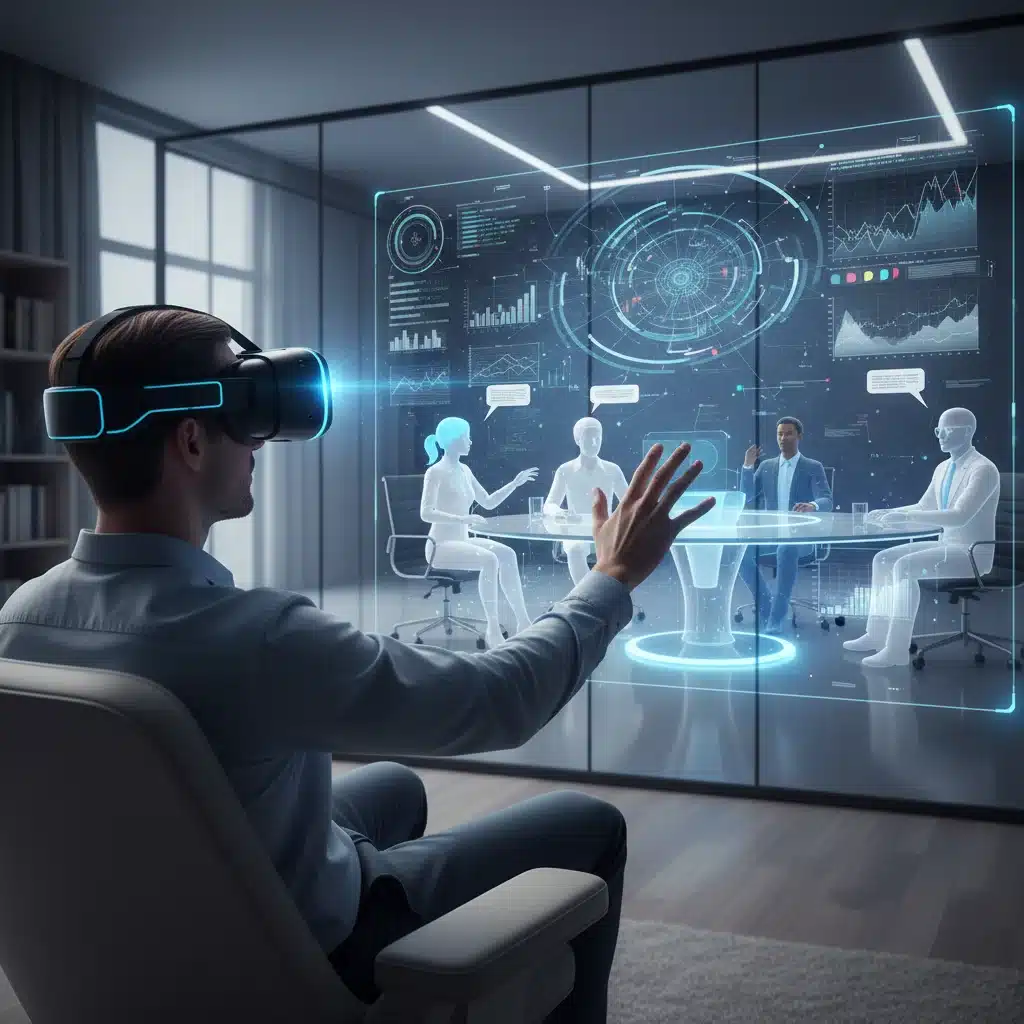
Before diving into our top picks, it’s crucial to understand why VR has become so pivotal in the remote work sphere. The fundamental challenge of remote work is maintaining connection and cohesion within a distributed team. VR addresses this by creating a shared virtual space that mimics the physical presence, allowing for more nuanced communication through body language, spatial audio, and shared gaze. This enhanced sense of presence significantly reduces feelings of isolation and improves team dynamics, directly contributing to increased productivity.
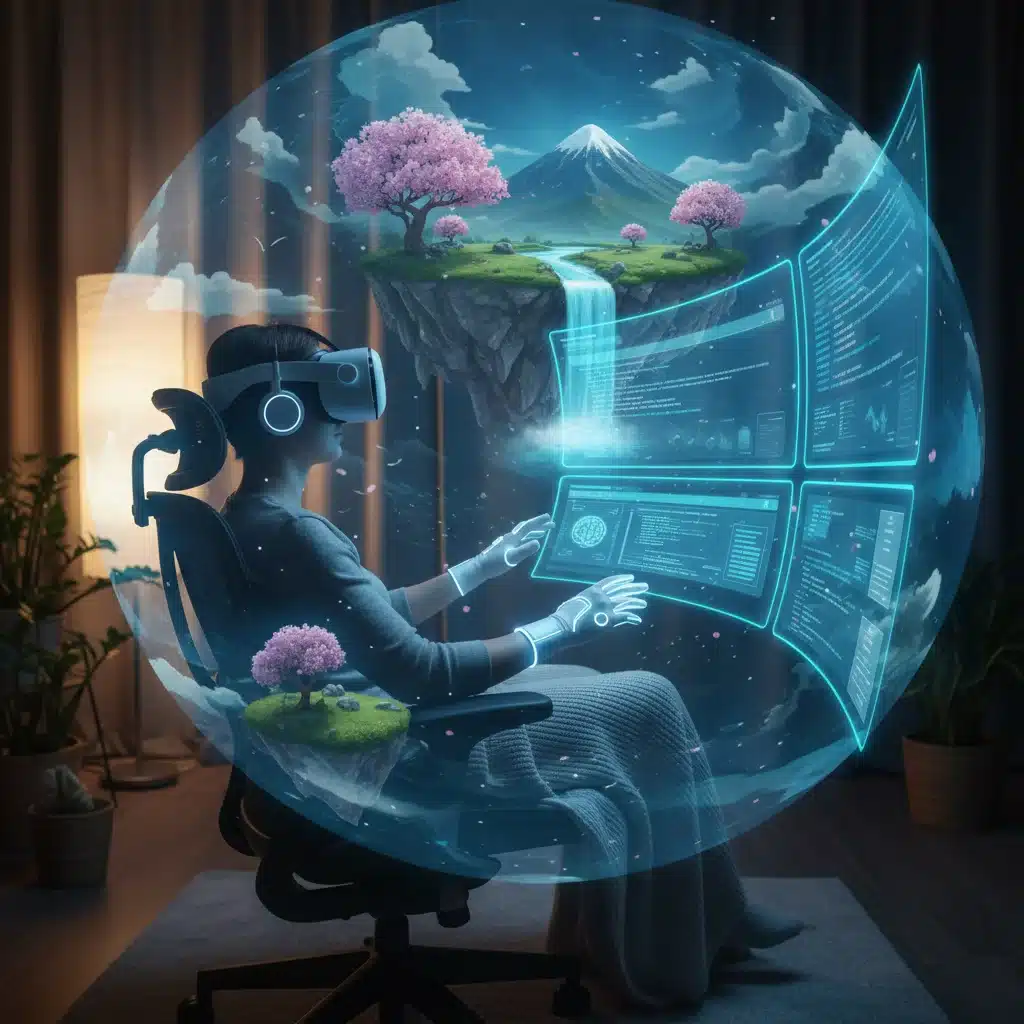
Moreover, VR productivity apps offer a level of focus and immersion that traditional desktop environments struggle to provide. By eliminating real-world distractions and offering customizable virtual workspaces, users can achieve a state of deep work, leading to higher quality output and reduced cognitive load. The ability to manipulate multiple virtual screens, visualize data in 3D, and interact with colleagues’ avatars in a shared environment transforms the remote work experience from a mere necessity into a genuinely empowering and efficient way of working.
In 2026, the hardware supporting these VR productivity apps has become more accessible, comfortable, and powerful. Lighter headsets, higher resolution displays, and more intuitive controllers have lowered the barrier to entry, making VR a viable option for a broader range of professionals. This confluence of advanced software and improved hardware has set the stage for VR to become a cornerstone of future remote work strategies.
1. SpatialVerse: The Ultimate Collaborative Workspace
Overview and Core Features
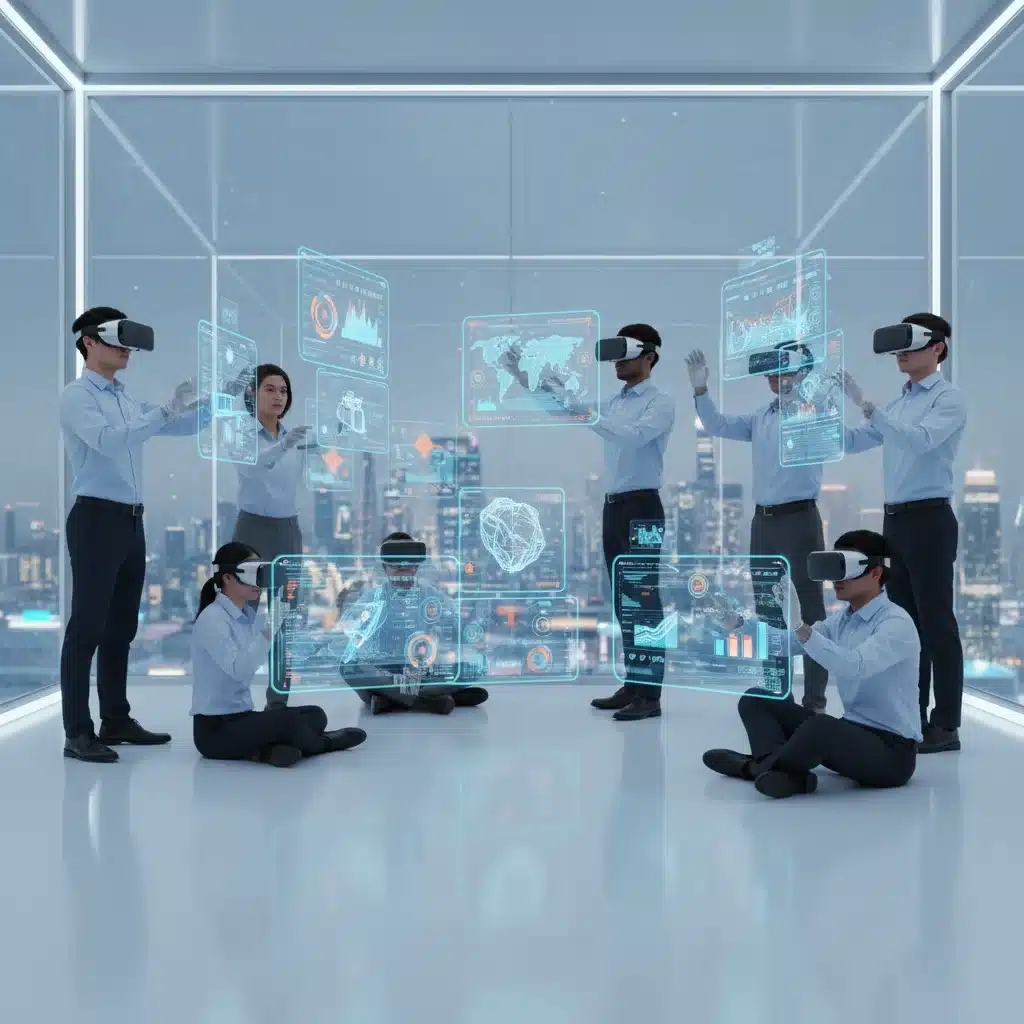
SpatialVerse has cemented its position as a frontrunner among VR productivity apps by offering a highly customizable and intuitive collaborative workspace. Launched with the vision of creating a truly borderless office, SpatialVerse in 2026 boasts unparalleled fidelity in its virtual environments and a robust suite of tools designed for diverse professional needs. Users can create persistent virtual rooms, complete with whiteboards, sticky notes, 3D model viewers, and integrated document sharing. Its spatial audio capabilities ensure that conversations feel natural, mimicking real-world group dynamics.
Performance and User Experience
Performance-wise, SpatialVerse is exceptionally smooth, even with multiple users and complex 3D assets. The app prioritizes low latency and high-resolution rendering, ensuring a comfortable and immersive experience. Its user interface is designed for quick adoption, with gesture-based controls that feel natural after a short learning curve. The ability to import and export various file formats (CAD, PDF, image, video) directly into the virtual space makes it incredibly versatile for engineering, design, and marketing teams.
Impact on Remote Productivity
SpatialVerse significantly boosts remote productivity by fostering a strong sense of co-presence. Design reviews, brainstorming sessions, and project planning meetings become far more engaging and effective. Teams can iterate on designs in real-time, annotate documents collaboratively, and conduct presentations with a level of interactivity previously impossible in traditional remote setups. For teams heavily reliant on visual communication and shared creative processes, SpatialVerse is an indispensable tool among VR productivity apps.
2. Horizon Workspace: Microsoft’s Enterprise VR Solution
Overview and Core Features
Microsoft’s entry into the VR productivity apps market with Horizon Workspace in 2026 is a powerful testament to the technology’s potential. Leveraging the vast ecosystem of Microsoft 365, Horizon Workspace offers a seamlessly integrated virtual office environment. Users can access their Outlook, Teams, SharePoint, and Office applications within a 3D virtual space. It features customizable personal offices, shared meeting rooms, and even large-scale virtual auditoriums for company-wide town halls. Its robust security protocols and enterprise-grade support make it a preferred choice for large organizations.
Performance and User Experience
Horizon Workspace excels in stability and reliability, crucial for enterprise adoption. The integration with existing Microsoft accounts is effortless, allowing for quick onboarding. While perhaps not as graphically intensive as some specialized design VR apps, its performance is optimized for a smooth, consistent experience across a range of VR hardware. The user experience is familiar for anyone accustomed to Microsoft products, with a focus on intuitive navigation and functional efficiency. Voice commands are deeply integrated, allowing for hands-free interaction with applications.
Impact on Remote Productivity
For businesses already invested in the Microsoft ecosystem, Horizon Workspace dramatically enhances remote productivity by centralizing all work activities within an immersive environment. The ability to jump between a virtual meeting, review a document on a virtual screen, and then collaborate on a PowerPoint presentation in a shared virtual space without ever leaving VR is a significant time-saver. It reduces context switching and creates a cohesive digital workspace that feels more connected than disparate 2D applications. This makes it a leading choice for holistic VR productivity apps.
3. ImmerseFlow: The Deep Work & Focus Enhancer
Overview and Core Features
ImmerseFlow stands apart from other VR productivity apps by focusing primarily on individual deep work and concentration. Recognizing the challenges of distraction in remote environments, ImmerseFlow provides a suite of tools designed to create a personalized, distraction-free virtual workspace. Users can choose from a variety of serene virtual environments – from a tranquil forest to a minimalist futuristic pod – and customize their virtual monitor setup. It includes features like ambient soundscapes, focus timers, and a ‘digital detox’ mode that blocks notifications and external interruptions.
Performance and User Experience
ImmerseFlow is designed for optimal individual performance, with a lightweight footprint that ensures smooth operation even on less powerful VR hardware. The visual fidelity of its environments is stunning, contributing significantly to a sense of calm and focus. The user interface is exceptionally clean and unobtrusive, allowing the user to fully immerse themselves in their work. Customization options for virtual screens, keyboard passthrough, and even virtual plant growth (for micro-breaks) add to its unique appeal.
Impact on Remote Productivity
For remote workers struggling with focus and maintaining concentration, ImmerseFlow is a revelation. By providing a dedicated virtual sanctuary for work, it helps users achieve a state of flow more easily and sustain it for longer periods. The reduction in external stimuli and the ability to create an ideal working environment significantly boosts individual productivity. It’s particularly beneficial for tasks requiring intense concentration, such as coding, writing, or complex data analysis, making it one of the most effective VR productivity apps for personal efficiency.
4. ConstructVR: Design and Prototyping in 3D
Overview and Core Features
ConstructVR is revolutionizing the design and prototyping process for remote teams across architecture, product design, and engineering. As a specialized VR productivity app, it allows users to collaboratively build, manipulate, and review 3D models in real-time within an immersive environment. Key features include intuitive 3D sculpting tools, direct import of CAD files, measurement tools, and the ability to conduct virtual walkthroughs. Teams can mark up designs, leave spatial annotations, and even simulate material properties within the virtual space.
Performance and User Experience
ConstructVR pushes the boundaries of VR rendering, handling complex 3D models with remarkable fluidity. Its performance is optimized for high-fidelity visualization, crucial for design validation. The user experience is tailored for designers, with a rich set of tools accessible through natural hand gestures and controllers. The learning curve is surprisingly gentle for those familiar with 3D design software, and extensive tutorials are available. The collaborative aspect is seamless; multiple users can work on the same model simultaneously, seeing each other’s changes instantly.
Impact on Remote Productivity
ConstructVR drastically reduces design iteration cycles and improves communication within remote design teams. The ability to experience a design in 3D before physical prototyping saves significant time and resources. Design reviews become more comprehensive and accurate, as stakeholders can literally step inside a model and identify potential issues or improvements from a first-person perspective. This makes ConstructVR an indispensable tool among VR productivity apps for any industry involved in 3D design and development.
5. EduVerse: Immersive Learning and Training for Remote Teams
Overview and Core Features
While not strictly a ‘productivity’ app in the traditional sense, EduVerse is a powerful VR productivity app for remote teams by significantly enhancing training, onboarding, and continuous learning. It provides immersive virtual classrooms, training simulations, and interactive workshops. Features include virtual whiteboards, 3D object manipulation for demonstrations, role-playing scenarios, and analytics to track learner progress. EduVerse creates a highly engaging and memorable learning experience, far surpassing static online courses.
Performance and User Experience
EduVerse offers a stable and engaging platform for virtual education. Its performance is optimized for clarity in presentations and smooth interaction with learning materials. The user experience is designed to be intuitive for both instructors and learners, with tools that facilitate active participation. The ability to create custom learning environments and pre-load interactive content makes it highly adaptable to various training needs. The platform supports a wide range of VR headsets, ensuring broad accessibility.
Impact on Remote Productivity
For organizations with remote teams, EduVerse is a game-changer for skill development and knowledge transfer. Effective training directly impacts employee productivity and retention. By offering immersive, hands-on learning experiences, EduVerse ensures that remote employees are better equipped, faster. Complex procedures can be practiced in a risk-free virtual environment, and onboarding new hires becomes a more engaging and effective process. This makes EduVerse a crucial tool for long-term productivity enhancement among VR productivity apps.
The Future Outlook for VR Productivity Apps
As we look beyond 2026, the trajectory for VR productivity apps is one of continuous innovation and deeper integration into our professional lives. Expect to see even more sophisticated AI companions within virtual workspaces, offering personalized assistance and predictive insights. Haptic feedback will become more refined, adding another layer of realism to virtual interactions. The interoperability between different VR platforms and traditional desktop applications will improve, creating a seamless hybrid workflow.
The development of lighter, more powerful standalone VR headsets with enhanced pass-through capabilities will further blur the lines between the physical and virtual worlds, making VR an even more natural and ubiquitous part of our daily routines. Furthermore, the increasing focus on digital well-being will lead to VR productivity apps incorporating features designed to prevent VR fatigue, such as adaptive environments and guided breaks.
The economic impact of these technologies is also significant. By enabling more effective remote work, companies can tap into a global talent pool, reduce overhead costs associated with physical office spaces, and foster a more flexible and resilient workforce. VR productivity apps are not just tools; they are foundational elements of a new, more efficient, and globally connected way of working.
Choosing the Right VR Productivity Apps for Your Team
Selecting the ideal VR productivity apps for your remote team depends heavily on your specific needs and industry. Consider the following factors when making your decision:
- Primary Use Case: Are you focused on collaboration, deep work, design, or training?
- Team Size and Structure: How many users will be on the platform, and what are their roles?
- Integration Needs: Does the app need to integrate with your existing software ecosystem (e.g., Microsoft 365, Adobe Creative Cloud)?
- Hardware Compatibility: Which VR headsets does your team currently use or plan to acquire?
- Budget: Evaluate the subscription costs and any necessary hardware investments.
- Security Requirements: Especially crucial for enterprise-level deployment, assess the app’s security features and compliance.
Many VR productivity apps offer free trials or demo versions, allowing you to test their suitability before committing. Encourage your team to experiment and provide feedback, as user adoption is key to the success of any new technology implementation.
Conclusion: VR as the Cornerstone of Future Remote Work
In 2026, VR productivity apps are no longer a niche curiosity but a vital component of successful remote work strategies. The five applications reviewed – SpatialVerse, Horizon Workspace, ImmerseFlow, ConstructVR, and EduVerse – represent the vanguard of this transformation, each offering unique strengths to address diverse professional needs. From fostering unparalleled collaboration to enhancing individual focus and revolutionizing design and learning, these platforms are reshaping how we perceive and execute work from anywhere in the world.
The immersive capabilities of VR provide a level of presence and engagement that traditional tools simply cannot match. As hardware continues to evolve and software becomes even more sophisticated, the role of VR productivity apps will only grow. Organizations that embrace these technologies now will be well-positioned to attract top talent, boost efficiency, and thrive in the increasingly distributed and dynamic global economy. The future of remote work is here, and it’s decidedly virtual.