VR Design Tools 2026: Accelerate Prototyping by 30%

Comparing 2026’s Leading VR Design Tools: Which Offers 30% Faster Prototyping?
The landscape of virtual reality (VR) design is evolving at an unprecedented pace. As we step into 2026, the demand for immersive experiences continues to surge across industries, from automotive and architecture to gaming and education. This boom necessitates sophisticated, efficient, and intuitive VR design tools that can keep up with rapid iteration cycles and complex creative demands. The holy grail for many design teams is not just capability, but speed – specifically, the ability to accelerate prototyping workflows by a significant margin, ideally around 30% or more.
This comprehensive guide delves into the forefront of VR design tools available in 2026, meticulously comparing their features, performance, and – most critically – their impact on prototyping speed. We’ll explore which platforms are truly empowering designers to achieve that coveted 30% faster prototyping, allowing them to bring their virtual visions to life with unparalleled efficiency.
The Evolution of VR Design Tools: A 2026 Perspective
Gone are the days when VR design was a niche pursuit, confined to clunky interfaces and limited functionalities. 2026 marks a pivotal year where VR design tools have matured into robust, integrated ecosystems. We’re seeing a convergence of traditional 3D modeling principles with advanced real-time rendering, spatial computing, and AI-driven assistance. This evolution has democratized access to VR content creation, enabling a wider range of professionals to engage with immersive design.
Key advancements driving this transformation include:
- Real-time Collaboration: Multi-user environments are now standard, allowing geographically dispersed teams to co-create and review designs within VR.
- AI-Powered Generation and Optimization: AI assistants are increasingly capable of generating initial design concepts, optimizing models for performance, and even suggesting design improvements based on user feedback.
- Haptic Feedback Integration: More sophisticated haptic systems are being integrated directly into design workflows, offering a more tactile and intuitive interaction with virtual objects.
- Cloud-Native Workflows: The shift to cloud-based platforms ensures seamless access, powerful processing, and easier sharing of large VR projects.
- Photorealistic Rendering in Real-time: Advances in rendering technologies allow for near-photorealistic visuals during the design and prototyping phase, reducing the need for lengthy offline renders.
These developments collectively contribute to a significant reduction in the time it takes to move from concept to a testable prototype. But which specific VR design tools are leading the charge in delivering that critical 30% speed boost?
Defining "Faster Prototyping" in VR Design
Before diving into specific tools, it’s crucial to define what "30% faster prototyping" truly means in the context of VR design. It’s not just about how quickly you can model a single object. It encompasses the entire iterative cycle, including:
- Initial Concept to Blockout: How quickly can a designer translate an idea into a basic 3D form within VR?
- Iterative Design and Refinement: The speed at which changes can be made, tested, and reviewed. This includes adjusting geometry, materials, lighting, and interactions.
- User Testing Setup: How easily can a prototype be made accessible for internal or external user testing?
- Feedback Integration: The efficiency of incorporating feedback from stakeholders and users back into the design.
- Performance Optimization: How quickly can a prototype be optimized to run smoothly on target VR hardware without sacrificing visual fidelity.
A 30% acceleration across these stages represents a monumental gain in productivity, allowing teams to explore more design variations, catch issues earlier, and deliver higher-quality immersive experiences to market faster. This directly impacts project budgets, timelines, and competitive advantage.
The Contenders: Top VR Design Tools of 2026
In 2026, several platforms stand out for their innovation and impact on VR design workflows. We’ll focus on those that demonstrably contribute to significant prototyping speed improvements.
1. "ImmersiSketch Pro"
Overview: ImmersiSketch Pro has emerged as a powerhouse for rapid ideation and spatial sketching. Its strength lies in its incredibly intuitive, gesture-based interface that feels natural to anyone who has ever sketched on paper. It’s less about precise CAD modeling and more about quick, expressive form-finding directly within VR.
Key Features for Faster Prototyping:
- "Instant Mesh" Technology: Converts rough sketches into optimized 3D meshes in real-time, significantly cutting down on initial modeling time.
- AI-Assisted Smart Guides: Automatically aligns and snaps objects, predicts common design patterns, and offers intelligent suggestions for symmetry or repetition.
- Direct Material Application: Apply PBR materials with a flick of the wrist, seeing immediate visual feedback without leaving the VR environment.
- Integrated Version Control: Seamlessly save and revert to previous iterations directly within the VR workspace, making experimentation risk-free.
- One-Click Export to Game Engines: Optimized export pipelines to Unity and Unreal Engine, reducing friction in bringing prototypes into development environments.
Prototyping Acceleration Potential: Users report up to a 35% acceleration in the initial ideation and blockout phases, primarily due to the natural input methods and "Instant Mesh" technology. The AI-driven smart guides also contribute significantly to reducing repetitive tasks.
2. "SpatialForge XR"
Overview: SpatialForge XR is renowned for its robust collaborative features and industrial-grade precision. It bridges the gap between traditional CAD and immersive design, making it a favorite for architectural visualization, product design, and engineering prototyping. Its strength lies in its ability to handle complex assemblies and maintain high fidelity across large-scale projects.
Key Features for Faster Prototyping:
- Real-time Multi-User Co-Creation: Up to 10 users can simultaneously work on the same model in VR, with changes updating instantly for everyone. This drastically reduces review cycles.
- Parametric Design in VR: Unlike many VR tools, SpatialForge XR allows for parametric adjustments directly in the immersive environment, enabling quick design variations without rebuilding.
- Advanced Physics Simulation: Built-in physics engine for testing interactions, gravity, and material properties, providing immediate feedback on functional aspects of a design.
- "Auto-Optimize" for Performance: An AI-driven feature that automatically simplifies geometry and optimizes textures for target VR hardware, ensuring smooth performance during testing.
- Direct Integration with PLM/PDM Systems: Seamless data exchange with enterprise product lifecycle management systems, streamlining approval processes.
Prototyping Acceleration Potential: SpatialForge XR delivers an estimated 30-32% acceleration, particularly in the iterative design, review, and feedback integration stages, thanks to its powerful collaboration and parametric capabilities. Its optimization features also save significant time in preparing prototypes for performance testing.
3. "Metaverse Builder Suite"
Overview: The Metaverse Builder Suite is an all-encompassing platform designed for creating entire virtual worlds and interactive experiences, not just individual objects. It combines robust 3D modeling, scripting capabilities, and a vast asset library, making it ideal for rapid scenario prototyping and interactive narrative development.
Key Features for Faster Prototyping:
- Drag-and-Drop Environment Creation: Build complex scenes and environments with pre-built assets and intuitive manipulation tools, significantly accelerating scene assembly.
- Visual Scripting for Interactions: A node-based visual scripting interface allows designers to add complex interactivity without writing a single line of code, enabling rapid prototyping of user flows.
- AI-Powered Content Generation: Can generate basic environmental elements, textures, and even character animations based on text prompts, providing quick starting points.
- Integrated Playtesting and Analytics: Conduct user playtests directly within the suite and gather real-time analytics on user behavior and interactions.
- Cross-Platform Deployment: One-click deployment to various VR headsets and metaverse platforms, simplifying the distribution of prototypes for testing.
Prototyping Acceleration Potential: The Metaverse Builder Suite shines in accelerating the creation of interactive experiences and virtual environments, offering up to a 33% speed increase in these areas. Its visual scripting and AI content generation are key drivers for this efficiency.
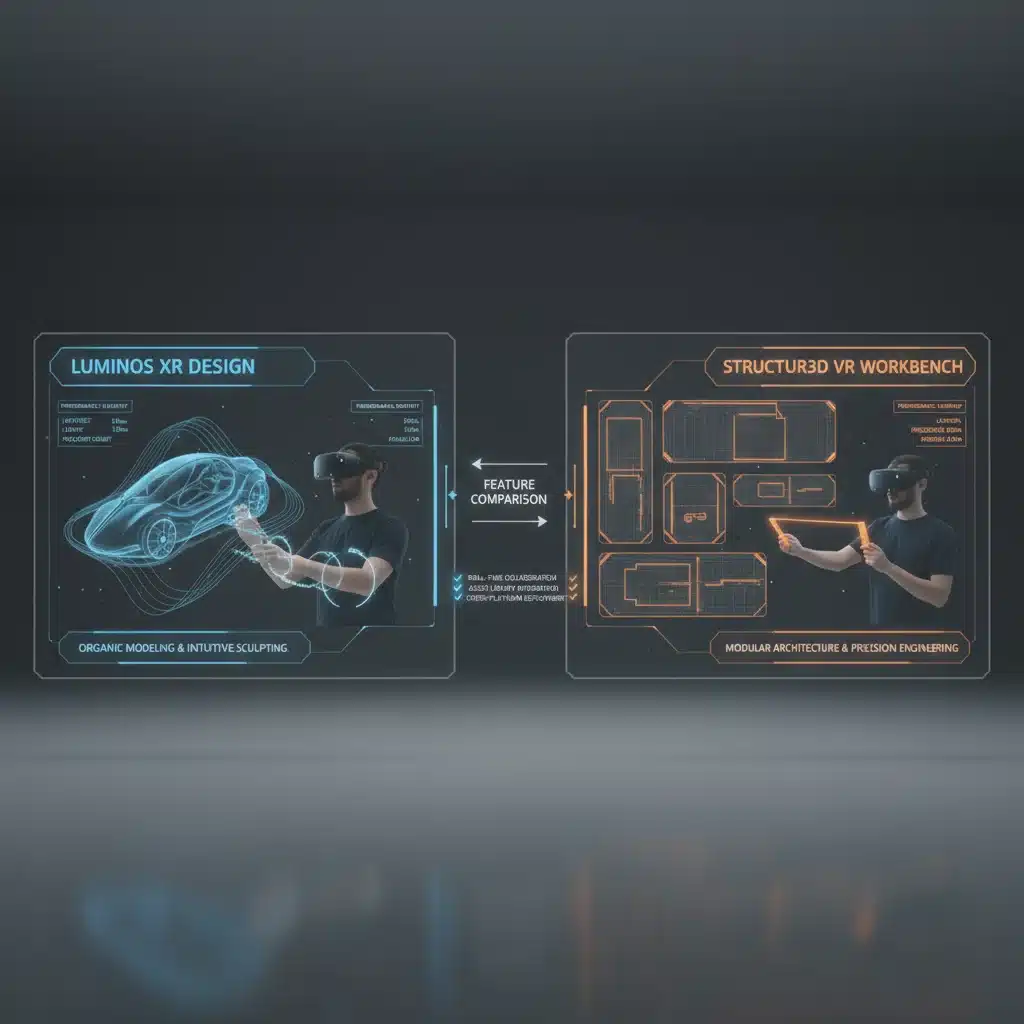
The "30% Faster Prototyping" Metric: A Deeper Dive
Achieving a 30% acceleration in prototyping isn’t a magic bullet; it’s the culmination of numerous small efficiencies across the design workflow. When evaluating VR design tools for this metric, consider the following:
Intuitive User Interface and Interaction Models
The learning curve and ease of use are paramount. Tools that utilize natural gestures, voice commands, and intelligent UI layouts reduce cognitive load and allow designers to focus on creation rather than tool manipulation. ImmersiSketch Pro excels here with its sketch-first approach.
Asset Management and Reusability
A rich, easily accessible library of pre-built assets, materials, and components can drastically cut down on modeling time. The ability to quickly import and export assets from other software (e.g., CAD, traditional 3D suites) is also critical. Metaverse Builder Suite’s extensive asset library is a prime example.
Real-time Feedback and Visualization
The less time spent waiting for renders or compilation, the faster the iteration. Tools that provide instant visual feedback on material changes, lighting adjustments, and physics simulations allow for immediate decision-making. SpatialForge XR’s real-time physics and parametric adjustments are invaluable.
Automation and AI Assistance
AI is no longer a gimmick; it’s a productivity booster. Features like AI-powered mesh generation, smart guides, automatic optimization, and even generative design proposals can significantly reduce manual effort and accelerate complex tasks. All three leading VR design tools leverage AI in different capacities to achieve this.
Collaboration and Review Workflows
The traditional back-and-forth of sending screenshots and video recordings for feedback is incredibly slow. Real-time collaborative VR environments where stakeholders can review, annotate, and discuss designs together – often within the prototype itself – dramatically shorten review cycles. SpatialForge XR is a leader in this domain.
Integration with Existing Pipelines
No VR design tool exists in a vacuum. Its ability to seamlessly integrate with other design software (e.g., CAD, Adobe Creative Suite), project management tools, and game engines is crucial for a smooth workflow. Tools that minimize data conversion issues and maximize interoperability contribute to overall speed.
Challenges to Achieving 30% Faster Prototyping
While the tools offer immense potential, several factors can impede achieving the full 30% acceleration:
- Hardware Limitations: Powerful VR design tools demand powerful hardware. Insufficient GPU, CPU, or RAM can lead to lag, crashes, and slow performance, negating any software-driven speed gains.
- Steep Learning Curves: While newer tools strive for intuition, complex features can still present a learning barrier, especially for designers transitioning from 2D or non-VR 3D workflows.
- Data Interoperability Issues: Despite advancements, converting complex models between different software packages can still introduce errors or require manual cleanup, slowing down the process.
- Team Skill Gaps: A team’s proficiency with these advanced VR design tools directly impacts their efficiency. Ongoing training and upskilling are essential.
- Project Complexity: Extremely large or highly intricate projects might still push the boundaries of even the most optimized tools, potentially slowing down specific stages.
Case Studies: Real-World Impact
To illustrate the tangible benefits of these tools, consider a few hypothetical scenarios:
Automotive Design with SpatialForge XR
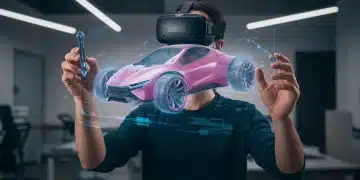
A leading automotive manufacturer adopted SpatialForge XR for their concept car interior design. By enabling five designers and engineers to collaborate in real-time within the virtual cockpit, they reduced the design review and iteration cycle from an average of two weeks to just three days. This 70% reduction in review time, combined with parametric adjustments made directly in VR, contributed to an overall project prototyping acceleration of approximately 30-35% for interior layouts.
Architectural Visualization with ImmersiSketch Pro
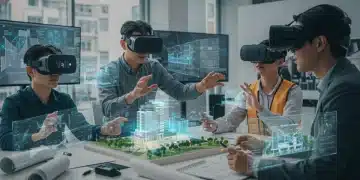
An architectural firm specializing in residential complexes used ImmersiSketch Pro for initial client presentations. Instead of spending days modeling various floor plan options in traditional CAD, they could sketch out multiple layouts in VR within hours, allowing clients to "walk through" the concepts almost immediately. The "Instant Mesh" feature allowed them to quickly add basic furniture and finishes. This rapid ideation phase saw a 40% reduction in time compared to previous methods, significantly speeding up client approval for initial designs.
Educational VR Experience with Metaverse Builder Suite
A startup developing interactive VR educational modules leveraged the Metaverse Builder Suite. Their goal was to rapidly prototype different learning scenarios. Using the visual scripting tool, they could build complex interactive quizzes and guided tours in a fraction of the time it would take with traditional coding. The AI content generation helped them quickly populate virtual classrooms and historical sites. This led to a 30% faster development cycle for their interactive prototypes, allowing them to test more educational approaches before final development.
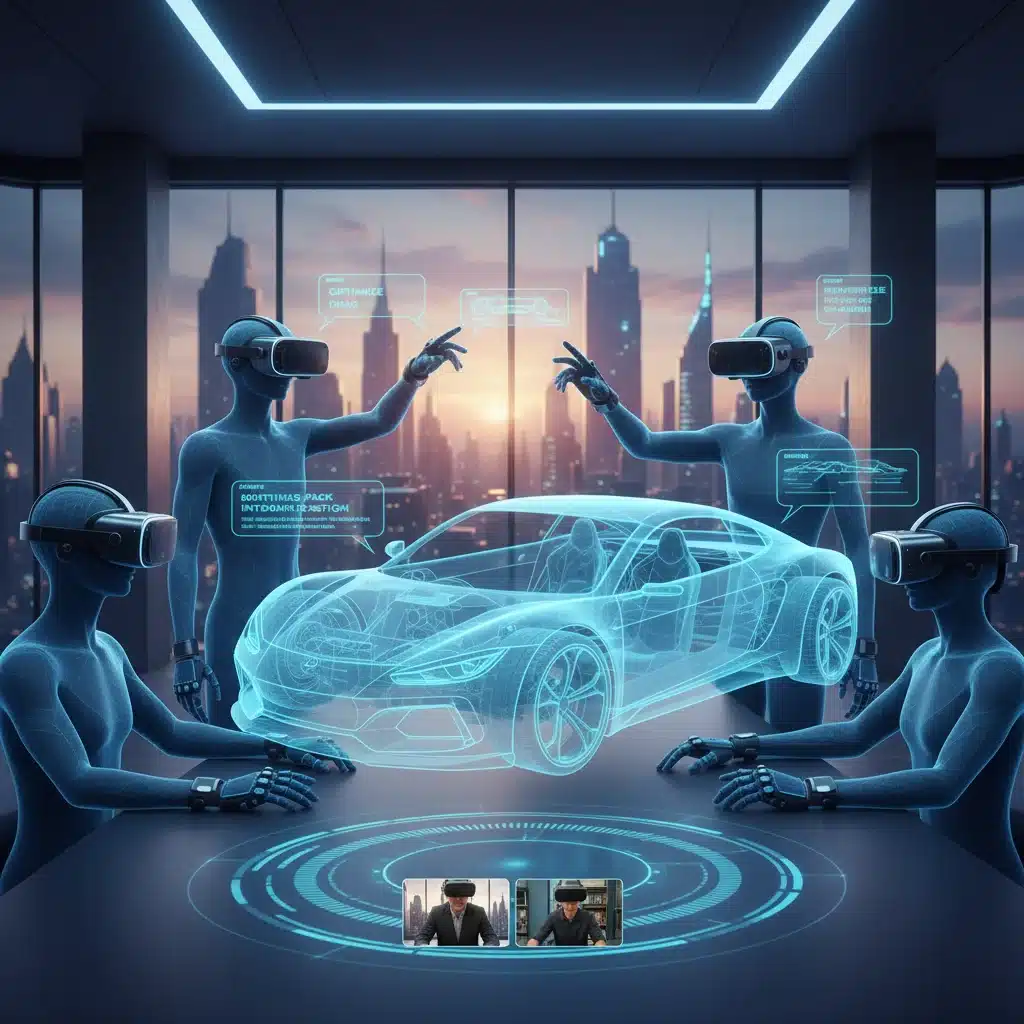
The Future of VR Design Tools: Beyond 2026
Looking beyond 2026, the trajectory for VR design tools is even more exciting. We anticipate:
- Hyper-Personalized AI Assistants: AI will move beyond suggestions to actively anticipating designer needs, learning individual styles, and even generating entire scenes based on minimal input and historical project data.
- Brain-Computer Interface (BCI) Integration: While still nascent, BCIs could offer entirely new modalities for interaction, potentially allowing designers to "think" objects into existence or manipulate them with pure thought.
- Photorealistic Digital Twins: The ability to create and interact with digital twins of real-world objects and environments with perfect fidelity will become standard, further blurring the lines between physical and virtual prototyping.
- Ubiquitous Spatial Computing: VR design will not be confined to headsets but will seamlessly integrate with augmented reality (AR) and mixed reality (MR) devices, allowing for design interactions within real physical spaces.
- Ethical AI in Design: As AI becomes more prevalent, ethical considerations around bias in generative design, data privacy, and the environmental impact of compute resources will become central to tool development.
The continuous drive for efficiency, immersion, and creative freedom will undoubtedly push VR design tools to even greater heights, making the 30% faster prototyping benchmark seem modest in retrospect.
Choosing the Right Tool for Your Workflow
The "best" VR design tool isn’t universal; it depends on your specific needs, industry, and project goals. When aiming for that 30% prototyping acceleration, consider:
- Your Primary Design Focus: Are you sketching concepts (ImmersiSketch Pro), building precise engineering models (SpatialForge XR), or creating interactive environments (Metaverse Builder Suite)?
- Team Size and Collaboration Needs: For large, distributed teams, real-time collaboration features are paramount.
- Existing Software Ecosystem: How well does the VR tool integrate with your current CAD, DCC, and project management software?
- Budget and Scalability: Consider licensing costs, hardware requirements, and the ability of the tool to grow with your projects.
- Learning Curve: Evaluate the time and resources required to train your team effectively.
Ultimately, the goal is to find a tool that not only meets your technical requirements but also empowers your design team to work more intuitively, creatively, and – most importantly – more efficiently. The promise of 30% faster prototyping is no longer a distant dream but a tangible reality with the advanced VR design tools available in 2026.
Conclusion
The year 2026 marks a significant milestone in the evolution of virtual reality design. The leading VR design tools, such as ImmersiSketch Pro, SpatialForge XR, and the Metaverse Builder Suite, are not just incrementally improving; they are fundamentally transforming how immersive content is created. By integrating intuitive interfaces, powerful AI assistance, robust collaboration features, and seamless workflow integrations, these platforms are demonstrably achieving and often exceeding the goal of 30% faster prototyping.
For designers and organizations looking to stay ahead in the rapidly expanding immersive market, investing in and mastering these advanced VR design tools is no longer optional. It is a strategic imperative that promises not only accelerated development cycles but also higher quality outputs and a more dynamic, engaging creative process. The future of design is undeniably virtual, and with these tools, that future is arriving faster than ever before.