VR Hardware Maintenance 2026: Extend Device Lifespan by 30% for US Companies
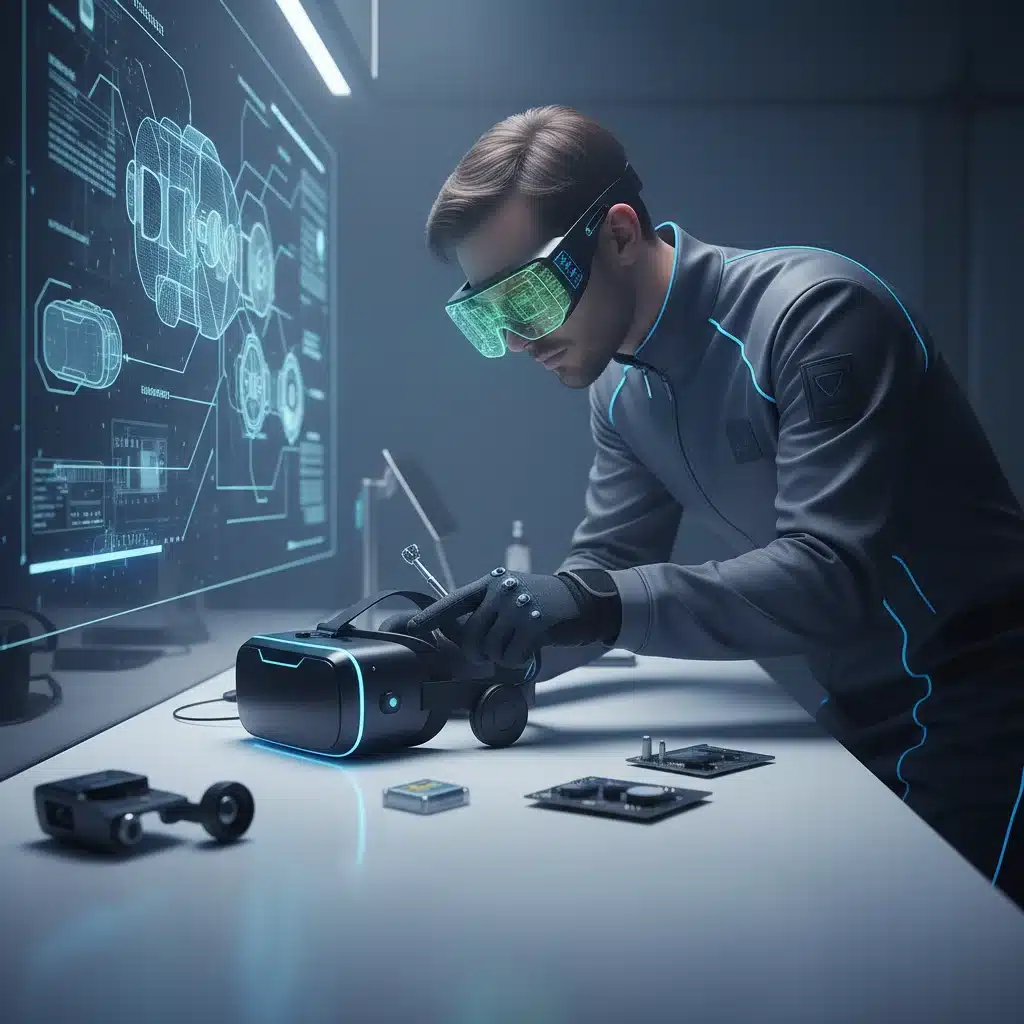
In the rapidly evolving landscape of 2026, Virtual Reality (VR) technology has transcended niche applications to become a cornerstone of innovation for countless US companies. From immersive training simulations and collaborative design reviews to groundbreaking customer experiences and remote work solutions, VR offers unparalleled opportunities for growth and efficiency. However, the true potential of these sophisticated devices can only be fully realized and sustained through diligent and strategic VR hardware maintenance.
The initial investment in VR hardware is significant, and without proper care, the lifespan of these devices can be drastically cut short, leading to increased operational costs, frustrating downtime, and diminished return on investment (ROI). This comprehensive guide is specifically tailored for US companies looking to optimize their VR deployments. We aim to equip you with the knowledge and actionable strategies necessary to extend the lifespan of your VR hardware by up to 30%, ensuring consistent performance and maximizing your technological edge in a competitive market.
As VR technology continues to advance, so too do the complexities of its upkeep. The components are becoming more intricate, the sensors more sensitive, and the software integrations more demanding. Proactive VR hardware maintenance is no longer just a best practice; it’s a critical operational imperative. By implementing the robust maintenance protocols outlined in this article, your company can safeguard its VR assets, enhance user experience, and avoid the pitfalls of premature hardware failure.
The Economic Imperative: Why Proactive VR Hardware Maintenance Matters
The decision to invest in VR technology is often driven by a clear vision of its benefits. Yet, the long-term economic advantages are heavily dependent on the longevity and reliability of the hardware. For US companies, the cost of replacing VR headsets, controllers, and associated peripherals can quickly erode budget allocations if devices fail prematurely. Consider the following economic implications:
- Reduced Replacement Costs: Extending the lifespan of a VR headset by 30% means delaying its replacement cycle, directly saving capital expenditure. For a fleet of hundreds or thousands of devices, this translates into substantial savings.
- Minimized Downtime: A broken VR headset means lost productivity. Whether it’s a training session interrupted, a design review postponed, or a customer demo cancelled, downtime carries a tangible cost in terms of lost work hours, missed opportunities, and potential reputational damage. Effective VR hardware maintenance minimizes these disruptions.
- Optimized Performance: Well-maintained hardware performs better. Clean lenses, calibrated sensors, and updated firmware ensure a seamless and high-quality VR experience, which is crucial for achieving desired outcomes in training, development, and user engagement.
- Enhanced ROI: By spreading the initial investment cost over a longer, more productive device lifespan, the overall ROI of your VR deployment significantly improves.
- Predictable Budgeting: Proactive maintenance allows for more predictable budgeting for repairs and replacements, rather than being hit with unexpected, large-scale hardware failures.
In essence, neglecting VR hardware maintenance is akin to letting a valuable asset depreciate faster than necessary. For US companies operating in a competitive global market, every efficiency gain and cost saving contributes to a stronger bottom line.
Understanding Your VR Ecosystem: Components and Vulnerabilities
Before diving into maintenance strategies, it’s crucial to understand the various components of a typical VR setup and their specific vulnerabilities. A standard enterprise VR system often includes:
- Head-Mounted Displays (HMDs): These are the core of the VR experience, housing displays, lenses, sensors (accelerometers, gyroscopes, magnetometers), tracking cameras, and sometimes integrated audio.
- Controllers: Handheld devices used for interaction within the VR environment. They contain buttons, joysticks, haptic feedback mechanisms, and tracking sensors.
- Base Stations/Trackers: External devices (for some systems) that emit signals to enable precise positional tracking of HMDs and controllers.
- Cables and Connectors: Essential for power, data transfer, and display connectivity. These are often subject to wear and tear from movement and repeated plugging/unplugging.
- PC/Workstation: The computational backbone, requiring its own set of maintenance considerations, though this guide primarily focuses on the VR peripherals.
- Accessories: Face interfaces, head straps, carrying cases, charging docks, etc.
Common Vulnerabilities:
- Lenses: Highly susceptible to scratches, dust, smudges, and direct sunlight exposure (which can burn the display).
- Sensors/Cameras: Can be obstructed by dirt, dust, or physical damage, leading to tracking inaccuracies.
- Cables: Fraying, bending, or damage at the connectors due to stress or improper handling.
- Batteries: Degradation over time, especially with improper charging habits or exposure to extreme temperatures.
- Face Interfaces: Absorb sweat, oils, and makeup, becoming unhygienic and degrading over time.
- Physical Impact: Drops, bumps, and collisions are common, especially in active VR environments.
- Software Glitches: Outdated firmware or software conflicts can cause performance issues or render devices unusable.
Recognizing these vulnerabilities is the first step toward developing a robust VR hardware maintenance plan that specifically addresses potential points of failure.
Pillar 1: Daily and Weekly Cleaning Protocols
Cleanliness is paramount for both hygiene and optical clarity in VR. Regular cleaning prevents the buildup of contaminants that can degrade performance and shorten device life. Implement the following:
Daily Cleaning (After Each Use or End of Day):
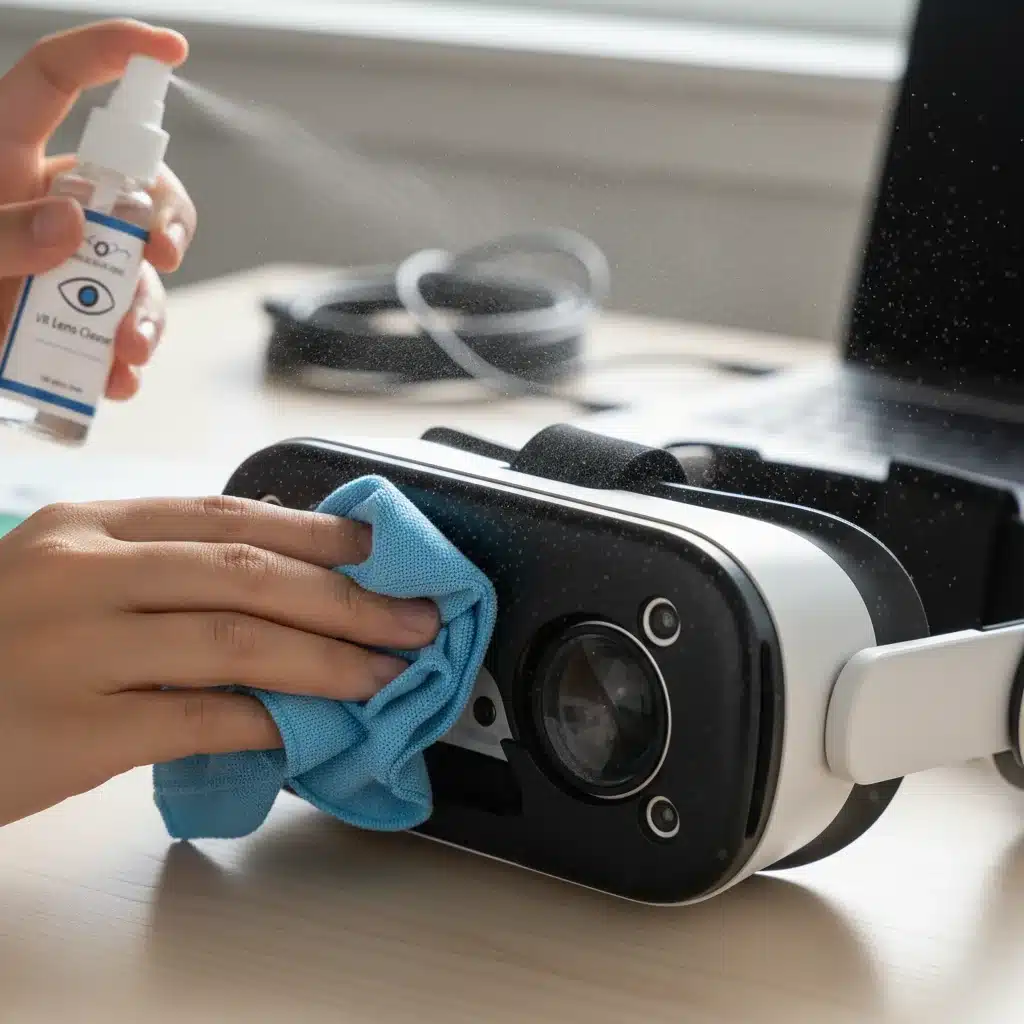
- Lenses: Use a dry, lint-free microfiber cloth specifically designed for optics. Gently wipe in a circular motion from the center outwards. NEVER use abrasive materials, chemical cleaners, or liquids directly on the lenses unless specified by the manufacturer. Alcohol-free optical wipes can be used sparingly if heavily smudged.
- Face Interface: If removable, detach and clean with a mild, non-abrasive disinfectant wipe or a damp cloth with mild soap. Allow to air dry completely before reattaching. For non-removable interfaces, use a disinfectant wipe, ensuring no liquid seeps into the device. Consider hygienic covers for shared devices.
- Headset Exterior & Controllers: Wipe down with a clean, dry microfiber cloth or a mild disinfectant wipe. Pay attention to grip areas and buttons.
- Cables: Quickly inspect for kinks, twists, or fraying. Gently wipe down any dirty sections.
Weekly Deep Clean/Inspection:
- Air Dusting: Use compressed air (held upright and at a distance) to clear dust from vents, crevices, and around sensors/cameras on the HMD and controllers. Be careful not to spray liquid propellant.
- Sensor Check: Ensure all external tracking sensors (if applicable) and integrated cameras are clear of obstructions. Gently wipe with a microfiber cloth if needed.
- Cable Health Check: More thoroughly inspect all cables for signs of wear, stress, or damage. Ensure connectors are clean and not bent.
Establishing these routines is a fundamental aspect of effective VR hardware maintenance. Training all users on proper cleaning techniques is crucial to ensure consistency.
Pillar 2: Proper Storage and Environmental Control
The environment in which VR hardware is stored significantly impacts its longevity. Improper storage can lead to physical damage, accelerated material degradation, and performance issues.
Optimal Storage Practices:
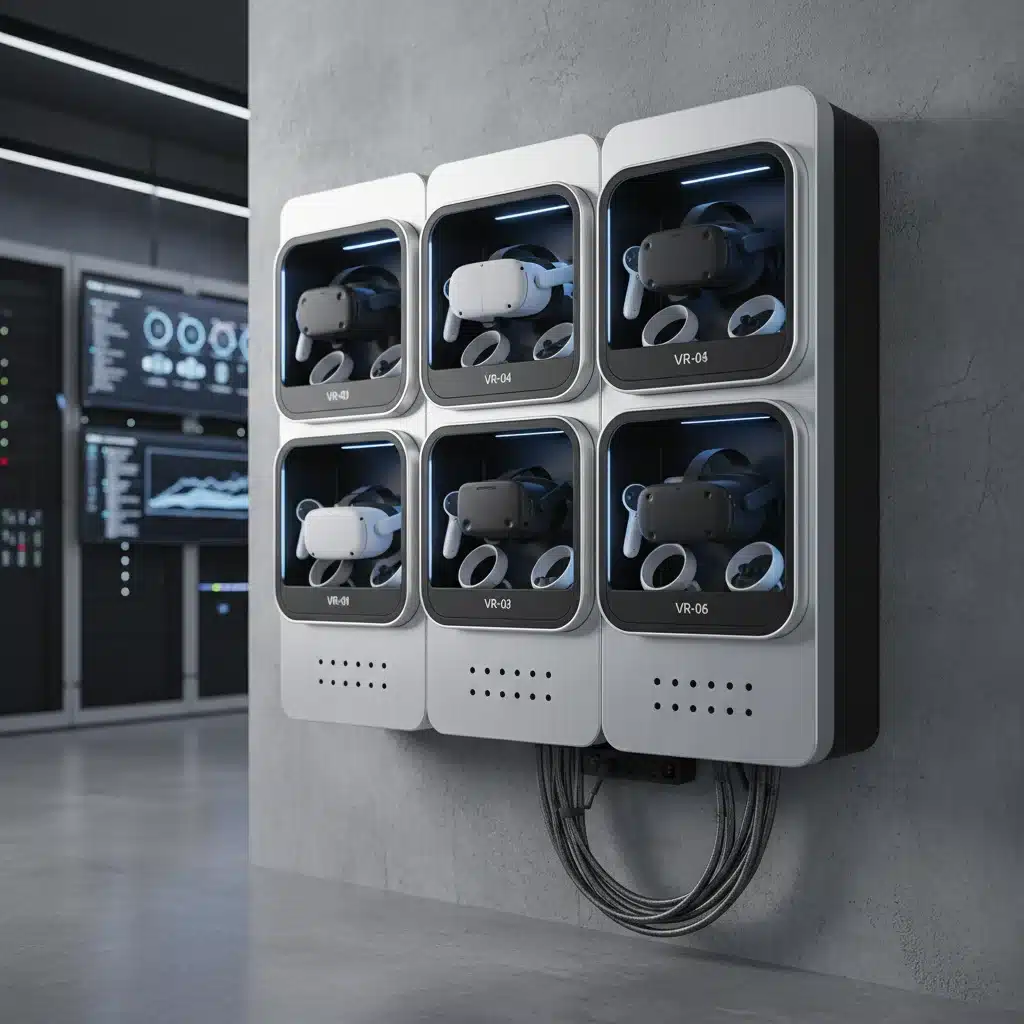
- Dedicated Storage Solutions: Invest in dedicated cases, cabinets, or charging stations that protect devices from dust, impact, and direct sunlight. These solutions often provide organized storage and charging capabilities.
- Protection from Sunlight: Direct sunlight can permanently damage VR headset displays through the lenses (the ‘magnifying glass effect’). Always store headsets away from windows or in opaque containers.
- Temperature and Humidity Control: Store devices in a cool, dry environment. Extreme temperatures (hot or cold) and high humidity can degrade internal components, batteries, and even external materials. Aim for typical room temperatures (60-75°F or 15-24°C) and moderate humidity.
- Cable Management: Avoid tightly wrapping or bending cables. Store them loosely coiled or use cable ties to prevent kinks and strain on connectors.
- Secure Placement: Ensure devices are stored where they cannot be easily knocked over, dropped, or have heavy objects placed on them.
Environmental Monitoring:
For large-scale VR deployments, consider environmental monitoring tools to ensure storage areas maintain optimal conditions. This might involve temperature and humidity sensors that alert facility managers to any deviations. Proactive environmental control is a key, often overlooked, aspect of comprehensive VR hardware maintenance.
Pillar 3: Software Updates and Firmware Management
Hardware is only as good as its software. Keeping VR operating systems, device firmware, and application software updated is critical for performance, security, and compatibility.
- Regular Firmware Updates: Manufacturers frequently release firmware updates for HMDs, controllers, and base stations. These updates often include performance enhancements, bug fixes, new features, and critical security patches. Establish a schedule for checking and applying these updates.
- Operating System Updates: Ensure the host PC or standalone VR device’s operating system (e.g., Windows, Android-based VR OS) is kept up-to-date.
- Application Software Updates: Regularly update VR applications and platforms. Outdated software can lead to compatibility issues, crashes, and suboptimal experiences.
- Driver Management: For PC-tethered VR, keep graphics card drivers and other relevant hardware drivers current.
- Centralized Management Solutions: For large deployments, explore enterprise VR management platforms that allow for centralized monitoring, updating, and troubleshooting of multiple devices, streamlining VR hardware maintenance efforts.
Ignoring software updates can lead to a cascade of problems, from tracking glitches and display issues to complete device malfunction. A well-maintained software stack is integral to a healthy VR hardware ecosystem.
Pillar 4: Battery Care and Charging Best Practices
Batteries are consumable components, but their lifespan can be significantly extended with proper care.
- Optimal Charging Habits:
- Avoid fully discharging batteries frequently. Lithium-ion batteries (common in VR) prefer partial discharges and frequent top-ups.
- Avoid leaving devices plugged in and charging indefinitely once fully charged, especially if they don’t have smart charging features that cut off power.
- If storing devices for extended periods, charge them to around 50-80% before storage, rather than 0% or 100%.
- Use Approved Chargers: Always use the manufacturer-provided charger and cable, or a certified compatible alternative. Incorrect chargers can damage batteries or charging circuitry.
- Avoid Extreme Temperatures: Charging or operating devices in very hot or very cold environments can degrade battery health rapidly.
- Monitor Battery Health: Some VR systems or management software provide insights into battery health. Monitor these metrics and consider replacing batteries when their capacity significantly diminishes.
Proper battery care is a straightforward yet impactful aspect of VR hardware maintenance that directly contributes to the operational uptime of your devices.
Pillar 5: User Training and Handling Protocols
Human error is a leading cause of hardware damage. Comprehensive user training is perhaps the most critical, yet often overlooked, aspect of VR hardware maintenance.
Mandatory User Training:
- Proper Donning and Doffing: Teach users the correct way to put on and take off the headset, minimizing strain on head straps and cables.
- Safe Handling: Emphasize holding devices securely, avoiding drops, and not swinging controllers carelessly.
- Cable Awareness: Instruct users to be mindful of cables, preventing tripping hazards and avoiding excessive pulling or twisting.
- Environmental Awareness: Train users to check their physical surroundings before and during VR use to prevent collisions.
- Reporting Damage: Establish a clear protocol for users to report any damage or malfunction immediately. Encourage reporting even minor issues to prevent them from escalating.
- Cleaning Basics: Reinforce the daily cleaning protocols for lenses and face interfaces.
Implementing Best Practices:
- Clear Signage: Place simple, visual instructions near VR stations.
- Supervision: For new users or public-facing VR experiences, consider having trained staff supervise initial use.
- Pre-use Checklist: Encourage users to quickly check device condition before starting a session.
A well-informed user base acts as the first line of defense against hardware damage, significantly reducing the burden of reactive VR hardware maintenance.
Pillar 6: Advanced Troubleshooting and Repair Strategies
Despite best efforts, issues will inevitably arise. Having a structured approach to troubleshooting and repair is essential.
Tiered Troubleshooting:
- Basic Checks:
- Is it powered on?
- Are all cables securely connected?
- Is the area well-lit for tracking?
- Are batteries charged?
- Have devices been restarted?
- Software Diagnostics:
- Check VR platform status (e.g., SteamVR, Oculus/Meta Link).
- Review error logs.
- Reinstall drivers or VR software.
- Perform a factory reset (as a last resort for software issues).
- Hardware Isolation:
- If an issue persists, try isolating the component. For example, swap controllers between headsets to see if the problem follows the controller or stays with the headset.
- Test cables individually if possible.
Repair and Replacement:
- Manufacturer Warranty: Understand the warranty terms for all your VR hardware. Many issues can be resolved under warranty, saving repair costs.
- Authorized Repair Centers: For complex issues beyond basic troubleshooting, utilize authorized repair centers. Attempting DIY repairs without expertise can void warranties and cause further damage.
- Spare Parts Inventory: For critical deployments, consider keeping a small inventory of common failure points (e.g., spare cables, face interfaces, or even a backup headset/controller) to minimize downtime during repairs.
- End-of-Life Planning: Establish a clear process for when devices reach the end of their useful life. This includes secure data wiping and environmentally responsible disposal or recycling, aligning with US regulations.
Having a clear escalation path for technical issues is a cornerstone of effective VR hardware maintenance, ensuring that problems are resolved efficiently and devices are returned to service quickly.
Establishing a Comprehensive VR Hardware Maintenance Program for US Companies
To truly achieve a 30% extension in device lifespan and optimize your VR investment, US companies should integrate these pillars into a formal, documented maintenance program. This program should include:
- Designated VR Administrator/Team: Assign responsibility for overseeing VR hardware, scheduling maintenance, and training users.
- Maintenance Schedule: Create a calendar for daily, weekly, monthly, and quarterly maintenance tasks.
- Documentation: Keep records of each device, including purchase date, warranty information, maintenance history, and repair logs. This data is invaluable for identifying recurring issues and making informed replacement decisions.
- Budget Allocation: Allocate specific funds for maintenance supplies (cleaning kits, spare parts), software licenses, and potential repair services.
- User Feedback Loop: Implement a system for users to easily report issues and provide feedback on device performance.
- Regular Review and Adaptation: As VR technology evolves, so too should your maintenance program. Regularly review its effectiveness and adapt strategies as new hardware or software is introduced.
By formalizing your VR hardware maintenance efforts, you transition from reactive fixes to proactive asset management, turning your VR investment into a sustainable competitive advantage.
The Future of VR Hardware Maintenance: Trends for 2026 and Beyond
Looking ahead, several trends will further shape how US companies approach VR hardware maintenance:
- Predictive Maintenance with AI: AI and machine learning will play an increasing role in predicting hardware failures before they occur. Sensors within VR devices could monitor component health, battery degradation, and usage patterns, alerting administrators to potential issues.
- Modular Design and Easier Repairs: As the industry matures, there’s a growing demand for more repairable electronics. Future VR hardware might feature more modular designs, allowing for easier component replacement (e.g., swappable lenses, batteries, or head straps) without needing specialized tools or full device replacement.
- Remote Diagnostics and Support: Enhanced connectivity will enable more sophisticated remote diagnostics and troubleshooting, reducing the need for on-site technical support.
- Automated Cleaning Stations: For high-volume environments, automated cleaning and sanitization stations could become standard, ensuring consistent hygiene and reducing manual labor.
- Sustainability and Circular Economy: A greater emphasis on sustainability will drive demand for longer-lasting, repairable devices and robust recycling programs, making extended lifespan through maintenance even more critical.
Embracing these future trends will be key for US companies to stay ahead in the VR space, ensuring their hardware remains cutting-edge and cost-effective for years to come.
Conclusion: Maximize Your VR Investment with Strategic Maintenance
The journey to extending your VR hardware lifespan by up to 30% for US companies in 2026 is not a single action but a continuous commitment to best practices. By diligently implementing comprehensive cleaning protocols, ensuring proper storage, staying current with software updates, practicing smart battery care, empowering users through training, and establishing robust troubleshooting and repair strategies, you can transform your VR deployment from a potential liability into a powerful, long-term asset.
Strategic VR hardware maintenance is an investment that pays dividends in reduced costs, enhanced productivity, superior user experiences, and a stronger competitive position. Don’t let your valuable VR technology fall victim to neglect. Embrace these guidelines, foster a culture of care within your organization, and unlock the full, enduring potential of your virtual reality solutions.