
Lightweight VR hardware designed for extended daily use minimizes neck strain, manages heat, and balances power and weight through ergonomic fittings, breathable materials, modular batteries, and adaptive firmware, enabling comfortable, reliable all-day wear for professionals and gamers.
Lightweight VR hardware designed for extended daily use can change your routine: less strain, more focus. Curious how brands shave grams but keep features? Read on for practical details and tips.
Ergonomic design: fit, weight distribution and pressure points
Lightweight VR hardware designed for extended daily use begins with ergonomic fit: a headset must sit securely without digging into skin or pulling on the neck. Small design choices decide whether you stay comfortable after an hour or an entire workday.
Focus on how weight moves around the head, how straps adjust, and where padding contacts the face—these shape real comfort.
Balance and center of gravity
Good balance keeps the headset feeling lighter than it is. Place mass close to the skull and use rear counterweights or halo bands to shift load off the face.
When the center of gravity is low and centered, the headset resists forward tilt and reduces continuous neck muscle strain.
Fit and adjustment mechanisms
Quick, micro-adjustable straps let users fine-tune fit for different head shapes. Look for ratchets, dial systems, or simple sliding bands that lock securely.
- Top strap: prevents forward sag and controls vertical position.
- Side bands: distribute side pressure and stabilize rotation.
- Rear pad or halo: moves load to stronger skull areas.
- Easy-release points: allow fast removal without tugging hair.
Materials matter: breathable fabrics and memory foam reduce hot spots. Removable, washable liners keep long sessions fresh and prevent skin irritation.
Managing pressure points and contact areas
Identify common pressure spots: forehead, cheekbones, and bridge of the nose. Designers use wider contact patches and curved cushions to spread pressure over larger areas.
Soft, tapered edges and flexible facial interfaces adapt to different faces and cut sharp pressure peaks.
- Use thicker gasket where bones are close to skin.
- Add cutouts for the nose to reduce bridge pressure.
- Choose fabrics that reduce friction and moisture buildup.
Testing with real users of varied head sizes reveals how adjustments and cushion shapes perform in practice. Simple tweaks—like a thin rear pad or a wider strap—often change comfort dramatically.
By prioritizing balanced weight, clear adjustment paths, and pressure-spreading contact points, Lightweight VR hardware designed for extended daily use becomes genuinely wearable for long stretches. Apply these principles when choosing or testing a headset to avoid fatigue and keep focus on tasks or play.
Thermals and materials: keeping cool without adding bulk
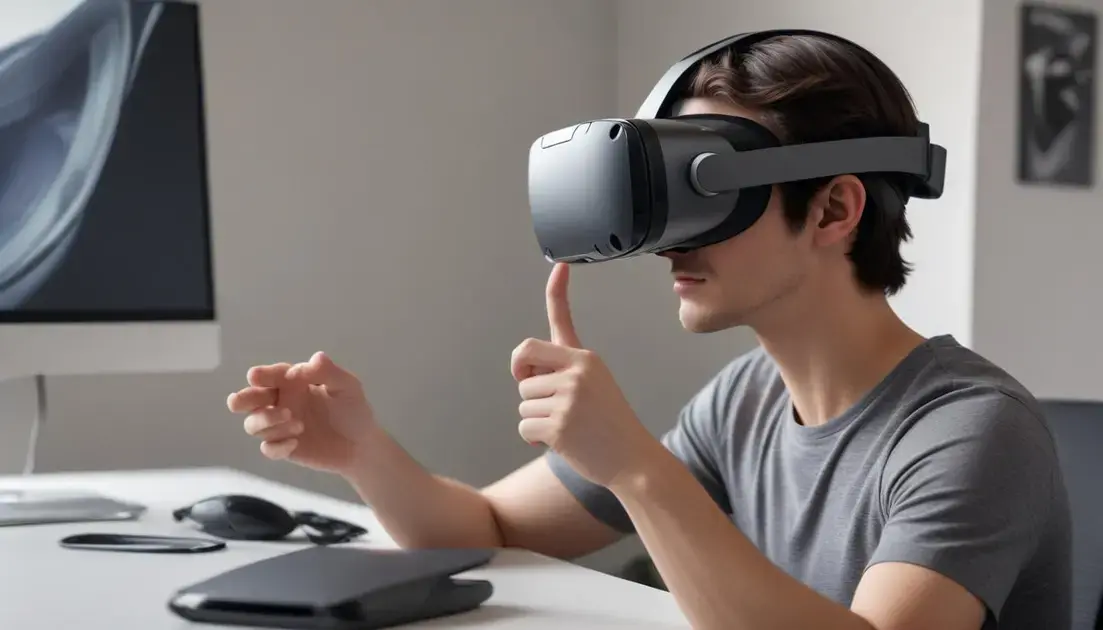
Lightweight VR hardware designed for extended daily use needs smart thermal design so users stay comfortable and focused. Thin, clever materials and small airflow paths help move heat away without adding weight.
Designers aim to balance cooling, noise, and thickness so the headset stays slim and wearable all day.
Passive cooling techniques
Passive features move heat with no power draw. They are ideal when you want low noise and low weight.
- Thin heat spreaders: thin metal or graphite layers spread heat across a larger area.
- Vent channels: narrow, shaped vents let air flow without large fans.
- Phase-change pads: small thermal pads absorb short bursts of heat and release it slowly.
These options add little bulk and no moving parts, which keeps the headset light and reliable for long use.
Material choices that stay cool
Choose fabrics and foams that wick moisture and let skin breathe. Open-cell foams and mesh liners reduce hot spots on the face.
Low-mass conductive layers, like thin graphite sheets, pull heat from electronic hotspots to outer shells where it dissipates.
Combine soft contact materials with thin thermal elements to keep the fit gentle while managing temperature.
Active cooling with minimal tradeoffs
Small fans or vapor chambers can help during intense use, but they must be quiet and light. Place active elements away from contact areas to avoid added pressure.
- Micro fans at rear or side exhausts for targeted airflow.
- Low-profile ducts to channel air without bulk.
- Variable speed control to reduce noise during light tasks.
Noise and power draw are the main tradeoffs. Good firmware can ramp cooling only when needed, preserving battery life and quiet operation.
Finally, test thermal designs with real users doing long sessions. A mix of passive spreaders, breathable liners, and occasional gentle active airflow often gives the best balance for Lightweight VR hardware designed for extended daily use.
Power and modularity: balancing runtime, batteries and weight
Lightweight VR hardware designed for extended daily use relies on clever power choices so headsets run long without feeling heavy. Picking the right battery and modular approach changes comfort and uptime.
Below we compare battery types, swapping options, and power tactics to help you weigh runtime against added mass.
Battery types and runtime trade-offs
High-energy pouch cells give good runtime for their weight, while cylindrical cells are robust and cost-effective. Solid-state batteries are promising but not yet common.
Energy density and safety matter more than brand names when you need hours of use without bulk.
External vs internal packs
Where you place the battery affects balance. Rear-mounted packs move weight to the skull, reducing face pressure. Internal packs keep a clean look but add front mass.
- Rear packs: improve balance, easy to swap but add a tether or connector.
- Internal packs: neat and compact but can increase front pressure.
- Clip-on modular packs: let users trade runtime for weight on demand.
Design connectors for quick, secure swaps and include simple locks so packs do not wobble during motion.
Modularity and user-friendly swaps
Hot-swappable modules let professionals stay online with minimal interruption. A slim rear bay and keyed connector reduce errors when changing packs.
Strike a balance between easy removal and secure fit: a weak latch wastes time, a too-strong latch forces awkward moves.
- Standardized connectors for multi-brand batteries simplify replacements.
- Lightweight power bridges keep cables tidy and low-profile.
- Clear LED indicators show charge status without opening menus.
Consider offering a small rear counterweight option for users who prefer internal batteries but need extra balance.
Power management, heat and firmware
Smart firmware can scale CPU and display brightness to stretch battery life. Lower frame rates or dynamic resolution reduce power draw when full performance is not needed.
Combine hardware-efficiency (low-power screens, efficient SoCs) with software controls to get the most runtime per gram.
- Adaptive performance modes to save power during menus or idle moments.
- Battery health monitoring to prevent deep discharge and prolong lifespan.
- Fail-safe cutoffs and thermal throttles to protect components and users.
Testing real workflows reveals whether runtime or weight is the true bottleneck. Simple modular solutions, paired with firmware that manages power smartly, deliver practical gains for Lightweight VR hardware designed for extended daily use.
Real-world testing and care: practical tips to wear all day comfortably
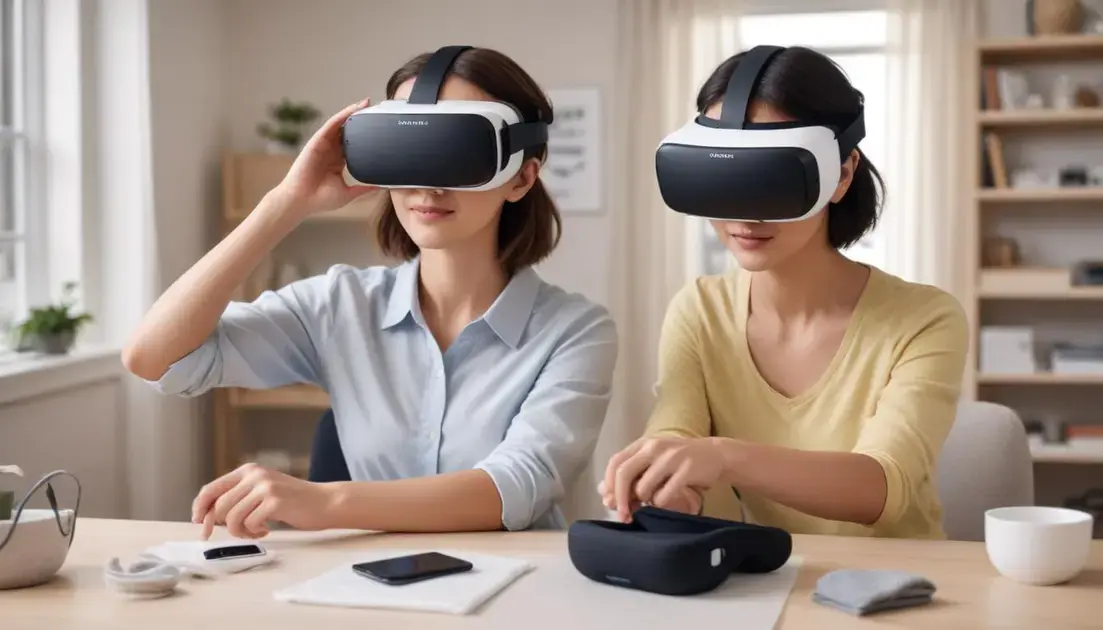
Lightweight VR hardware designed for extended daily use performs best when you test it in real tasks and care for it regularly. Small checks and simple habits keep comfort high and problems low.
Use real workflows, note trouble spots, and make easy adjustments before long sessions.
Quick fit checklist
Run a short routine to spot pressure points and balance issues. Test with movement and common head poses to see how the headset shifts.
- Adjust straps until the headset sits without forward tilt.
- Check the IPD and lens alignment for clear vision.
- Wear for 10–15 minutes and feel for hot spots on the forehead and cheeks.
- Try small tasks like typing, looking down, and turning to test stability.
Record any pain or slippage and tweak padding or strap tension. Small changes often fix major discomforts.
Cleaning, swaps, and simple maintenance
Keep liners and pads clean to prevent skin irritation and odors. Swap washable covers after heavy use or long days.
- Use mild soap and water on removable fabric liners; air dry fully before reuse.
- Wipe plastic shells and foam edges with a damp cloth and isopropyl wipe for electronics-safe cleaning.
- Replace worn cushions every few months if you use the headset daily.
- Check fasteners, magnets, and latches for wear and secure fit.
Carry a spare soft liner and a small tool or key for quick adjustments between sessions.
Schedule short breaks every 45–60 minutes to relieve neck muscles and dry sweat. Even two minutes of gentle neck stretches can reduce fatigue and keep posture correct.
Log issues: note when you felt strain, how long you used the device, and any firmware or accessory changes. Patterns reveal whether a hardware tweak or a habit change is needed.
User testing tips and accessory choices
Test with people of different head sizes and hair types. What is comfortable for one person may press another.
- Offer alternate cushion shapes (narrow, wide) for varied face profiles.
- Try halo straps or rear counterweights to redistribute load.
- Use sweat-absorbing liners for active uses, softer memory foams for office work.
Note how accessories affect weight distribution and whether they introduce new pressure points. Balance gains sometimes come with trade-offs.
Finally, protect the device in a padded case when not in use and keep firmware updated for sensor and power improvements. Regular, simple care plus real-world testing makes Lightweight VR hardware designed for extended daily use far more comfortable and reliable for long days.
Lightweight VR hardware designed for extended daily use works best when makers focus on balance, cooling, power, and real-world trials. Small setup steps, regular care, and simple swaps keep sessions comfortable and productive. Try quick tests and tiny tweaks to find what truly feels right for long wear.
FAQ – Lightweight VR hardware designed for extended daily use
How can I reduce pressure and neck strain during long sessions?
Adjust the top and side straps for a balanced fit, use a rear counterweight or halo, check IPD and lens alignment, and take short breaks every 45–60 minutes.
How often should I clean or replace liners and cushions?
Wipe shells daily, wash removable liners weekly with mild soap, and replace cushions every few months if you use the headset daily.
Are modular or rear-mounted batteries safe and easy to swap?
Yes when built well: use keyed connectors, secure latches, and check LEDs for charge. Follow the maker’s instructions and swap gently to avoid cable strain.
What cooling options keep the headset cool without adding bulk or noise?
Use passive heat spreaders, breathable mesh liners, and thin venting. Add quiet micro fans only if needed and rely on firmware controls to reduce noise and save power.