USB-C Standards for VR Headsets 2026: A Developer’s Guide
The landscape of Virtual Reality (VR) is constantly evolving, pushing the boundaries of immersion and interaction. At the heart of this evolution lies connectivity, and for modern VR headsets, USB-C has emerged as the undisputed champion. As we look towards 2026, understanding the latest USB-C VR Standards becomes paramount for US developers aiming to create cutting-edge virtual experiences. This comprehensive guide will delve into the intricacies of current and anticipated USB-C specifications, ensuring you are well-equipped to navigate the future of VR hardware and software development.
The Evolution of Connectivity: Why USB-C is Critical for VR
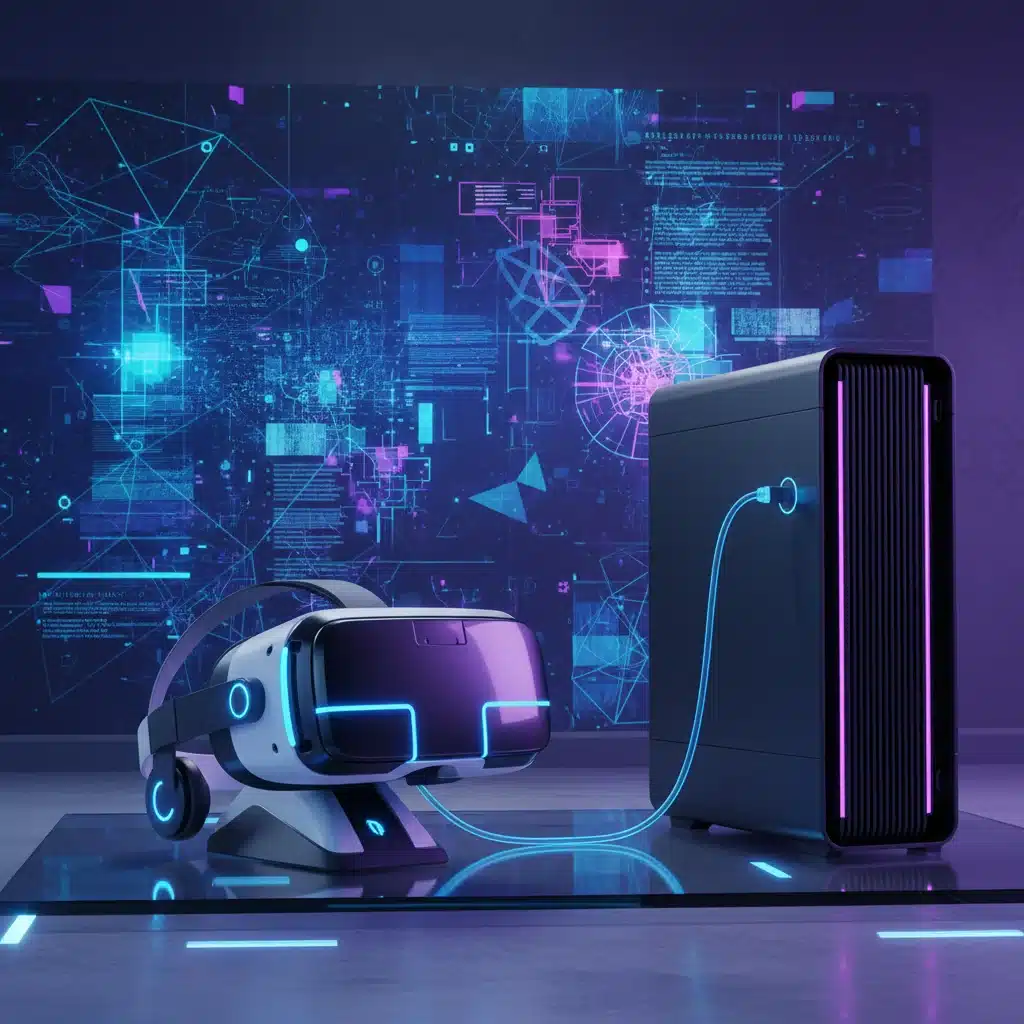
Before USB-C, VR headsets often relied on a tangle of cables – HDMI or DisplayPort for video, USB-A for data, and sometimes a separate power adapter. This cumbersome setup hindered user experience, limited portability, and complicated hardware design. USB-C, with its reversible connector, high bandwidth, and power delivery capabilities, revolutionized this paradigm. It offers a single-cable solution, simplifying connections and enabling sleeker, more comfortable VR devices.
For developers, this means a streamlined development process, fewer compatibility headaches, and the ability to focus on optimizing the VR experience itself. The convergence of data, video, and power over a single port is not just a convenience; it’s a fundamental enabler for the next generation of VR hardware.
Key Advantages of USB-C for VR Headsets:
- Simplified Connectivity: One cable for everything, reducing clutter and improving user experience.
- High Bandwidth: Essential for transmitting high-resolution, high-refresh-rate video and sensor data simultaneously.
- Power Delivery (PD): Enables headsets to be powered directly from the host device, eliminating external power bricks.
- Reversible Connector: Ease of use, no more fumbling to plug in cables.
- Versatility: Support for various alternate modes (Alt Modes) allows for diverse functionalities.
Understanding the Latest USB-C VR Standards (2026 Outlook)
As we approach 2026, several key USB-C VR Standards are shaping the direction of VR headset development. These standards dictate everything from data transfer speeds to display capabilities and power efficiency. Developers must be intimately familiar with these to ensure their applications and hardware designs are future-proof.
USB4 Version 2.0: The Bandwidth Powerhouse
USB4 Version 2.0 is arguably the most significant development impacting USB-C VR Standards. Building upon the foundation of Thunderbolt 4 and USB4 Gen 3×2, Version 2.0 pushes the boundaries of bandwidth to an astonishing 80 Gbps (gigabits per second), and even up to 120 Gbps in asymmetric configurations. This massive increase in data throughput is critical for high-fidelity VR experiences.
Why 80 Gbps (or 120 Gbps) Matters for VR:
- Higher Resolution Displays: Future VR headsets are expected to feature 8K per eye or even higher resolutions. Such displays require immense bandwidth to transmit uncompressed video data at high refresh rates (e.g., 90Hz, 120Hz, or even higher).
- Reduced Compression Artifacts: While Display Stream Compression (DSC) is effective, higher raw bandwidth allows for less aggressive compression, leading to better visual fidelity and fewer artifacts, crucial for immersive VR.
- Advanced Sensor Data: Modern VR headsets integrate an array of sensors – eye-tracking, hand-tracking, depth cameras, and more. All this data needs to be transmitted back to the host system with minimal latency, consuming significant bandwidth.
- Peripheral Integration: The ability to connect additional peripherals directly to the headset (e.g., haptic feedback devices, specialized controllers) without compromising core VR functionality.
Developers should design their VR applications and content with this increased bandwidth in mind. Optimizing for lower latency and higher visual fidelity will be key to leveraging the full potential of USB4 Version 2.0.
DisplayPort Alternate Mode (Alt Mode) 2.0 and Beyond
While USB4 handles the general data transfer, DisplayPort Alt Mode is specifically responsible for transmitting video signals over USB-C. DisplayPort 2.0, and its subsequent iterations, are vital for high-resolution VR. It leverages the USB-C connector to send DisplayPort signals directly, effectively turning the USB-C port into a DisplayPort output.
Key Aspects of DisplayPort Alt Mode for VR:
- DisplayPort 2.0 (UHBR): Supports ultra-high bit rates (UHBR), enabling resolutions up to 16K at 60Hz or dual 8K at 120Hz with DSC. For VR, this translates to incredibly sharp and fluid visuals.
- Display Stream Compression (DSC): An industry-standard, visually lossless compression technology that significantly reduces the bandwidth required for high-resolution video. It’s an indispensable tool for VR, allowing higher resolutions and refresh rates over existing cable infrastructure.
- Multi-Stream Transport (MST): Allows multiple independent video streams to be transmitted over a single DisplayPort connection, potentially enabling future VR systems with multiple displays per eye or external monitors connected through the headset.
Understanding how DisplayPort Alt Mode negotiates bandwidth with other USB-C functions (like data transfer and power delivery) is crucial. Developers need to ensure their software can gracefully handle varying DisplayPort capabilities and make efficient use of available bandwidth.
USB Power Delivery (USB PD) 3.1 and Extended Power Range (EPR)
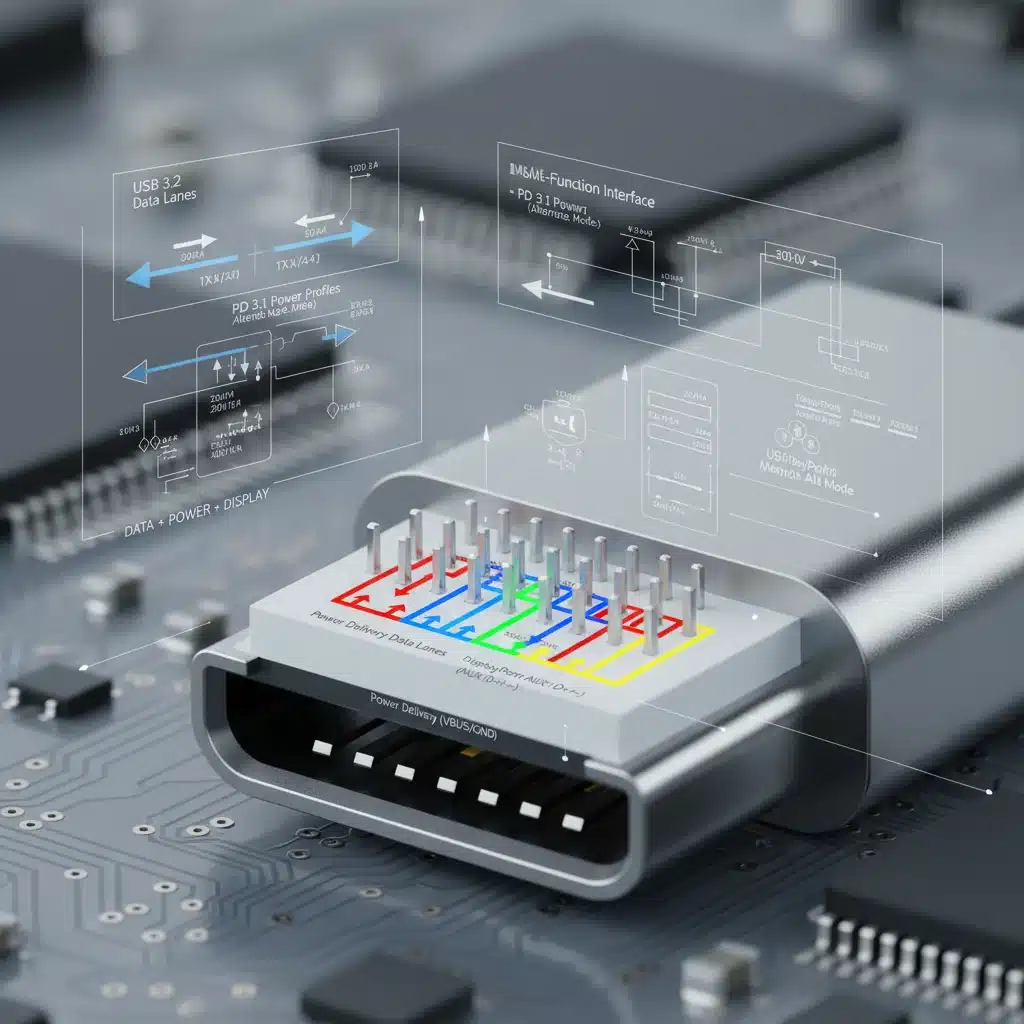
Power is the lifeblood of any electronic device, and VR headsets are no exception. High-resolution displays, powerful processors, and numerous sensors demand significant power. USB Power Delivery (USB PD) 3.1, particularly with its Extended Power Range (EPR) capabilities, is a game-changer for USB-C VR Standards.
What USB PD 3.1 and EPR Bring to VR:
- Increased Power Output: USB PD 3.1 EPR allows for power delivery up to 240W over a single USB-C cable. While current standalone VR headsets typically consume much less, this higher ceiling provides ample headroom for more powerful tethered headsets, integrated cooling solutions, and advanced haptics.
- Flexible Power Profiles: USB PD allows devices to negotiate specific voltage and current profiles, optimizing power delivery based on the headset’s needs. This dynamic power management can improve efficiency and reduce heat.
- Simplified Charging: For standalone headsets, USB-C PD enables faster charging from a wider range of compatible chargers, improving user convenience.
- Eliminating Dedicated Power Bricks: For tethered headsets, the ability to draw significant power directly from the host PC or a compatible hub simplifies the cabling and setup.
Developers should consider the power requirements of their VR applications. While hardware handles the negotiation, inefficient software can lead to higher power consumption, potentially impacting thermal performance and battery life (for standalone units) or drawing too much power from the host system.
Thunderbolt 5: The Ultimate Single-Cable Solution
While USB4 Version 2.0 covers a broad spectrum, Thunderbolt 5 (expected to fully integrate into the 2026 VR ecosystem) takes high-performance connectivity to the next level. Built upon the USB-C connector, Thunderbolt 5 offers bi-directional bandwidth of up to 80 Gbps, with a burst mode of 120 Gbps for display-intensive workloads. It combines USB4, DisplayPort Alt Mode, and PCIe tunneling into a single, robust standard.
Thunderbolt 5’s Impact on VR:
- Guaranteed Performance: Thunderbolt certification ensures a certain level of quality and performance, which is beneficial for developers relying on consistent bandwidth and low latency.
- Dynamic Bandwidth Allocation: Thunderbolt 5 can dynamically allocate bandwidth between data and display, prioritizing video for VR when needed, then shifting to data for large file transfers. This flexibility is crucial for complex VR setups.
- Daisy-Chaining Capabilities: Allows multiple Thunderbolt devices to be connected in a chain, potentially simplifying the setup for multi-user VR experiences or connecting additional peripherals.
- External GPU Support: For VR on laptops or less powerful systems, Thunderbolt 5 enables the connection of external GPUs (eGPUs), significantly boosting graphical performance for demanding VR titles.
For US developers targeting high-end, professional, or enterprise VR applications, understanding and leveraging Thunderbolt 5 will be a significant differentiator in 2026. It represents the pinnacle of single-cable connectivity for complex computing tasks.
Challenges and Considerations for US Developers in 2026
While the advancements in USB-C VR Standards are exciting, developers must also be aware of the challenges and considerations that come with rapidly evolving technology.
Interoperability and Compatibility
Despite standardization efforts, interoperability can still be a hurdle. Not all USB-C ports are created equal. Some may only support USB 2.0 speeds, others USB 3.x, and only a subset will support USB4, Thunderbolt, and the latest DisplayPort Alt Modes and Power Delivery profiles. Developers need to:
- Educate Users: Provide clear guidance on the minimum USB-C port requirements for their VR applications.
- Implement Robust Detection: Develop software that can detect the capabilities of the connected USB-C port and provide informative feedback to the user if requirements are not met.
- Test Extensively: Test VR applications across a wide range of USB-C host controllers, cables, and headsets to ensure broad compatibility.
Cable Quality and Length
The higher the bandwidth and power requirements, the more critical cable quality becomes. Cheap or poorly constructed USB-C cables can introduce signal degradation, leading to dropped frames, visual artifacts, or power delivery issues. For high-fidelity VR, developers should:
- Recommend Certified Cables: Advise users to use USB-IF certified cables, especially those rated for USB4 80Gbps or Thunderbolt 5, to guarantee performance.
- Consider Active Cables: For longer cable runs (beyond 1-2 meters), active USB-C cables with integrated signal conditioners may be necessary to maintain signal integrity.
Latency and Throughput Optimization
Even with high bandwidth, managing latency is paramount for VR. Every millisecond counts in preventing motion sickness and enhancing immersion. Developers must:
- Optimize Data Pipelines: Ensure efficient data transfer between the VR application, the operating system, and the headset’s drivers.
- Minimize Software Overhead: Reduce any unnecessary processing or buffering that could introduce latency.
- Leverage Hardware Acceleration: Utilize GPU and specialized hardware acceleration for video encoding/decoding and sensor data processing where possible.
Future-Proofing Your VR Development
The pace of technological change shows no signs of slowing. To future-proof VR development for 2026 and beyond:
- Stay Informed: Continuously monitor updates from USB-IF, VESA (for DisplayPort), and major hardware manufacturers.
- Modular Design: Design VR applications and hardware interfaces with modularity in mind, making it easier to adapt to new standards or replace components.
- Cloud-Based VR: Explore the potential of cloud-based VR, which might offload some processing and reduce the reliance on local hardware, though it introduces its own set of connectivity challenges (e.g., network latency).
The Role of Software and Drivers in USB-C VR Performance
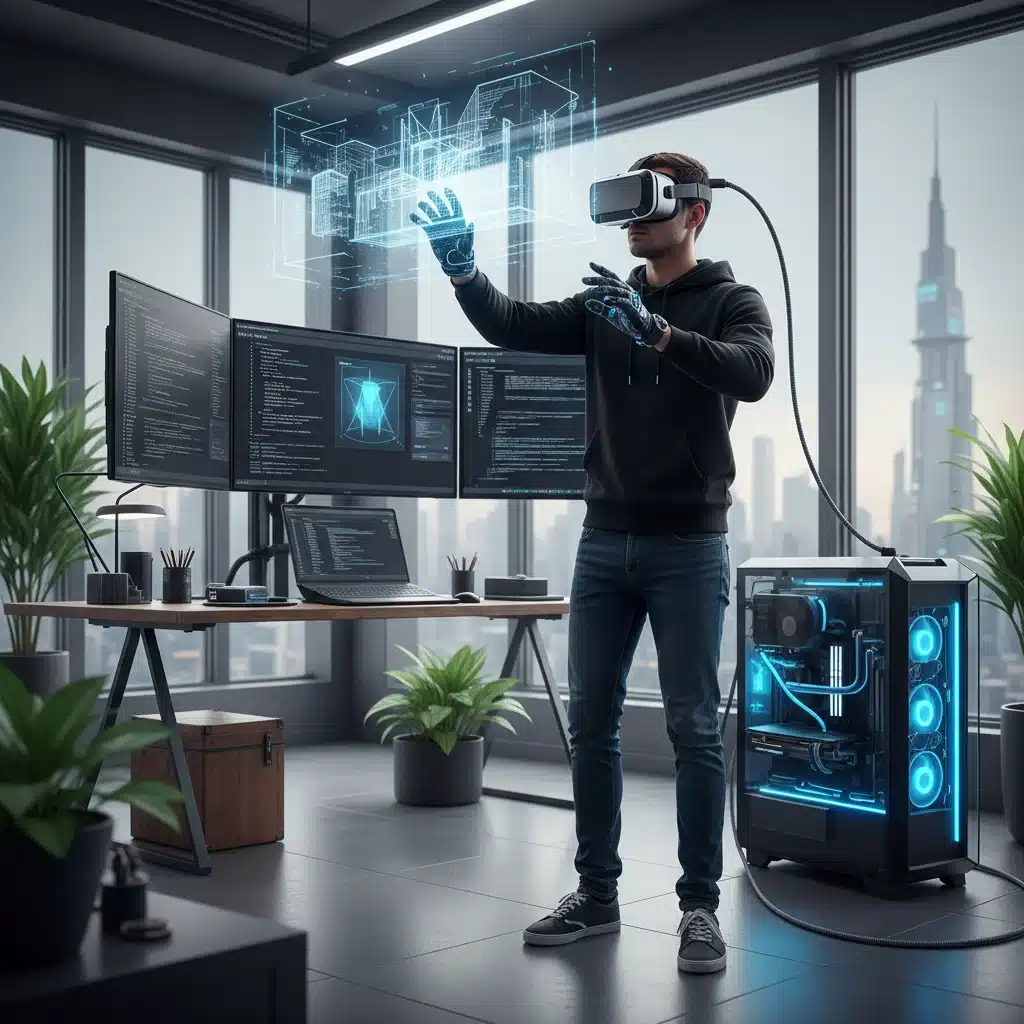
Hardware standards lay the foundation, but software and drivers are crucial for unlocking the full potential of USB-C VR Standards. A perfectly compliant USB-C port and cable are useless without optimized software to manage the data flow.
Operating System Support and Driver Optimization
Operating systems (Windows, macOS, Linux) and their respective USB-C drivers play a critical role. They manage the negotiation of Alt Modes, power delivery profiles, and overall data traffic. Developers should:
- Ensure Latest OS Updates: Advise users to keep their operating systems updated to benefit from the latest USB-C driver improvements and bug fixes.
- Work with Hardware Vendors: Collaborate closely with VR headset manufacturers and GPU vendors to ensure that their drivers are optimized for specific USB-C implementations and VR workloads.
VR Runtime and SDK Enhancements
VR runtimes (like SteamVR, Oculus/Meta PC VR) and SDKs (Software Development Kits) are the bridge between your application and the headset. These need to be continuously updated to support the latest USB-C VR Standards.
- API for USB-C Capabilities: SDKs may provide APIs for developers to query the capabilities of the connected USB-C port, allowing for dynamic adjustments in application settings (e.g., resolution, refresh rate).
- Optimized Data Paths: Runtimes are responsible for efficiently packaging and transmitting video frames and receiving sensor data, making the most of the available USB-C bandwidth.
Case Studies and Emerging Trends in 2026
By 2026, we anticipate several key trends and potential case studies demonstrating the power of advanced USB-C VR Standards.
High-Fidelity Untethered Experiences (via USB-C Link)
While wireless VR is gaining traction, the demand for truly high-fidelity, uncompressed experiences for PC VR remains strong. USB-C with 80 Gbps or 120 Gbps bandwidth will offer a crucial wired link that far surpasses current wireless capabilities in terms of raw data throughput and latency. This will enable:
- Professional Design and Engineering: Architects, engineers, and designers can work with incredibly detailed 3D models in VR without visual compromises.
- Esports VR: Competitive VR gaming where every frame and millisecond of latency is critical.
- Medical and Scientific Visualization: Researchers can explore complex datasets with unparalleled clarity and responsiveness.
USB-C Hubs and Docking Stations for VR
The versatility of USB-C will lead to more sophisticated hubs and docking stations specifically designed for VR. These could offer:
- Multiple VR Headset Connections: Facilitating multi-user VR experiences from a single powerful PC.
- Integrated Peripherals: Ports for haptic gloves, full-body tracking sensors, and other VR accessories, all managed through a single USB-C connection to the host.
- Dedicated Power Delivery: Ensuring stable and ample power for all connected VR components.
The Convergence of AR and VR with USB-C
As Augmented Reality (AR) and Mixed Reality (MR) devices become more sophisticated, they too will heavily rely on USB-C. The lines between AR and VR are blurring, and a unified connectivity standard like USB-C will be essential for hybrid devices that seamlessly transition between virtual and real-world overlays.
For US developers, this means designing applications that are flexible enough to operate across a spectrum of immersive devices, all potentially leveraging the same underlying USB-C VR Standards for connectivity.
Conclusion: Embracing the Future with USB-C VR Standards
The journey towards truly immersive and seamless virtual reality experiences is inextricably linked to the evolution of connectivity. As we move into 2026, the advanced USB-C VR Standards, encompassing USB4 Version 2.0, DisplayPort Alt Mode 2.0+, USB PD 3.1 EPR, and Thunderbolt 5, provide the foundational infrastructure for next-generation VR headsets and applications.
For US developers, staying abreast of these standards is not just about compatibility; it’s about unlocking creative potential. It means the ability to design higher-resolution visuals, integrate more sophisticated sensors, ensure stable power delivery, and ultimately, deliver unparalleled virtual experiences to users. The single-cable future promised by USB-C is rapidly becoming a reality, simplifying development and enhancing the end-user experience across the entire VR ecosystem. Embrace these standards, and you’ll be at the forefront of shaping the future of virtual reality.