Powering Your VR Setup: A 2026 Guide to Optimal PSU Requirements for US VR Workstations (PRACTICAL SOLUTIONS)
Virtual Reality (VR) has rapidly evolved from a niche technology into a mainstream entertainment and productivity platform. As we step into 2026, the demands placed on VR systems, particularly the underlying hardware, have never been higher. High-fidelity graphics, complex physics simulations, and increasingly immersive experiences require a robust and reliable foundation, and at the heart of that foundation lies the Power Supply Unit (PSU). Selecting the right PSU for your VR workstation is not merely about wattage; it’s about stability, efficiency, and future-proofing your investment. This comprehensive guide will delve into the critical VR PSU Requirements for US users in 2026, offering practical solutions to ensure your immersive adventures remain uninterrupted and perform at their peak.
The Evolving Landscape of VR in 2026: Why Your PSU Matters More Than Ever
The year 2026 marks a significant inflection point for VR technology. We’re seeing widespread adoption of higher resolution displays (think 4K per eye and beyond), advanced haptic feedback systems, and increasingly sophisticated real-time rendering techniques. These innovations, while delivering unparalleled immersion, are also incredibly power-hungry. Your graphics card, the primary workhorse for VR, demands substantial and consistent power, especially under sustained loads. An inadequate or inefficient PSU can lead to system instability, crashes, performance throttling, and even hardware damage. Therefore, understanding and meeting the specific VR PSU Requirements is paramount for any serious VR enthusiast or professional.
Understanding the Core Components of a VR Workstation
Before we dive into specific PSU recommendations, let’s briefly review the key components within a VR workstation that draw significant power:
- Graphics Processing Unit (GPU): This is arguably the most power-hungry component. Modern high-end GPUs designed for VR, such as the NVIDIA RTX 5000 series or AMD’s Radeon RX 9000 series (hypothetical 2026 models), can consume anywhere from 300W to 600W or even more under full load. VR applications push GPUs to their limits, making a stable power delivery crucial.
- Central Processing Unit (CPU): While less power-intensive than the GPU for VR tasks, high-core count CPUs (e.g., Intel Core i9 or AMD Ryzen 9 series) still require substantial power, especially during complex scene loading, physics calculations, and background processes. Expect modern high-end CPUs to draw 100W to 250W.
- Motherboard & Chipset: The motherboard itself, along with its integrated chipset, draws power to manage data flow and peripheral connections.
- RAM (Random Access Memory): While individual RAM sticks consume relatively little power, a system with 32GB or 64GB of high-speed DDR5 or DDR6 RAM will contribute to the overall power draw.
- Storage (SSDs/NVMe drives): Modern NVMe SSDs are efficient but still require power. Multiple drives will cumulatively increase power consumption.
- Peripherals & Cooling: USB-powered VR headsets, external base stations, fans, AIO liquid coolers, and RGB lighting all contribute to the total power demand.
Calculating Your Baseline VR PSU Requirements: A Step-by-Step Approach
Estimating the ideal PSU wattage involves more than just adding up the listed TDP (Thermal Design Power) of your CPU and GPU. TDP is a measure of heat dissipation, not necessarily maximum power draw. You need to consider peak power consumption and future expandability. Here’s a practical approach:
Step 1: Identify Your GPU’s Max Power Draw
This is the most critical factor. Research the specific maximum power consumption of your chosen VR-ready GPU. Manufacturers often list a ‘recommended PSU wattage’ which is a good starting point, but it’s better to find the actual peak power draw (often found in detailed reviews or tech specs). For example, a high-end 2026 GPU might have a peak draw of 450W.
Step 2: Identify Your CPU’s Max Power Draw
Similarly, look up the maximum power consumption of your CPU. High-end CPUs can spike in power draw during intense computations. For example, a top-tier CPU might draw 200W.
Step 3: Estimate Other Component Power Draws
A good rule of thumb for the rest of your system (motherboard, RAM, SSDs, fans, USB devices, etc.) is to allocate an additional 100W to 150W. If you have numerous RGB components, multiple NVMe drives, or a complex liquid cooling setup, lean towards the higher end.
Step 4: Sum It Up and Add a Headroom Buffer
Add the figures from Steps 1, 2, and 3. Then, add a significant buffer. Why a buffer? PSUs are most efficient when operating at 50-70% of their maximum load. Running a PSU constantly at 90%+ capacity can reduce its lifespan, increase heat, and decrease efficiency. Furthermore, adding a buffer accounts for transient power spikes (especially from GPUs) and provides room for future upgrades. A 20-30% buffer is generally recommended for VR workstations.
Example Calculation:
- GPU Max Draw: 450W
- CPU Max Draw: 200W
- Other Components: 150W
- Subtotal: 450W + 200W + 150W = 800W
- Buffer (25%): 800W * 0.25 = 200W
- Recommended PSU Wattage: 800W + 200W = 1000W
Based on this, a 1000W PSU would be a wise choice for such a system to meet VR PSU Requirements. For most high-end VR workstations in 2026, you’ll likely be looking at PSUs in the 850W to 1200W range, depending on your specific GPU and CPU combination.
Beyond Wattage: Critical Factors for Optimal VR PSU Requirements
Wattage is just one piece of the puzzle. Several other factors are equally important for a reliable and efficient VR experience.
1. 80 PLUS Certification: Efficiency Matters
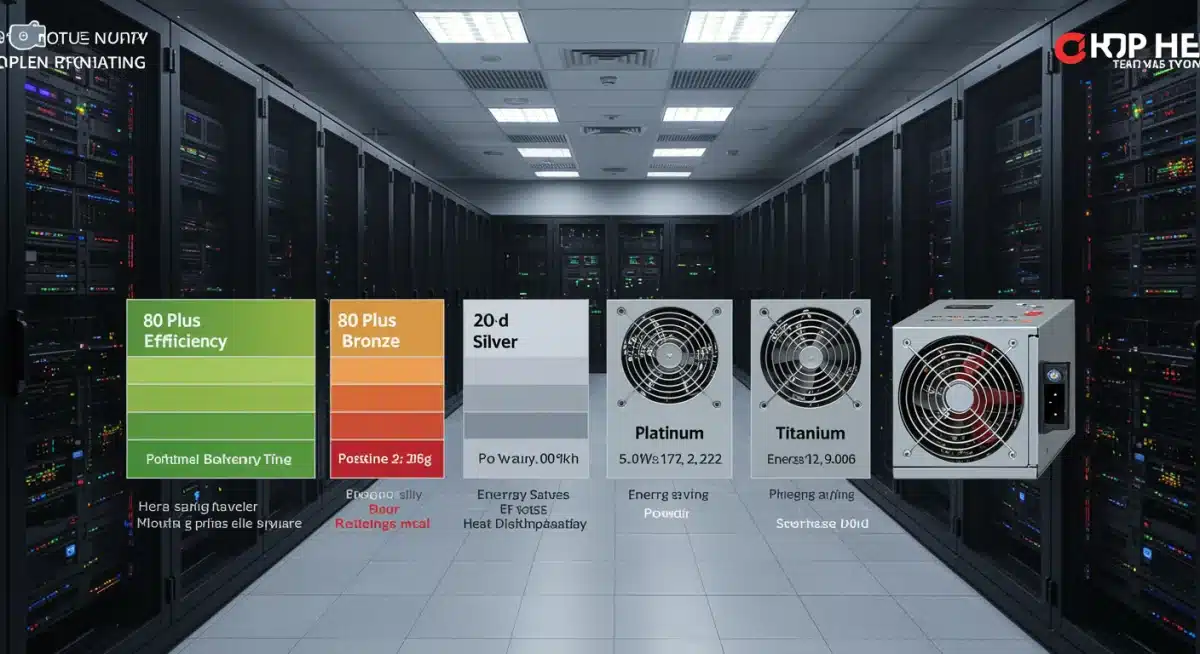
The 80 PLUS certification program rates power supply efficiency. A more efficient PSU wastes less power as heat, leading to lower electricity bills, cooler system temperatures, and potentially a longer lifespan for the PSU itself. The ratings range from Bronze to Titanium, with Titanium being the most efficient.
- 80 PLUS Bronze/Silver: Entry-level efficiency. Acceptable for budget builds but not ideal for high-end VR.
- 80 PLUS Gold: The sweet spot for most VR workstations. Offers excellent efficiency (typically 87-90% at 50% load) without a significant price premium.
- 80 PLUS Platinum/Titanium: Premium efficiency levels (90-94% at 50% load). While more expensive, they are excellent for professional VR users or those who run their systems for extended periods, as the energy savings can add up.
For meeting demanding VR PSU Requirements, aiming for at least an 80 PLUS Gold certification is highly recommended.
2. Modularity: Cable Management and Airflow
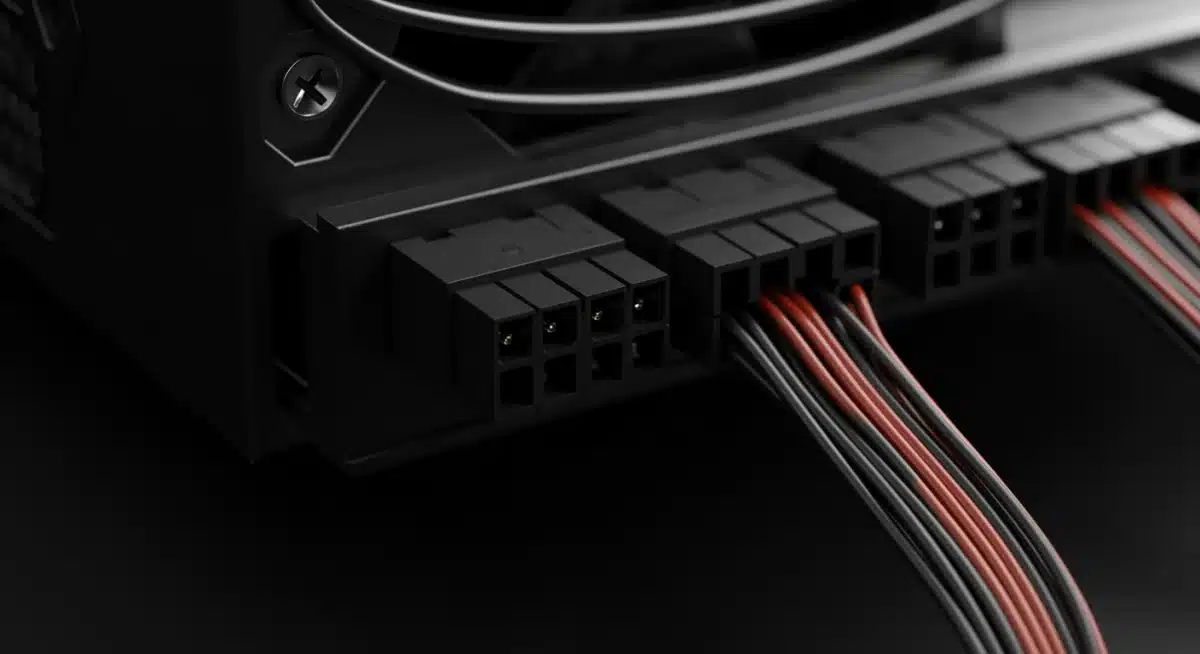
PSUs come in three main types regarding cable management:
- Non-Modular: All cables are permanently attached. Can lead to messy builds and restricted airflow. Not recommended for VR workstations.
- Semi-Modular: Essential cables (24-pin ATX, 8-pin CPU) are fixed, while others are detachable. A good compromise for mid-range builds.
- Fully Modular: All cables are detachable. This is the ideal choice for VR workstations. It allows you to only plug in the cables you need, significantly improving cable management, airflow within your case, and the overall aesthetic of your build. Better airflow contributes to cooler components, which is crucial for sustained VR performance.
3. Brand Reputation and Warranty
Your PSU is the heart of your system. A cheap, unreliable PSU can damage other components. Invest in a reputable brand known for quality and reliability. Brands like Seasonic, Corsair, EVGA, be quiet!, Cooler Master, and Super Flower are generally well-regarded in the enthusiast community. Look for PSUs with a good warranty (5-10 years is common for quality units), indicating the manufacturer’s confidence in their product.
4. Rail Design (Single vs. Multi-Rail)
PSUs deliver power through 12V rails. Most modern high-wattage PSUs use a single, powerful 12V rail, which simplifies power distribution and is generally preferred for high-end GPUs that can draw a lot of power from a single connector. Some PSUs have multiple 12V rails, each with a current limit. While multi-rail designs can offer enhanced safety by tripping a rail if overloaded, a single-rail design is often less complicated to manage for high-power components like a VR-ready GPU, ensuring it gets all the power it needs without hitting a rail limit.
5. Form Factor and Physical Size
Ensure the PSU you choose physically fits into your PC case. Most desktop PCs use ATX PSUs, but ensure the dimensions (length, width, height) are compatible, especially if you have a compact case or specific cable routing requirements. Some high-wattage PSUs can be longer than standard units.
Practical Solutions for US VR Workstations in 2026
Now, let’s translate these considerations into practical solutions for US-based VR workstation builders and upgraders.
Choosing the Right Wattage Range
- Mid-Range VR (e.g., RTX 4070/RX 7800 XT equivalent from 2026): For systems with a mid-to-high-end GPU and a solid mainstream CPU, an 850W 80 PLUS Gold fully modular PSU is often a sweet spot. This provides ample power and headroom for most current and near-future VR titles.
- High-End VR (e.g., RTX 5080/RX 9900 XT equivalent from 2026): If you’re building with a top-tier GPU and a high-core count CPU, you should seriously consider a 1000W 80 PLUS Gold or Platinum fully modular PSU. This ensures stability under extreme VR loads and future-proofs your system for upcoming GPU generations.
- Enthusiast/Professional VR (e.g., RTX 5090/RX 9950 XT equivalent from 2026, dual-GPU setups, advanced haptics): For the absolute bleeding edge, or if you’re exploring niche configurations like dual-GPU rendering (though less common for consumer VR), a 1200W or even 1500W 80 PLUS Platinum or Titanium fully modular PSU might be necessary. These setups represent the pinnacle of VR PSU Requirements.
Recommended Brands and Models (General Categories for 2026)
While specific models change, look for these series from reputable brands:
- Corsair: RMx, HX, HXi series (Gold/Platinum, fully modular, excellent reliability).
- EVGA: SuperNOVA G, P, T series (Gold/Platinum/Titanium, fully modular, strong performance).
- Seasonic: FOCUS Plus Gold, Prime series (Gold/Platinum/Titanium, top-tier reliability, often OEM for other brands).
- be quiet!: Straight Power, Dark Power Pro series (Gold/Platinum/Titanium, known for quiet operation and quality).
- Cooler Master: V Gold, MWE Gold series (Good value, reliable Gold-rated options).
Future-Proofing Your PSU for VR
The pace of technological advancement in VR is relentless. To future-proof your PSU:
- Over-spec slightly: Don’t just meet the minimum. A little extra wattage provides breathing room for future GPU upgrades or additional peripherals without needing a full PSU replacement.
- Aim for high efficiency: Platinum or Titanium rated PSUs will remain efficient even if your system’s power draw increases over time, and they’ll likely outlast lower-tier units.
- Consider ATX 3.0/PCIe 5.0 compatibility: As of 2026, new GPUs are increasingly adopting the 12VHPWR connector (or its successors) and ATX 3.0 power delivery standards. While adapters exist, a native ATX 3.0 compliant PSU will offer cleaner power delivery and simplify cabling for future high-end GPUs. This is a crucial consideration for modern VR PSU Requirements.
Common Pitfalls to Avoid When Selecting a PSU for VR
Even with the best intentions, some mistakes can lead to suboptimal performance or even system damage:
- Underestimating Wattage: The most common mistake. A PSU that’s too weak will cause crashes, instability, and poor performance, especially in demanding VR titles.
- Buying a Cheap, No-Name PSU: This is a false economy. Off-brand PSUs often use low-quality components, deliver unstable power, and lack proper safety features. They are a ticking time bomb for your expensive VR hardware.
- Ignoring Efficiency: While not directly impacting performance, poor efficiency means more wasted electricity (higher bills) and more heat generated inside your case.
- Forgetting Cable Requirements: Ensure your chosen PSU has enough PCIe power connectors for your GPU (e.g., two 8-pin connectors or a 12VHPWR connector). High-end GPUs can require multiple dedicated power cables.
- Ignoring Warranty and Support: A good warranty is a testament to product quality. If something goes wrong, you want reliable support.
Installation and Best Practices for Your VR Workstation PSU
Once you’ve selected the perfect PSU, proper installation and maintenance are key:
- Static Discharge: Always ground yourself before handling PC components to prevent electrostatic discharge, which can damage sensitive electronics.
- Secure Mounting: Mount the PSU firmly in its designated bay in your PC case.
- Cable Management: Use zip ties or Velcro straps to neatly route cables. This not only improves aesthetics but also enhances airflow, which is critical for keeping components cool under VR loads.
- Correct Connections: Double-check all power connections: 24-pin ATX to the motherboard, 8-pin (or 4+4 pin) CPU power, and all necessary PCIe power connectors to your GPU. Ensure they are fully seated.
- Ventilation: Ensure your PC case has adequate airflow. A powerful PSU generates heat, and that heat needs to be exhausted from the system.
- Regular Cleaning: Periodically clean the PSU fan and intake vents to prevent dust buildup, which can impede cooling and reduce efficiency.
The Future of Power Delivery for VR Workstations
Looking ahead, the trend for VR PSU Requirements is towards greater efficiency and specialized connectors. We’ll likely see more widespread adoption of ATX 3.0 and its successors, designed specifically to handle the transient power spikes of modern GPUs. Furthermore, as VR headsets become completely wireless and more self-contained, the power demands might shift slightly from the PC to the headset’s internal battery technology, but the core workstation will still need to render the complex visual data. However, for tethered or PC-powered VR experiences, the need for a robust and efficient PSU will remain critical.
The transition to higher resolutions and refresh rates in VR, coupled with increasingly complex virtual environments, means that the power delivery system of your PC is more important than ever. A well-chosen PSU ensures not only the stable operation of your system but also safeguards your expensive components and provides a foundation for future upgrades.
Conclusion: Powering Your Immersive Future
In 2026, building or upgrading a VR workstation in the US demands careful consideration of your Power Supply Unit. Ignoring VR PSU Requirements can lead to frustrating performance issues and potential hardware failure. By meticulously calculating your wattage needs, prioritizing 80 PLUS Gold or higher efficiency, opting for fully modular designs, and investing in reputable brands, you can ensure your VR system receives clean, stable, and ample power. This proactive approach will guarantee that your immersive virtual reality experiences are smooth, reliable, and truly breathtaking, allowing you to fully explore the boundless possibilities of the metaverse and beyond.
Don’t let an overlooked component hold back your VR adventures. Power your passion with confidence, knowing your PSU is up to the challenge.