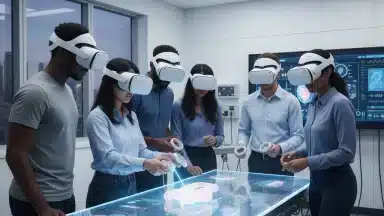

The landscape of enterprise technology is constantly evolving, and at the forefront of this transformation is Virtual Reality (VR). For U.S. corporations looking to gain a competitive edge, VR headset procurement for business is no longer a futuristic concept but a strategic imperative. As we approach 2026, the capabilities of VR hardware have matured significantly, offering robust solutions for everything from immersive employee training and product design to remote collaboration and data visualization. This comprehensive guide will delve into the critical aspects of selecting the right VR headsets for your organization, providing an in-depth comparison and analysis of the top 5 models poised for corporate deployment in 2026.
Integrating VR into business operations can unlock unparalleled efficiencies and innovation. However, the sheer volume of options and the rapid pace of technological advancement can make the procurement process daunting. Our goal is to simplify this complexity, offering clear insights into what makes a VR headset suitable for enterprise use, beyond just consumer entertainment. We’ll examine key factors such as performance, comfort, security, ecosystem support, and scalability, ensuring your investment aligns perfectly with your corporate objectives.
The Strategic Importance of VR Headset Procurement for Business
Before diving into specific models, it’s crucial to understand why VR headset procurement for business is becoming a cornerstone of modern corporate strategy. VR offers a unique blend of immersion and interactivity that traditional technologies cannot replicate. This translates into tangible benefits across various departments:
- Enhanced Training and Development: VR provides safe, realistic, and repeatable training environments for complex procedures, hazard simulations, and skill development, leading to higher retention rates and reduced real-world risks.
- Revolutionized Product Design and Prototyping: Engineers and designers can visualize, interact with, and iterate on 3D models in a true-to-scale virtual space, accelerating development cycles and reducing physical prototyping costs.
- Improved Remote Collaboration: With geographically dispersed teams becoming the norm, VR facilitates immersive virtual meeting spaces, fostering a stronger sense of presence and engagement than traditional video conferencing.
- Advanced Data Visualization: Complex datasets can be transformed into interactive 3D environments, allowing for deeper insights and more intuitive understanding.
- Immersive Customer Experiences: From virtual showrooms to interactive product demonstrations, VR can create memorable and engaging experiences for clients.
The return on investment (ROI) for well-implemented VR solutions can be substantial, manifesting in cost savings, increased productivity, reduced errors, and improved employee and customer satisfaction. Therefore, making an informed decision during VR headset procurement for business is paramount.
Key Considerations for Enterprise VR Headset Selection
When embarking on VR headset procurement for business, several factors differentiate consumer-grade devices from enterprise-ready solutions. Prioritizing these aspects will ensure you select hardware that meets the rigorous demands of corporate use:
1. Performance and Visual Fidelity
High-resolution displays, wide fields of view (FoV), and smooth refresh rates are critical for preventing motion sickness and ensuring a comfortable, productive experience. For applications like design review or medical training, visual accuracy is non-negotiable.
2. Comfort and Ergonomics
Employees may wear these headsets for extended periods. Lightweight design, balanced weight distribution, adjustable straps, and prescription lens inserts are all vital for user comfort and reducing fatigue.
3. Tracking Accuracy and Latency
Precise head and hand tracking are fundamental for natural interaction within virtual environments. Low latency is essential to minimize disorientation and ensure a seamless experience, particularly in dynamic simulations.
4. Security and Data Privacy
Enterprise deployments often involve sensitive data. Robust security features, including secure boot, data encryption, and strict access controls, are non-negotiable. Considerations around data residency and compliance with regulations like GDPR or HIPAA are also paramount.
5. Software Ecosystem and Development Support
A strong software ecosystem, including developer tools (SDKs), enterprise management platforms, and a growing library of business applications, ensures long-term viability and adaptability. Compatibility with existing IT infrastructure is also a major plus.
6. Scalability and Fleet Management
For large-scale deployments, the ability to easily manage, update, and troubleshoot multiple devices remotely is critical. Centralized device management platforms can significantly reduce IT overhead.
7. Durability and Cleanliness
Enterprise headsets often see heavy use and may be shared among multiple users. Robust construction and materials that are easy to clean and sanitize are essential for longevity and hygiene.
8. Price and Total Cost of Ownership (TCO)
Beyond the initial purchase price, consider the cost of accessories, software licenses, maintenance, and IT support. A higher initial investment might yield lower TCO if the device is more durable and requires less maintenance.
Top 5 VR Headsets for U.S. Corporate Deployment in 2026: Comparison and Analysis
Based on the criteria above, here are the top 5 VR headsets that U.S. corporations should consider for their 2026 deployments. Each offers a unique blend of features catering to different enterprise needs, making VR headset procurement for business a tailored decision.
1. Varjo XR-3 / Varjo Aero (High-Fidelity & Professional Use)
Overview: Varjo remains at the pinnacle for high-fidelity, professional-grade VR/XR. The Varjo XR-3 offers unparalleled visual fidelity and mixed reality capabilities, while the Varjo Aero provides a slightly more accessible, yet still premium, VR-only experience. Both are designed for demanding industrial and design applications.
Key Features for Business:
- Human-Eye Resolution: "Bionic Display" with a focus area reaching over 70 PPD (pixels per degree), mimicking human eye resolution for incredible clarity. This is crucial for applications where minute details matter, such as CAD design, medical imaging, or pilot training.
- Mixed Reality (XR-3): Seamless passthrough video with depth awareness for combining virtual objects with the real world, enabling advanced training and design workflows.
- Precision Eye Tracking: Integrated 200 Hz eye tracking for foveated rendering and analytical insights into user attention.
- Robust Build and Ergonomics: Designed for professional use, ensuring durability and comfort during long sessions.
- Enterprise Software Support: Strong ecosystem for professional applications and development, including integrations with major CAD and simulation software.
Pros: Unmatched visual fidelity, superior mixed reality (XR-3), precise eye tracking, built for enterprise. Ideal for highly specialized applications where visual accuracy is paramount.
Cons: High price point, requires powerful PC workstation, wired connection, heavier than some alternatives. Not suitable for mass deployment for general office use.
Best for: Automotive and aerospace design, medical training, scientific visualization, military simulation, high-end architectural visualization.
2. Meta Quest Pro (Advanced Standalone & Collaboration)
Overview: The Meta Quest Pro is Meta’s foray into the enterprise space, building on the success of the Quest platform but with significant upgrades tailored for professional use. It aims to be a versatile tool for collaboration, design, and light productivity.
Key Features for Business:
- Standalone & PC VR Capabilities: Operates independently with a powerful Snapdragon XR2+ Gen 1 processor or connects to a PC for more demanding applications.
- High-Resolution Color Passthrough: Enables advanced mixed reality experiences, allowing users to see and interact with their real-world environment while engaging with virtual content. This is excellent for desk-based productivity or AR prototyping.
- Pancake Lenses & Eye/Face Tracking: Slimmer profile, better visual clarity across the lens, and integrated eye/face tracking for more natural avatar expressions in virtual meetings and foveated rendering.
- Open Ecosystem: Access to a vast library of existing VR applications and robust developer tools.
- Enterprise Features: Meta Quest for Business platform offers centralized device management, security features, and dedicated support.
Pros: Excellent standalone performance, strong mixed reality capabilities, good comfort, robust enterprise management options, strong developer ecosystem. Versatile for a range of business applications.
Cons: Battery life can be a concern for extended sessions, still a higher price than consumer Quest models, privacy concerns for some businesses (though Meta has addressed this with enterprise-specific solutions).
Best for: Remote collaboration, virtual meetings (Horizon Workrooms), design review, light training simulations, augmented reality prototyping, general office productivity.
3. HTC Vive XR Elite (Modular & Versatile XR)
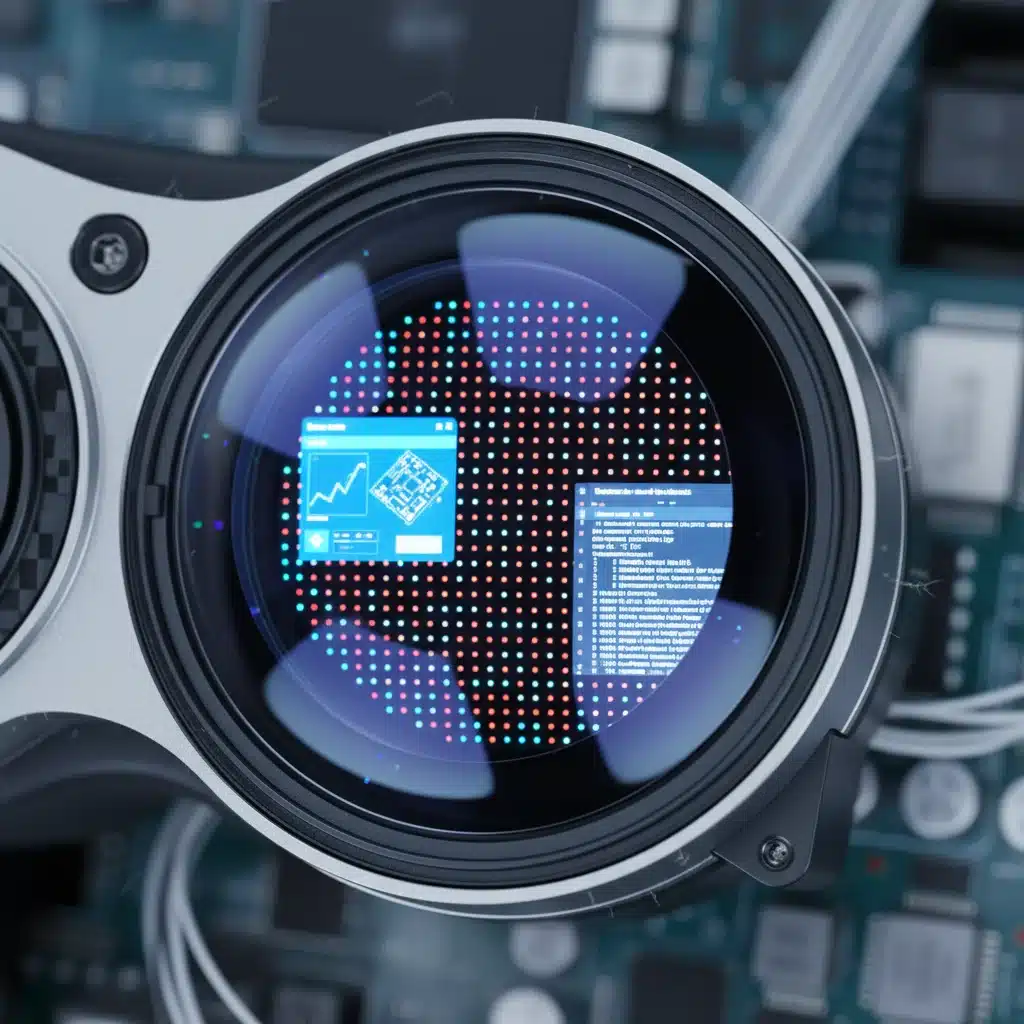
Overview: The HTC Vive XR Elite is a modular, lightweight, and versatile extended reality (XR) headset designed to bridge the gap between standalone VR and PC-powered experiences, with a focus on enterprise flexibility.
Key Features for Business:
- Modular Design: The battery pack can be removed, allowing it to be worn as lightweight "glasses" when tethered to a power source, or used as a standalone device. This offers great flexibility for different use cases.
- High-Resolution Color Passthrough: Similar to Quest Pro, it offers robust mixed reality capabilities, allowing for seamless transitions between VR and AR.
- Diopter Adjustments: Built-in diopter dials allow users to adjust focus, potentially eliminating the need for prescription glasses for many users – a significant comfort and convenience factor for enterprise.
- Compact & Lightweight: Designed for comfort and portability, making it suitable for field use or shared environments.
- Vive Business Ecosystem: Access to HTC’s enterprise solutions, including device management and professional support.
Pros: Excellent modularity and portability, built-in diopter adjustment, strong mixed reality, comfortable for extended wear. Good for diverse enterprise needs requiring flexibility.
Cons: Slightly smaller field of view than some competitors, battery life can be a limitation for standalone use, price point is premium.
Best for: Field service training, mobile presentations, architectural walkthroughs, retail planning, remote assistance, and applications requiring both VR and AR capabilities in a portable form factor.
4. PICO 4 Enterprise (Cost-Effective Standalone & Training)
Overview: The PICO 4 Enterprise is positioned as a strong contender for businesses seeking a cost-effective yet capable standalone VR solution, particularly for large-scale training deployments and virtual collaboration.
Key Features for Business:
- High-Resolution Display: Offers a sharp visual experience with a good field of view, making content clear and engaging.
- Balanced Design: The battery is integrated into the rear strap, providing a well-balanced weight distribution for improved comfort during longer sessions.
- Color Passthrough: While not as advanced as Quest Pro or XR Elite, it offers color passthrough for basic mixed reality applications and environmental awareness.
- PICO Business Suite: A dedicated enterprise platform for device management, content distribution, and security. This is a key advantage for large deployments.
- Competitive Pricing: Generally more affordable than the Quest Pro or Vive XR Elite, making it attractive for bulk VR headset procurement for business.
Pros: Excellent value for money, comfortable design, dedicated enterprise suite, good for large-scale training and collaboration. A strong choice for organizations mindful of budget.
Cons: Ecosystem not as mature as Meta’s, passthrough quality is good but not best-in-class, controller tracking can sometimes be less robust than competitors in challenging environments.
Best for: Employee onboarding, soft skills training, safety simulations, virtual classrooms, large-scale corporate events, and general productivity where budget is a primary concern.
5. HP Reverb G2 Omnicept Edition (Precision & Biometric Insights)
Overview: While primarily a PC-tethered headset, the HP Reverb G2 Omnicept Edition stands out for its integrated biometric sensors, offering unique insights into user engagement and stress levels. It’s ideal for research, advanced training, and human-factors analysis.
Key Features for Business:
- High-Resolution Display: Dual LCD panels offering 2160×2160 pixels per eye, providing excellent visual clarity for detailed work.
- Integrated Biometric Sensors: Eye tracking, heart rate sensor, and facial camera capture user responses, providing data on cognitive load, emotional state, and attention. This is a game-changer for evaluating training effectiveness or UX design.
- Comfortable Design: Developed in collaboration with Valve and Microsoft, it offers good ergonomics and audio.
- Precision Tracking: Utilizes Windows Mixed Reality platform for inside-out tracking, offering reliable performance.
Pros: Exceptional visual fidelity, unique biometric data capabilities, comfortable design, strong for detailed visual tasks and analytical applications. Offers deep insights into user interaction.
Cons: Requires a powerful PC, wired connection, higher price than standard Reverb G2, not standalone. The biometric features require specialized software integration.
Best for: Research and development, advanced simulation, human factors engineering, psychological training, UX/UI testing of VR applications, and any scenario where understanding user response is critical.
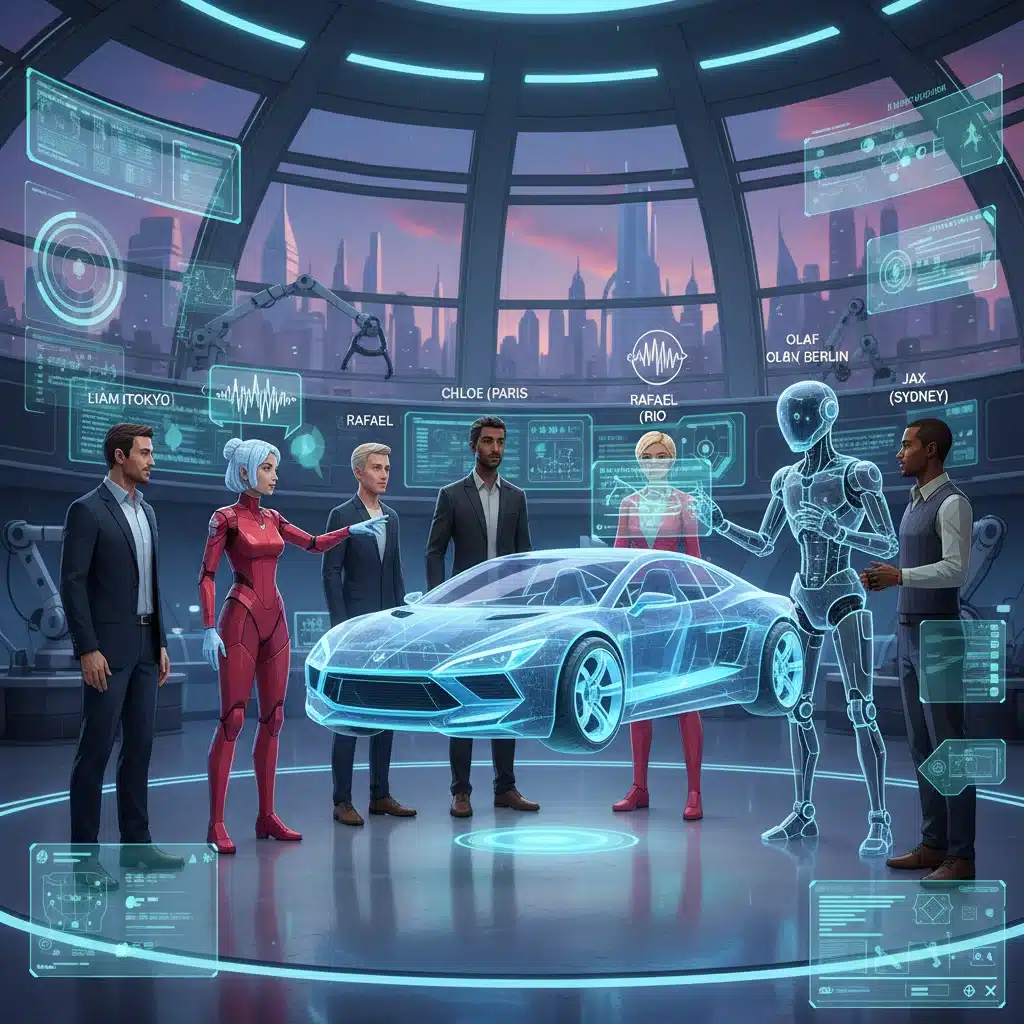
The Procurement Process: A Step-by-Step Guide for U.S. Corporations
Successfully navigating VR headset procurement for business involves more than just selecting hardware. A structured approach ensures smooth integration and maximum ROI.
Step 1: Define Your Use Cases and Objectives
Clearly articulate what you aim to achieve with VR. Is it for training, design, collaboration, or a mix? What are the key performance indicators (KPIs) for success? This will narrow down your options significantly.
Step 2: Budget Allocation and TCO Analysis
Establish a realistic budget, considering not just hardware costs but also software, content development, IT support, training, and maintenance. Perform a Total Cost of Ownership (TCO) analysis to compare options holistically.
Step 3: Pilot Program and Stakeholder Feedback
Before a large-scale rollout, conduct a pilot program with a small group of users. Gather feedback on comfort, ease of use, performance, and overall effectiveness. This iterative process helps refine your selection and implementation strategy.
Step 4: Infrastructure Assessment
Evaluate your existing IT infrastructure. Do you have the necessary network bandwidth, Wi-Fi capabilities, and PC horsepower (if opting for tethered VR) to support VR deployment? Consider cloud-based VR solutions to offload processing.
Step 5: Content Strategy and Development
Hardware is only one part of the equation. Do you have existing VR content, or will you need to develop it? Partner with experienced VR content creators or train internal teams. Consider off-the-shelf solutions where appropriate.
Step 6: Security and Compliance Review
Work with your IT and legal departments to ensure the chosen VR solution complies with all corporate security policies and relevant data privacy regulations (e.g., CCPA, HIPAA). Understand how data is collected, stored, and processed by the VR platform.
Step 7: Vendor Relationships and Support
Assess the vendor’s enterprise support, warranty, and service level agreements (SLAs). A reliable partnership is crucial for troubleshooting and long-term success.
Step 8: Deployment and Training
Plan for a phased deployment. Provide comprehensive training to end-users and IT staff on how to use, maintain, and troubleshoot the VR headsets and applications.
Future Trends in Enterprise VR Headset Procurement
As we look beyond 2026, several trends will continue to shape VR headset procurement for business:
- Increased Emphasis on XR (Extended Reality): The convergence of VR, AR, and MR into seamless XR experiences will become more prevalent, offering even greater flexibility for enterprise applications.
- Lighter and More Ergonomic Designs: Expect headsets to become significantly lighter, more comfortable, and resemble regular glasses, enhancing user adoption for longer sessions.
- Advanced Biometric Integration: More headsets will likely incorporate eye tracking, facial tracking, and even brain-computer interfaces (BCI) for more intuitive interaction and deeper user insights.
- 5G and Edge Computing Integration: Enhanced connectivity will enable more robust cloud-rendered VR experiences, reducing the need for powerful on-device processing and bulky hardware.
- Open Standards and Interoperability: A push towards more open standards will facilitate greater interoperability between hardware, software, and content, simplifying content development and deployment.
- AI-Powered Virtual Assistants: AI will play a larger role in VR environments, offering intelligent assistance, personalized training, and dynamic content generation.
Conclusion
The strategic deployment of VR technology is no longer an option but a necessity for U.S. corporations aiming for innovation and efficiency. Navigating VR headset procurement for business in 2026 requires a thorough understanding of available hardware, specific use cases, and a robust implementation strategy. From the unparalleled fidelity of the Varjo XR-3 for specialized design to the versatile collaboration capabilities of the Meta Quest Pro, and the cost-effectiveness of the PICO 4 Enterprise, there’s a VR solution tailored for almost every corporate need.
By carefully evaluating performance, comfort, security, ecosystem, and scalability, and by following a structured procurement process, businesses can make informed decisions that will drive significant value and prepare them for the immersive future of work. The time to invest in Virtual Reality is now, and with the right choices, your organization can lead the charge into this exciting new era of digital transformation.